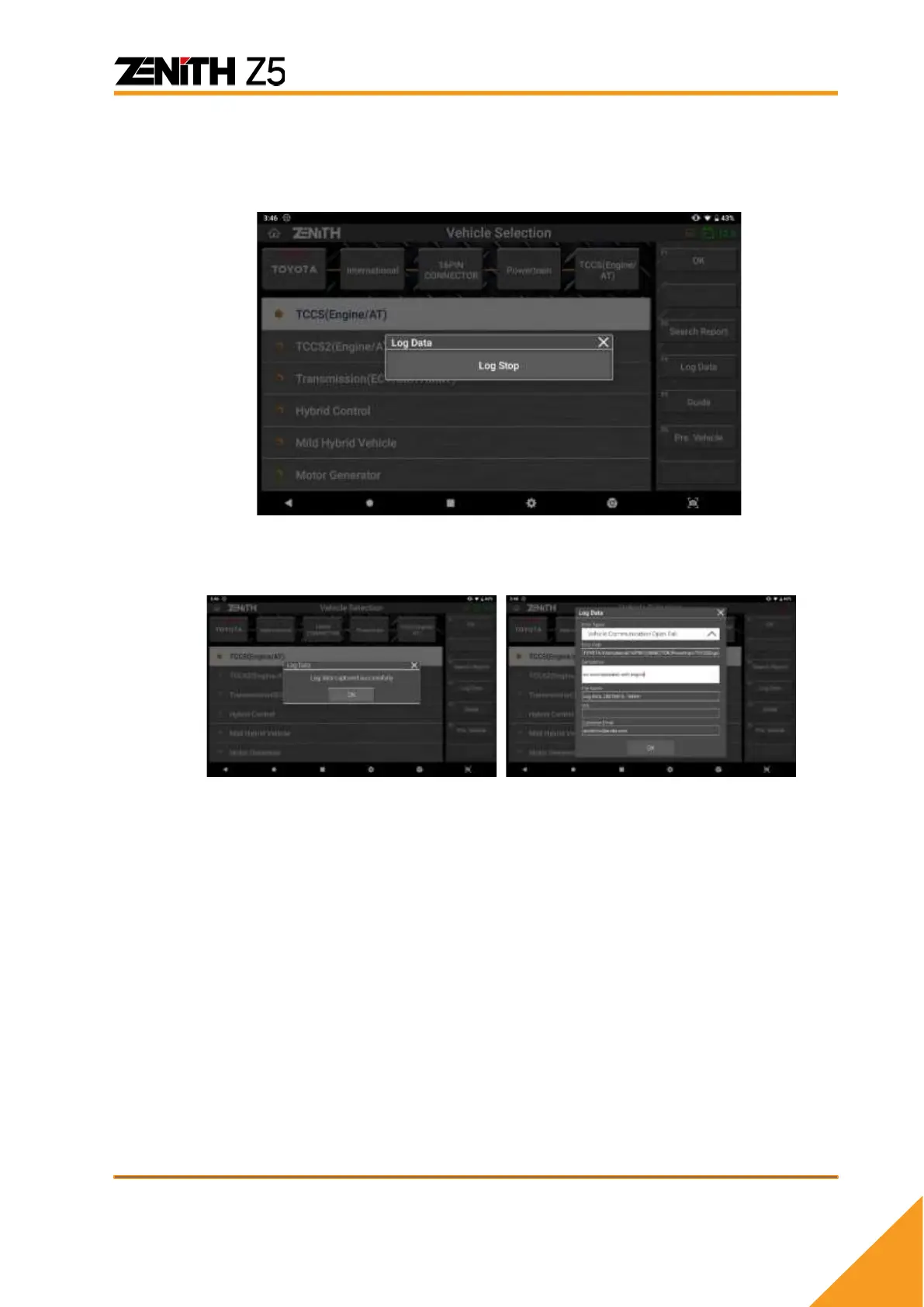
C. Stop Data Log Mode
Select the [LOG DATA] button again in order to stop data logging and it will be
followed by a pop-up menu with a single entry [LOG STOP].
Select [LOG STOP] and the captured log data is stored in the Z5 internal
memory.
Select the type of error or failure that best describes your problem from the drop
down menu.
The vehicle model and system information is automatically entered according to
the menu selection you made. You can change this by typing in the new
description if you want, but we recommend to leave it as default.
Select OK then the log data is saved as a log file that can be transferred to the
developers by email.



 To Next Page