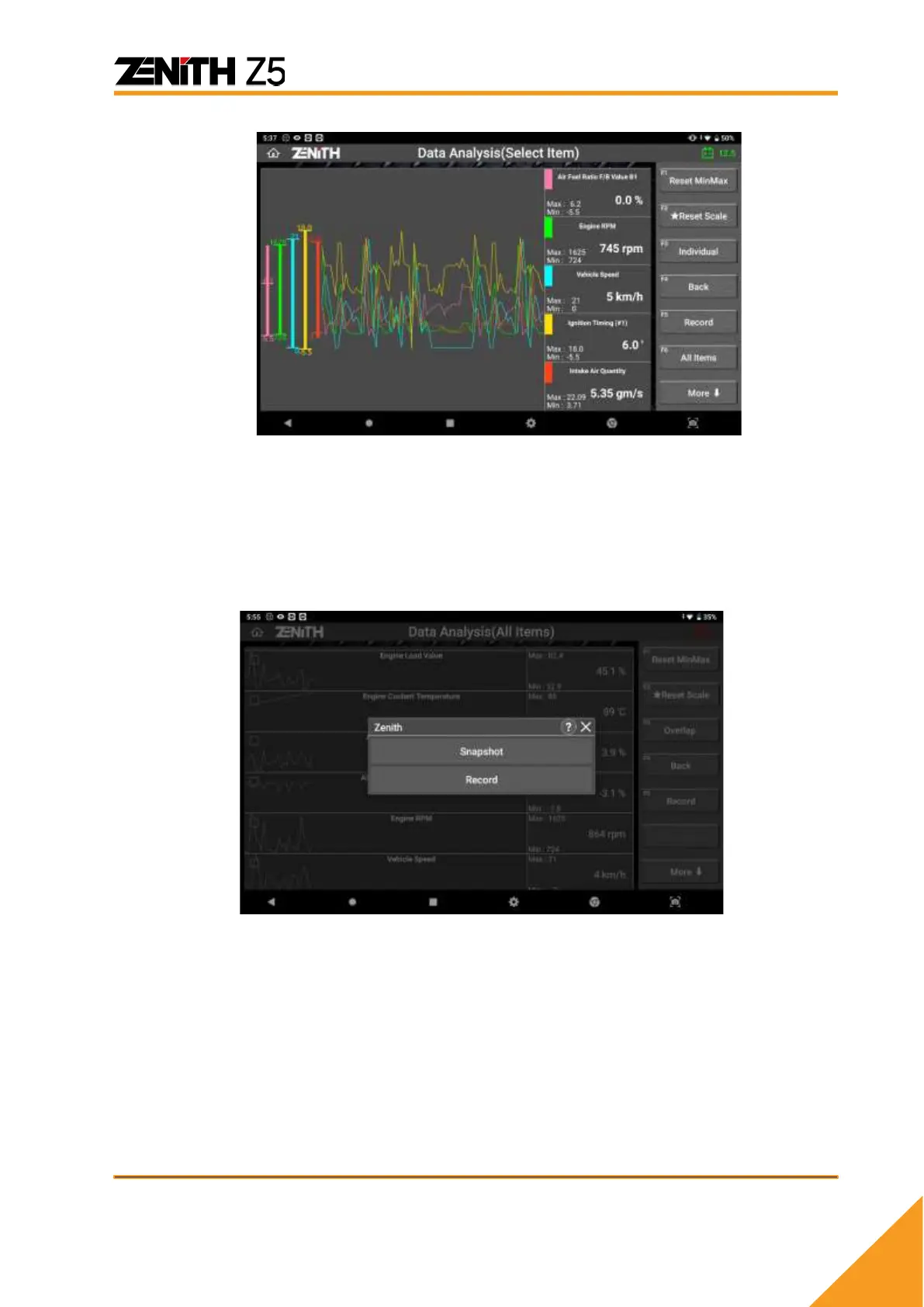
<Custom mode graphs resized and overlapped in the center of the screen>
⚫ Data Recording
➢ Record Data Options
Select [Snapshot] button to start saving a screen capture of one frame containing all
parameters.
Select [Record] to save consecutive multiple frames containing all parameters.
Selecting [Save Selected Parameters Record] button will allow the users to save the
consecutive multiple frames of selected parameters that are being recorded internally
since selection.



 To Next Page