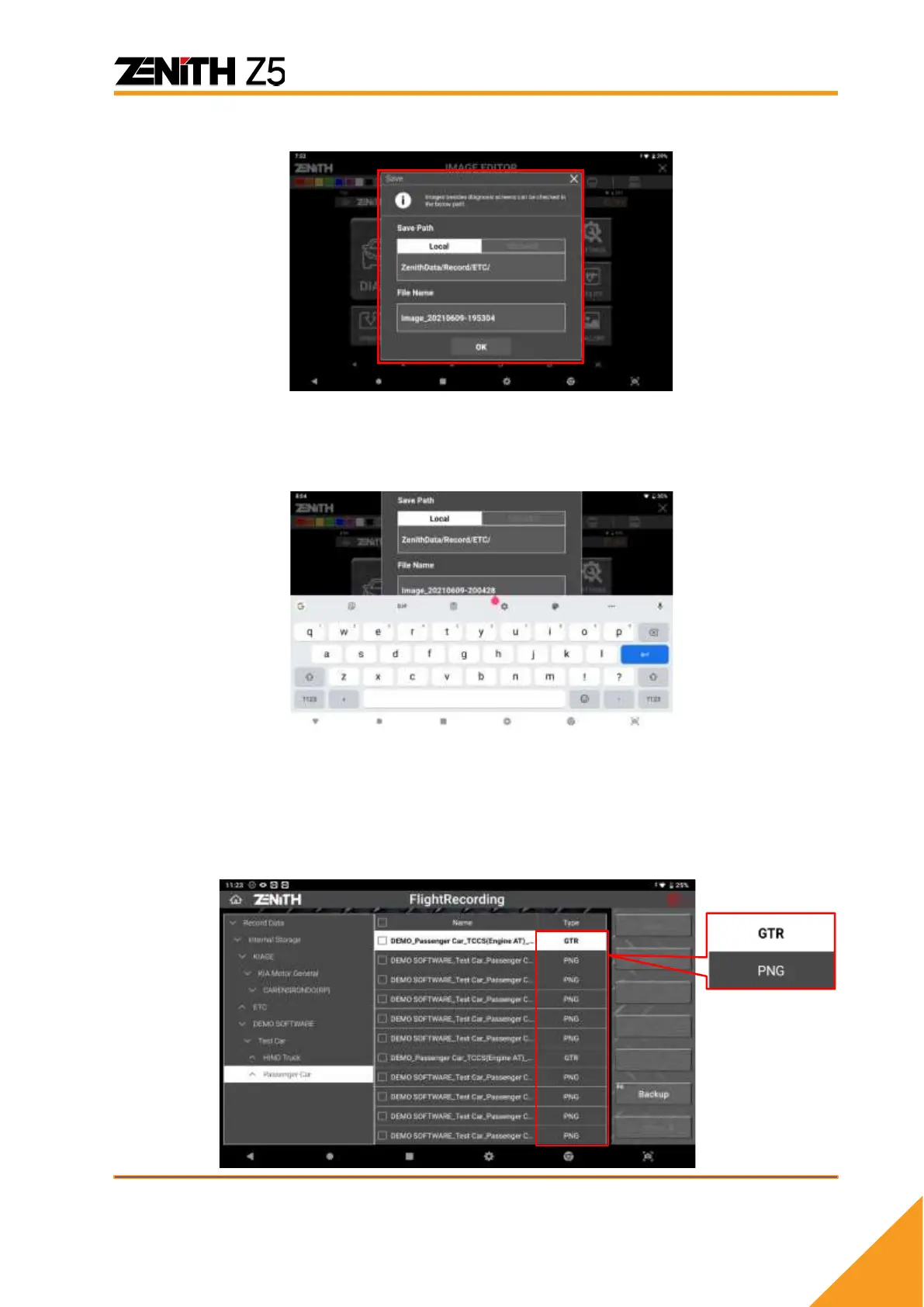
When done, select the [SAVE] button in the upper right corner of the screen.
Check the file saving path and type in the file name if you want to change the file name
from the default one that is named based on the system date and time, then select [OK]
to save the file. The screen capture is saved as an image file in the pre-defined folder
of Z5 memory.
⚫ Saved File Format
Screen captures are saved as image files of PNG format while live data readings are
saved as spreadsheet files of GTR format.
➢ Screen Capture: *.PNG image files
➢ Live Data: *.GTR spreadsheet files.



 To Next Page