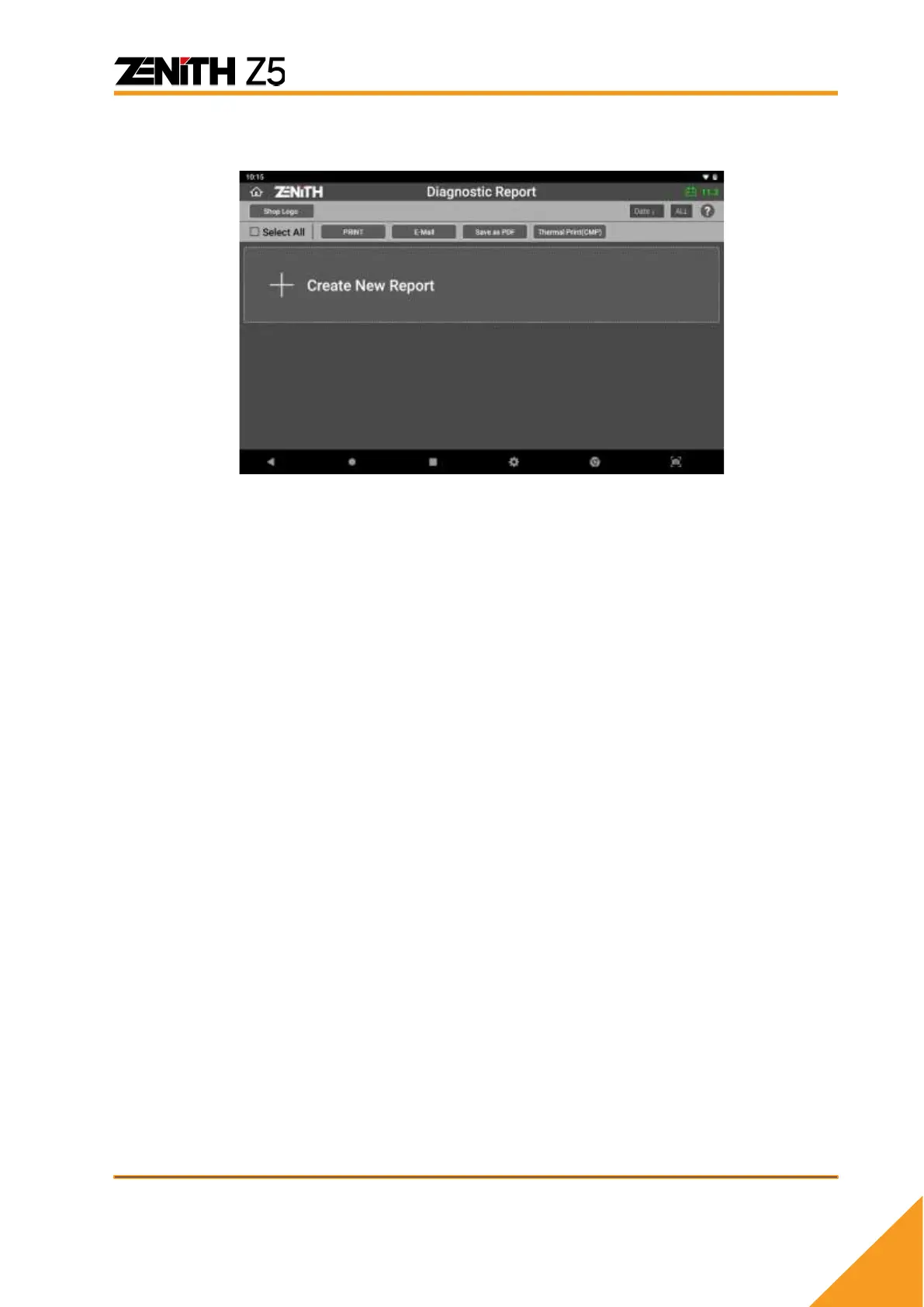
And at the same time, you can create a new diagnostic report by selecting [+ Create
New Report]
You are required to enter the vehicle, workshop and customer information that are
going to be used in the header of the report.
➢ Vehicle Name
Automaker and vehicle model are automatically inputted according to the menu
that you have selected before performing System Search. You can edit the
vehicle name if necessary.
➢ Workshop information
Shop name, Address, Mechanic Name, Telephone number, Fax number and
Email address are automatically loaded from user information saved in
Configuration.
You can edit each entry if necessary.
➢ Date
Automatically loaded from the system clock
➢ Customer information
You need to enter manually if necessary.
➢ VIN Auto Read
Select Auto Read button if you want to let Z5 read the VIN from the vehicle
automatically.



 To Next Page