➢ All Items
Select [ALL ITEMS] to return to the full list mode.
➢ Searching
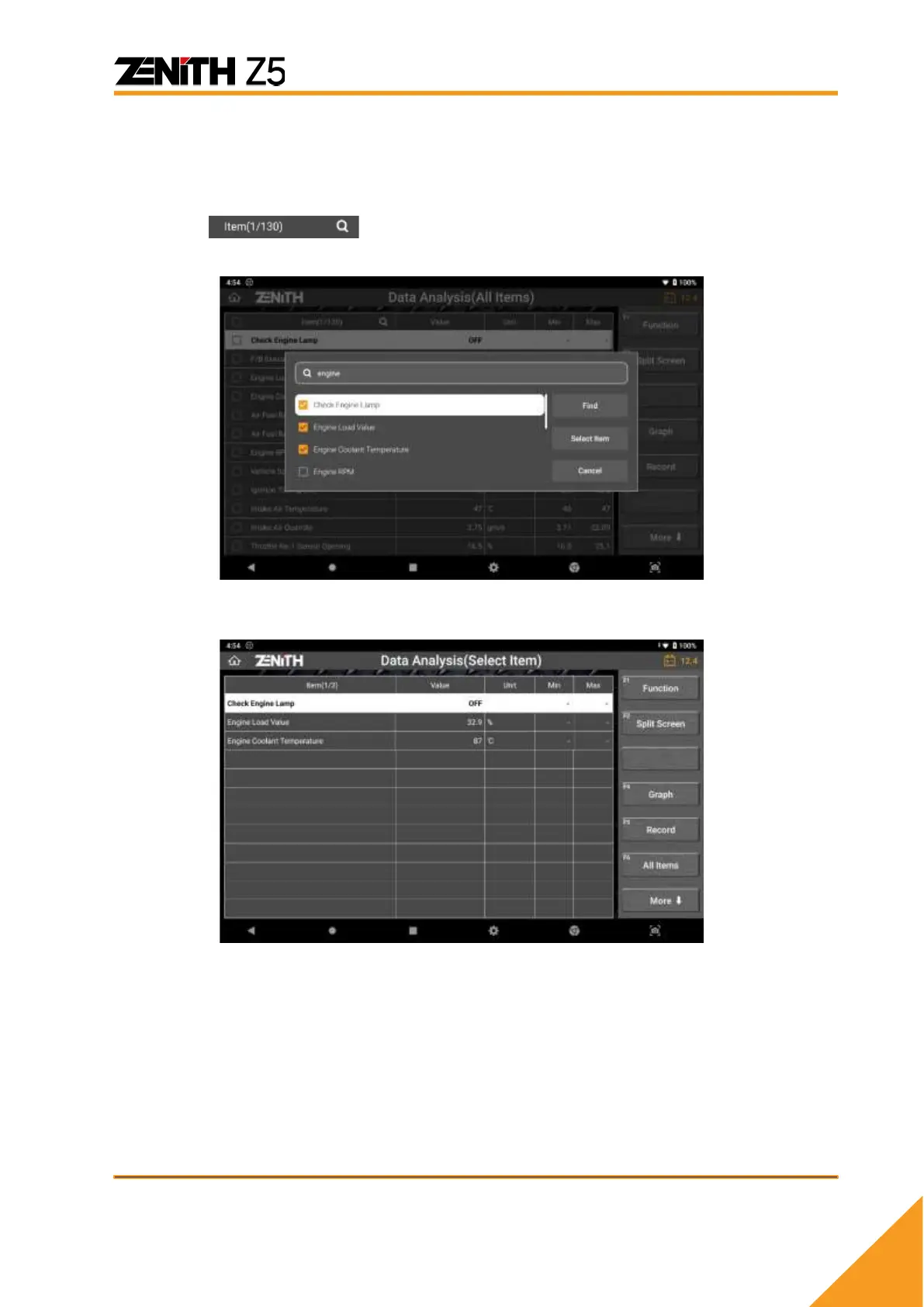
To search specific item(s), simply hit the magnifying icon located next to the Item
number at the top of the list.
To observe desired items separately, hit the checkbox in front of each item and press [Select
Item] button.
To jump to the page where desired item is displayed, select the item and hit the [Find]
button.



 To Next Page