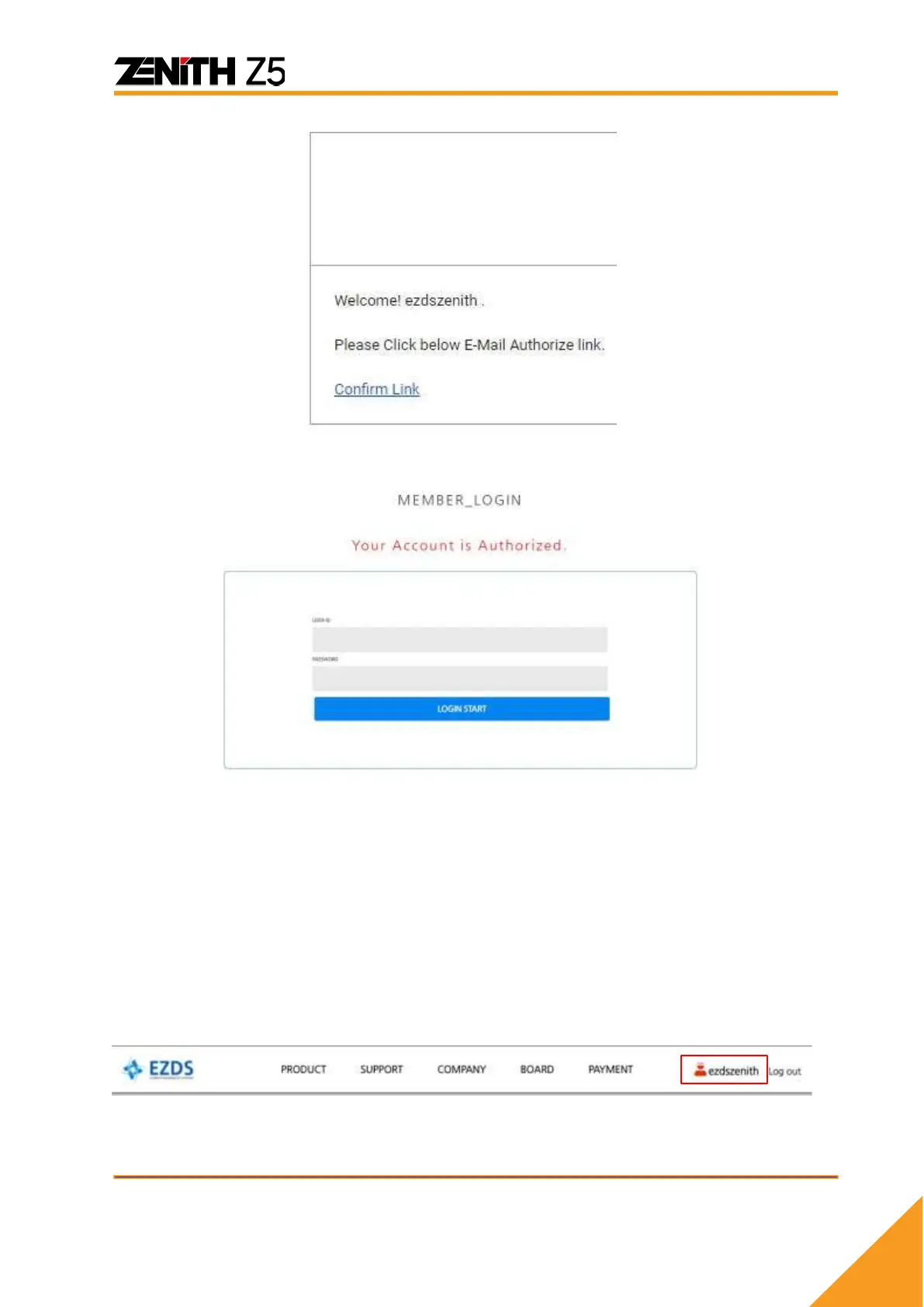
C. Verification process is completed!
Step 3. Z5 Device Registration
Device Registration is a process of matching a Z5 serial number with individual website
member. When registration is completed, the Z5 will be combined with a specific website
member ID on EZDS’s database and the device will be finally activated for using full
functionality of the device.
A. Login to your account and click your ID at the top menu.
B. Select [Product Register] as shown below. You will be required to enter Serial
number and Security code of your Z5.



 To Next Page