Chapter 10. Record & Gallery
10.1 Data Record
⚫ Screen Capture saving
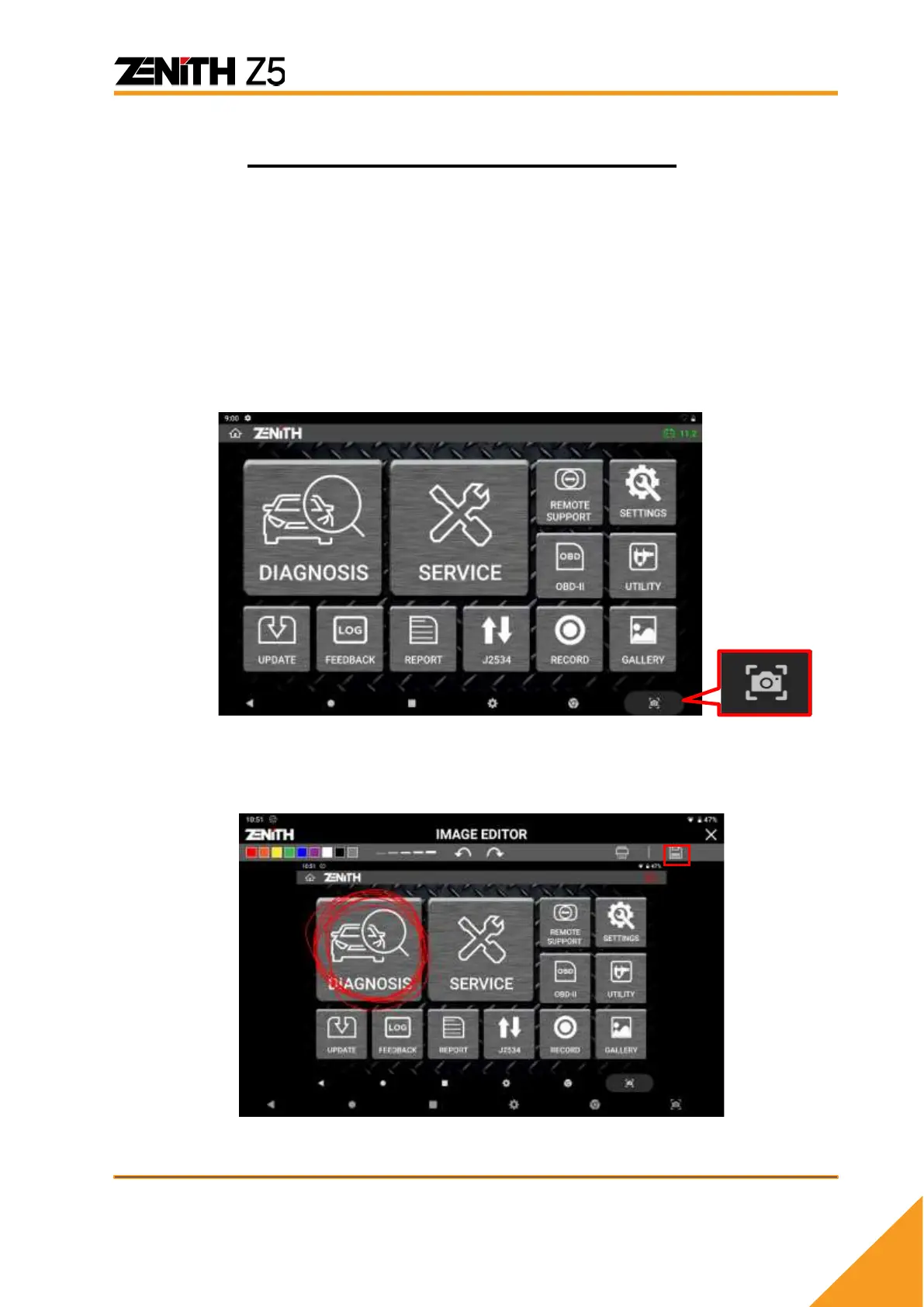
Screen capture function is used for saving screen capture images, live data and graphs in
memory and reloading them later for review and analysis.
Any time you need to capture the current screen display, just touch the [Screen
Capture] button on the bottom right corner of the screen, which is a part of basic
Android system function.
When the screen is captured as an image, the [Imaged Editor] application automatically
runs, and you can add your handwritten notes by touching the screen with the finger or
the stylus pen.



 To Next Page