➢ Add Page Break
If checked, Z5 will print the separate report for each of the selected item and put the
header information at the head of each report. If not checked, all the selected items
will be printed without break as a single report and the header information is printed in
the first page only.
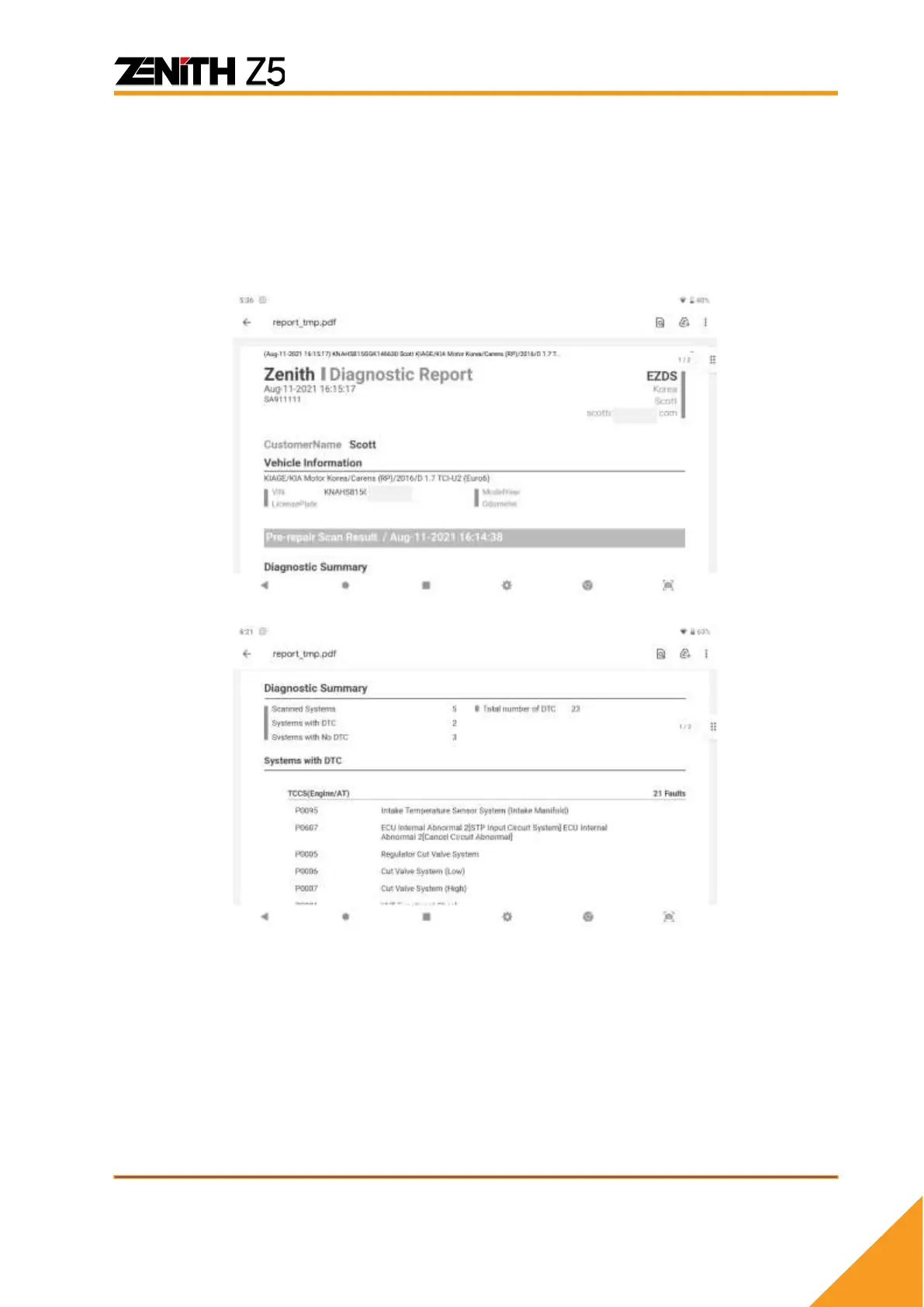
➢ Preview
Allows you to view the end result before printing.
Preview: Header Information
Preview: Pre-repair scan result



 To Next Page