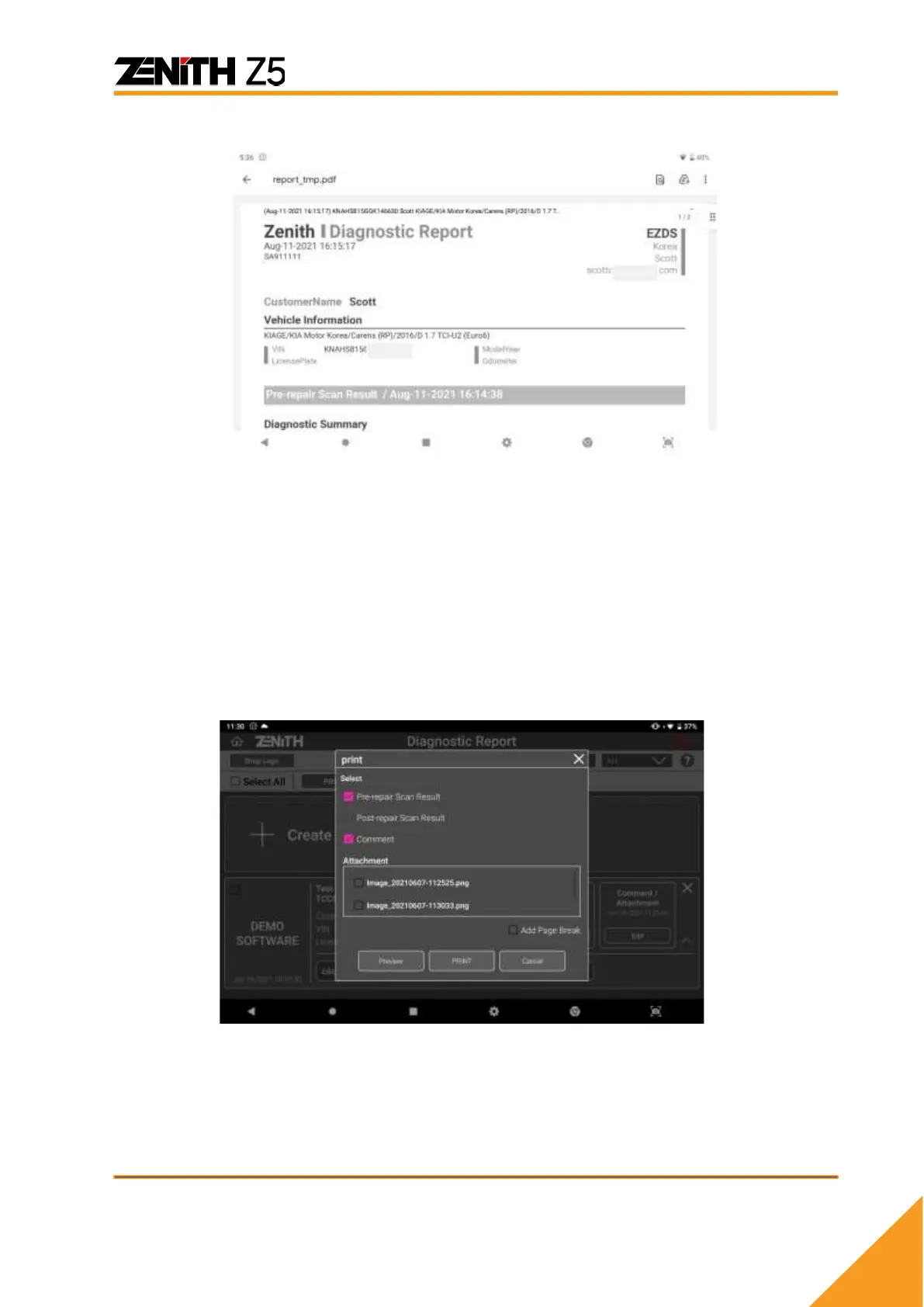
Header information will appear at the top of the report when printed.
⚫ Print
With connection to the printer, you can print the diagnostic report by selecting [PRINT]
among the additional functions. Please refer to [7.4. Data Printing] for more information
about printer set up and installation of printer drivers to Z5 .
Once [PRINT] button is selected, a pop-up menu where you can select desirable items
that will be included in the printed report.
➢ Items for Printing
Checked box items will be included in the report.
- Pre-repair Scan Result
- Post-repair Scan Result
- Comment (and attachment)



 To Next Page