10.4 Data Printing
You can print the image, recorded data and diagnostic report saved in Zenith Z5’s
internal storage via wireless printer.
⚫ Print Setup
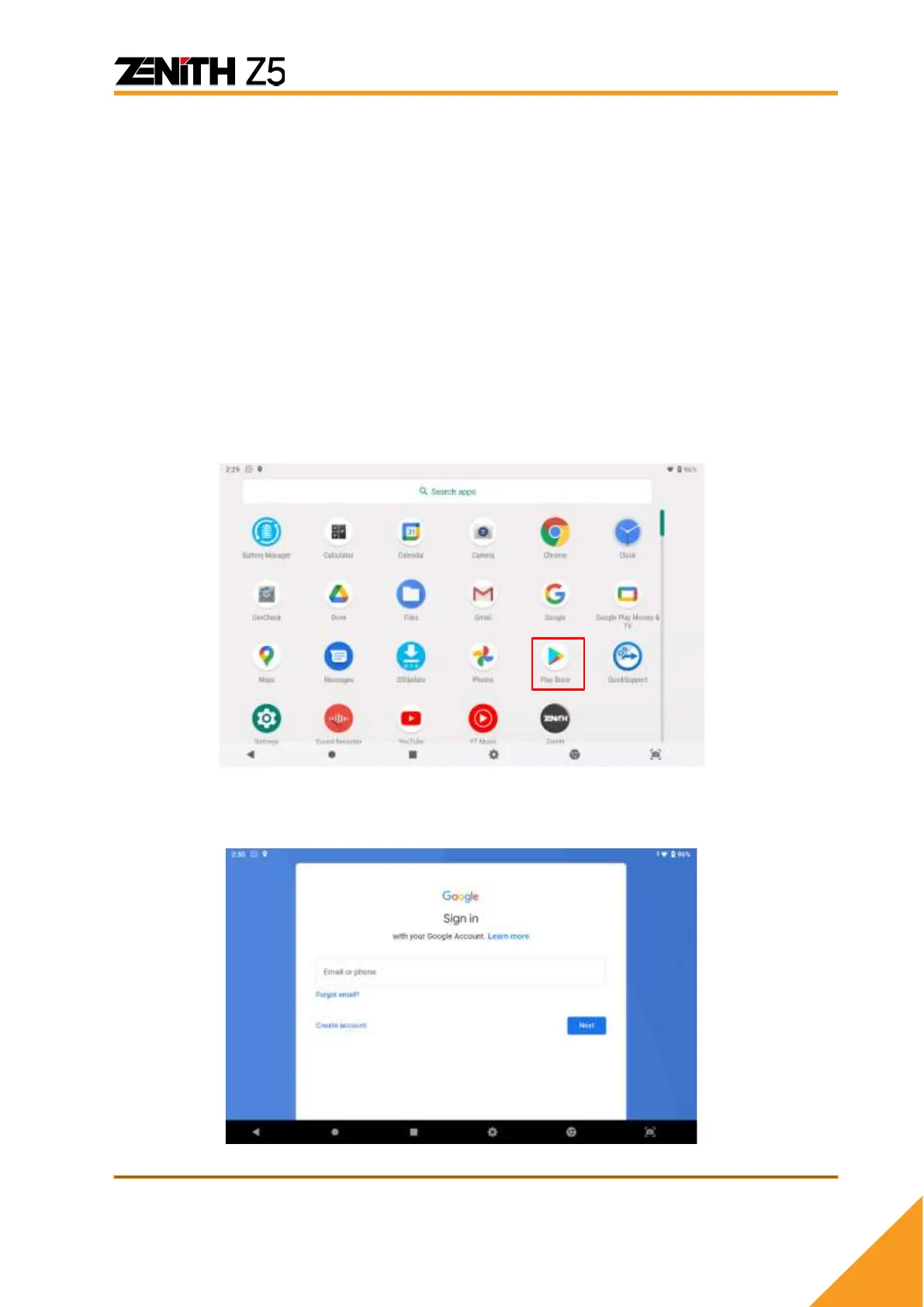
A. In order to connect Z5 to your wireless printer, you need to install a print driver
application that is matching with your printer.
* Only print drivers authorized by EZDS can be installed in the Z5. Other applications are not
allowed to download due to possible reduction in performance or error in the software. If any
suspicious attempt to download unauthorized applications in the Z5, warranty may be void.
- Example (Brother Printer):
B. You will be required to log in to your Google account to get access to the Play
Store.



 To Next Page