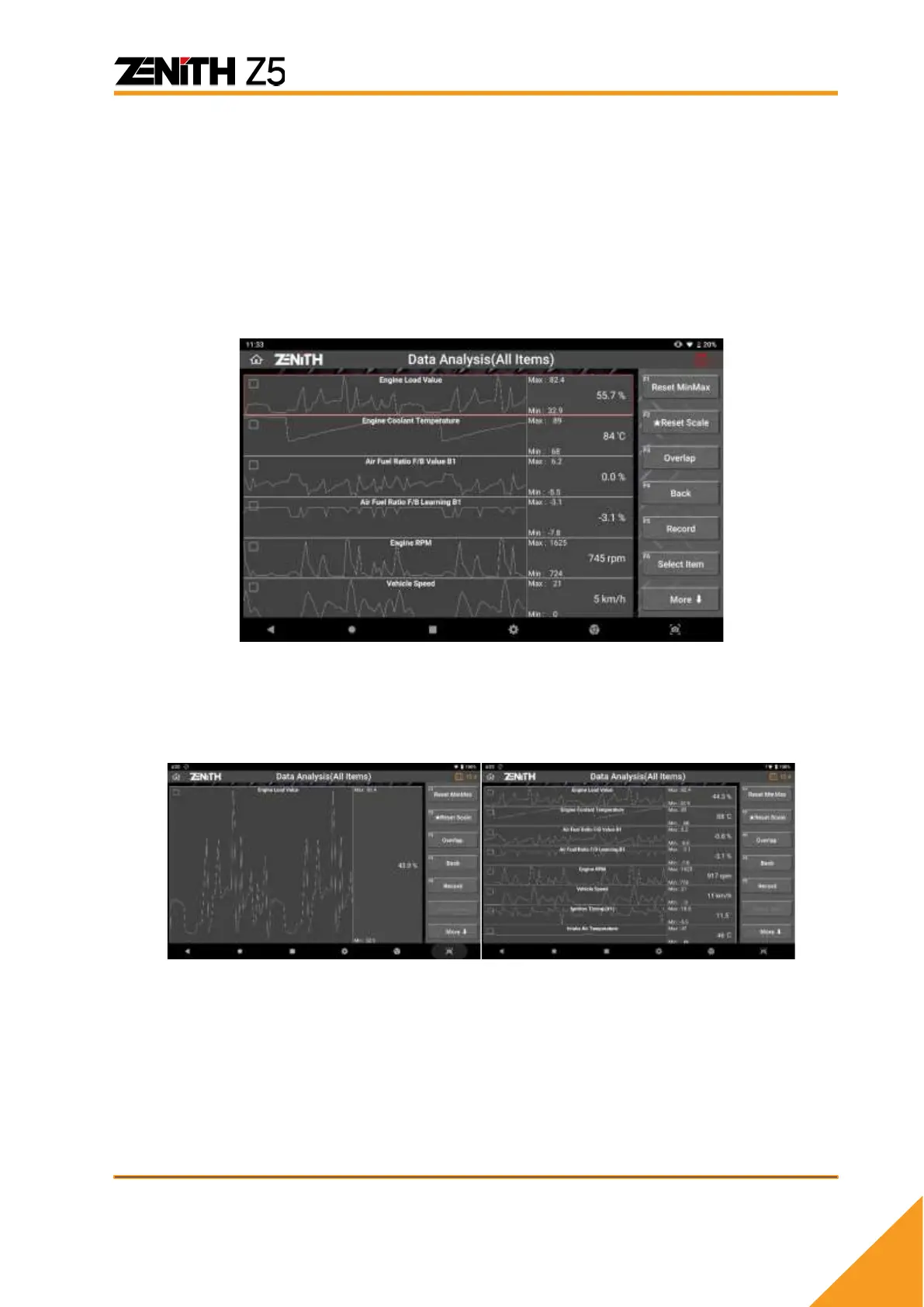
⚫ Graph Mode
Text based data parameters are switched to the dynamic graphs when the
[GRAPH] button on the left is selected. [GRAPH] option is not available when the
data list is displayed in Normal Mode with split screen.
➢ Switching to Graphs
Select [GRAPH] button to switch the display mode to graphs.
At first, the graph mode runs with 6 lines for all parameters in the data list.
➢ Graph Zoom IN & OUT
With using 2 fingers, the dynamic graph can be minimized as small as the total of
8 graphs can be displayed in a single screen. Oppositely, the graph can be
maximized as big as the graph fits in the screen.
➢ BACK
Returns to the text based numeric data display mode.
➢ RECORD
Refer to next section [Data Recording] for more details.



 To Next Page