⚫ Save as PDF
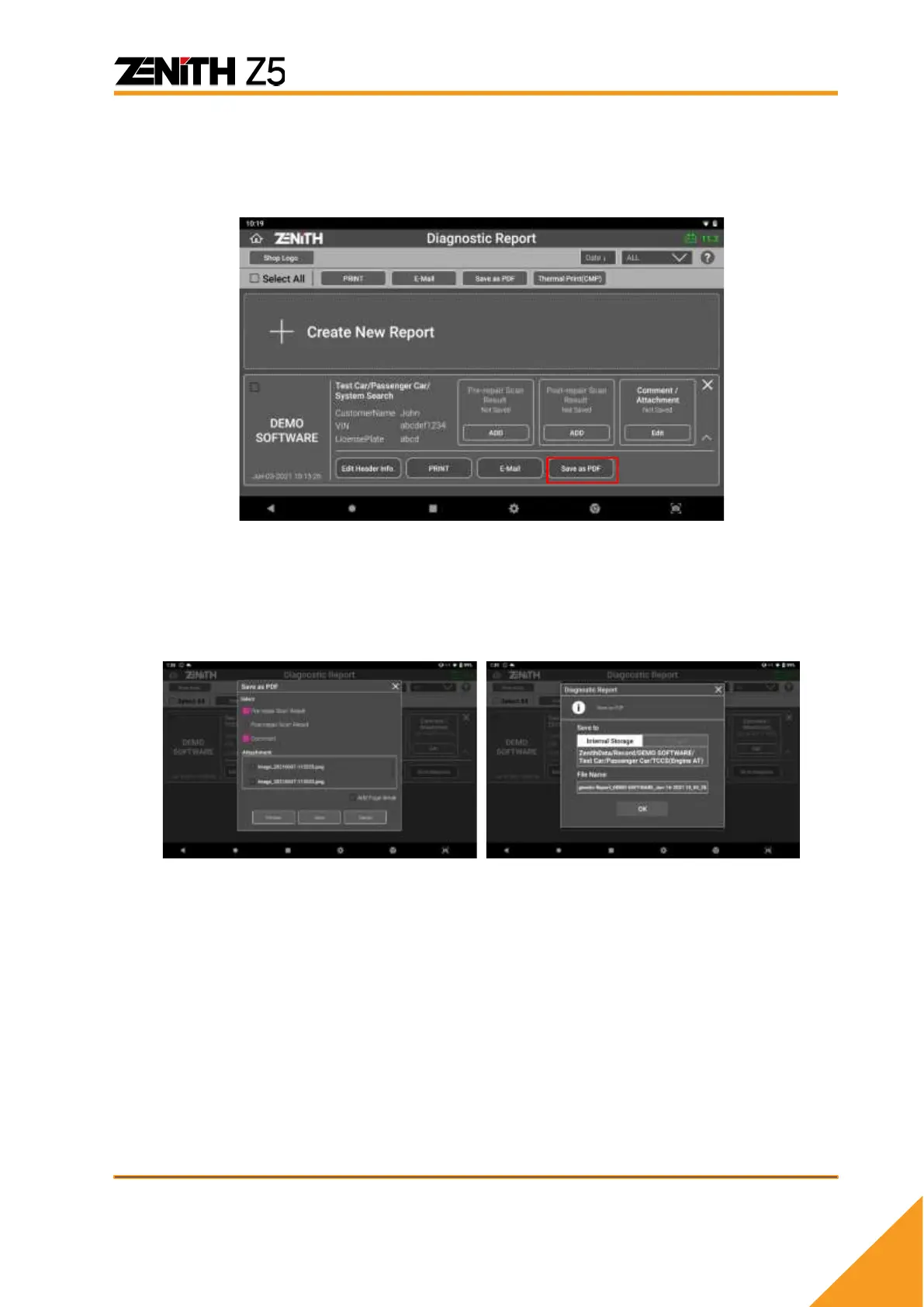
You can save the report as PDF file in the memory. Select [Save as PDF] button as
shown below:
Once [Save as PDF] button is selected, in the same manner as for report printing, you
can select desirable items in the report by selecting the checkbox next to the items. If
[Add Page Break] is checked, the report will be saved separately for each item with
identical header information on top of the report. When everything is ready, selecting
[Save] button will complete the task.
You can type in the desired file name and select [OK] to save the report as a PDF file.



 To Next Page