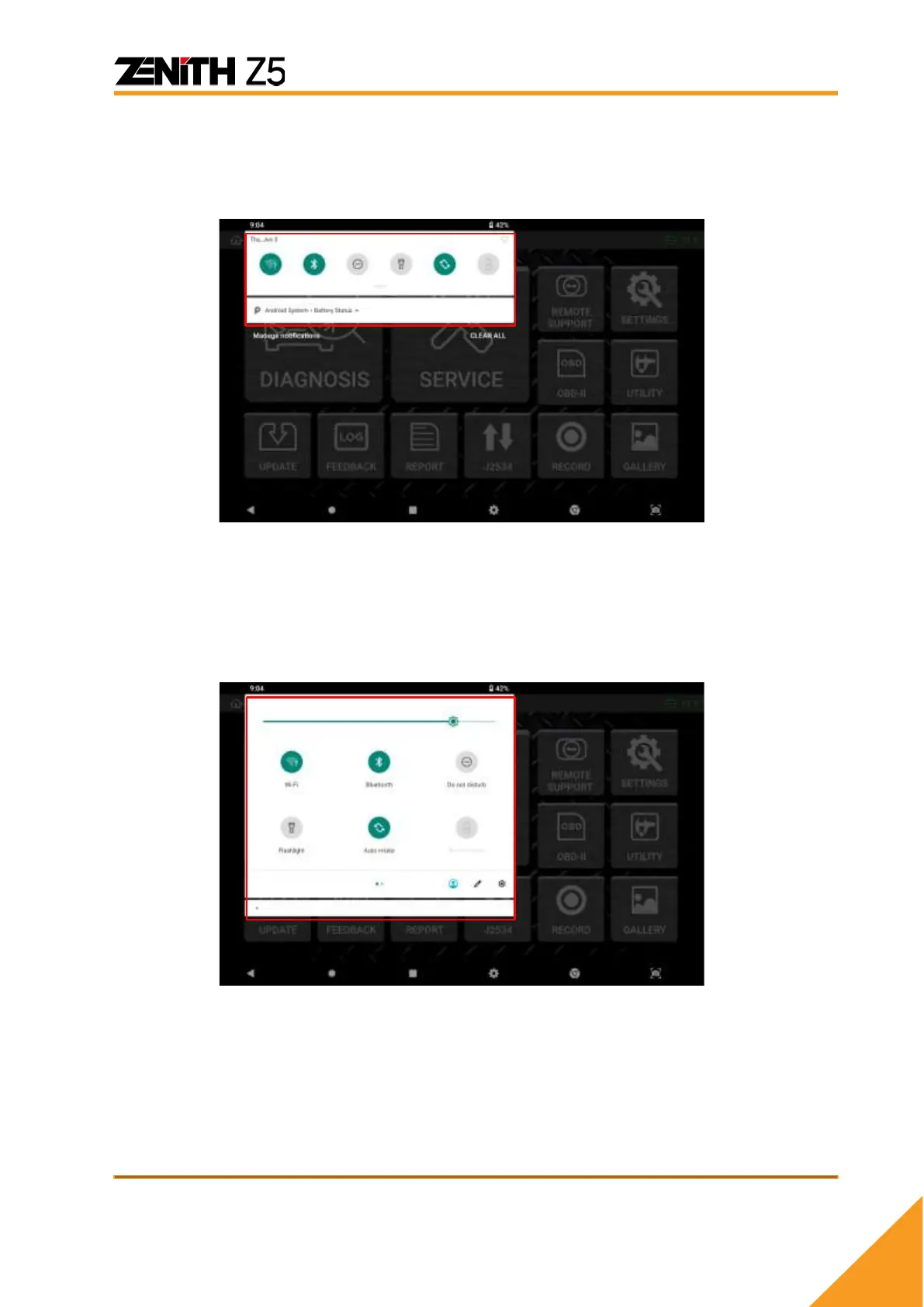
⚫ Quick Setting menu
A quick setting menu appears when you touch the top of the screen.
Touching the top area will extend drop-down menu and a quick setting menu appears like
below.
You can quickly change the basic Android configuration setting such as WiFi, Bluetooth, Do
Not Disturb, Flashlight, Auto-rotation, Battery Saver, Airplane Mode, Cast without having to
select the “Setting” menu.



 To Next Page