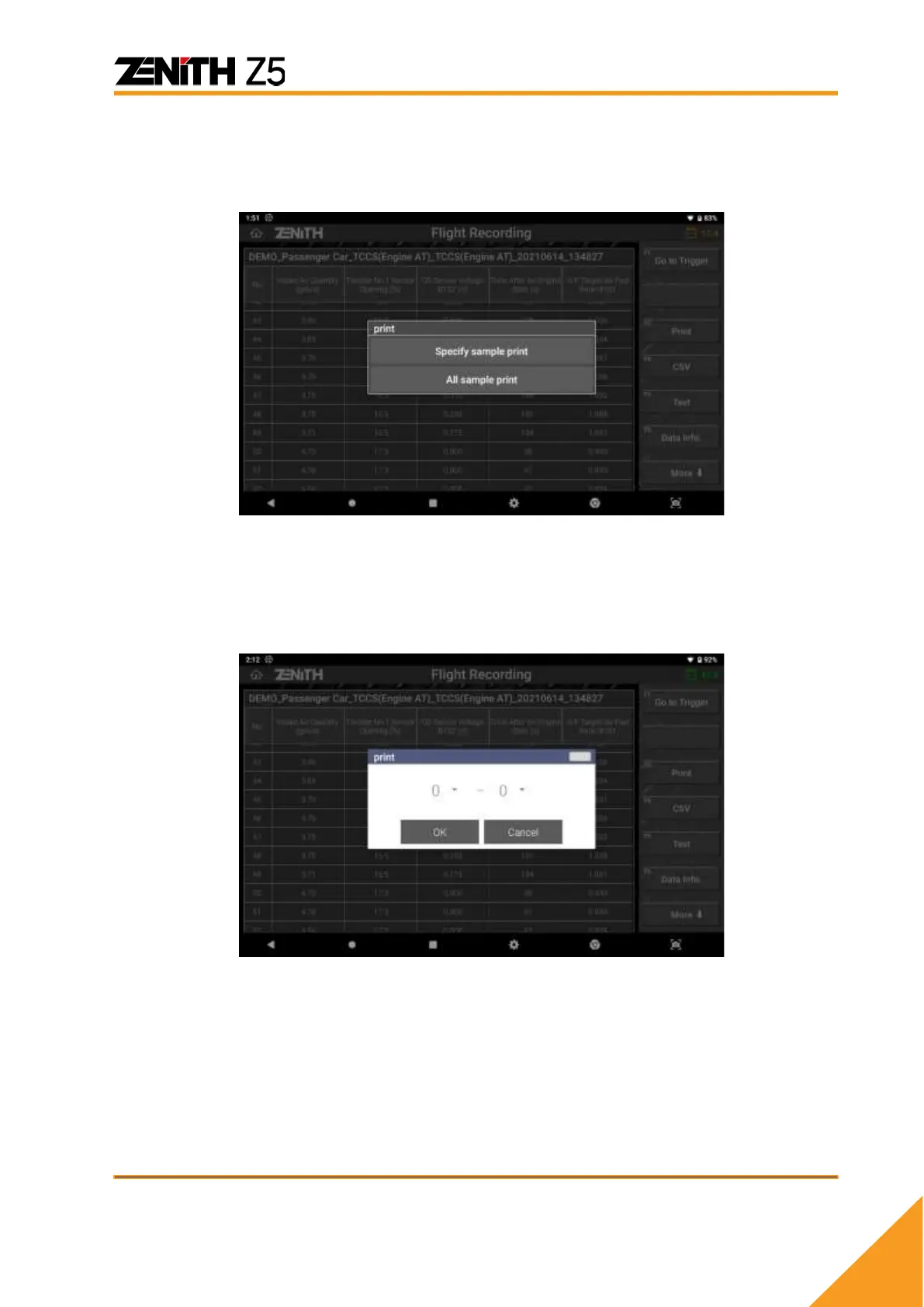
➢ PRINT
Print the spreadsheet using the printers connected to Z5 or into the PDF files.
You can select SPECIFY SAMPLE PRINT or ALL SAMPLE PRINT.
Select [SPECIFY SAMPLE PRINT] if you want to print a single sample (frame) of data
readings or a part of entire recorded data. You can get the range of sample(s) to be
printed by specifying the numbers of “Start” and “End” samples for printing.
Just select [ALL SAMPLE PRINT] to print the whole recorded data from the first sample
to the end.
Please refer to the next chapter to learn more about printer set up and printing function.
➢ TEXT
Change to normal Data Analysis text mode.



 To Next Page