11.2 Creating a report
A new report is created in the following sequence:
⚫ Pre-repair Scan
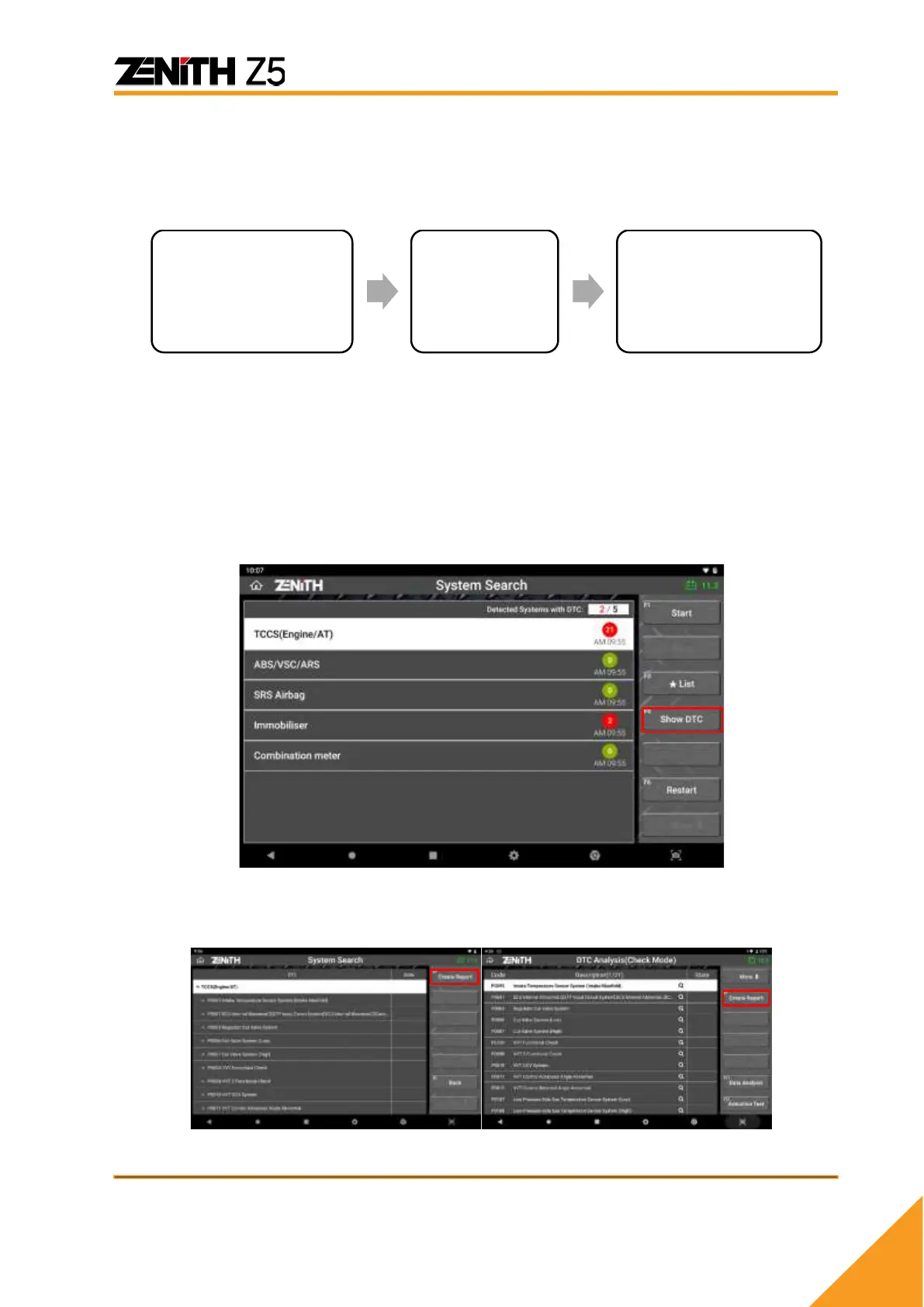
In order to create a diagnostic report, you must start from selecting [DIAGNOSIS] from
Z5 main menu to perform [System Search] on the vehicle.
Please refer to [5.2 System Search & 5.3 DTC Analysis] of [Chapter 5. Diagnosis -
General] in this manual for more details.
[System Search] scans all available control systems equipped in the vehicle and
displays the number of DTCs logged in each control system.
After [System Search] or [DTC Analysis] is completed, selecting [Show DTC] will show
the detailed list of detected system and DTCs, and activate the [REPORT] button at the
top of right.
Once [REPORT] button is selected, previously saved reports are displayed if available.



 To Next Page