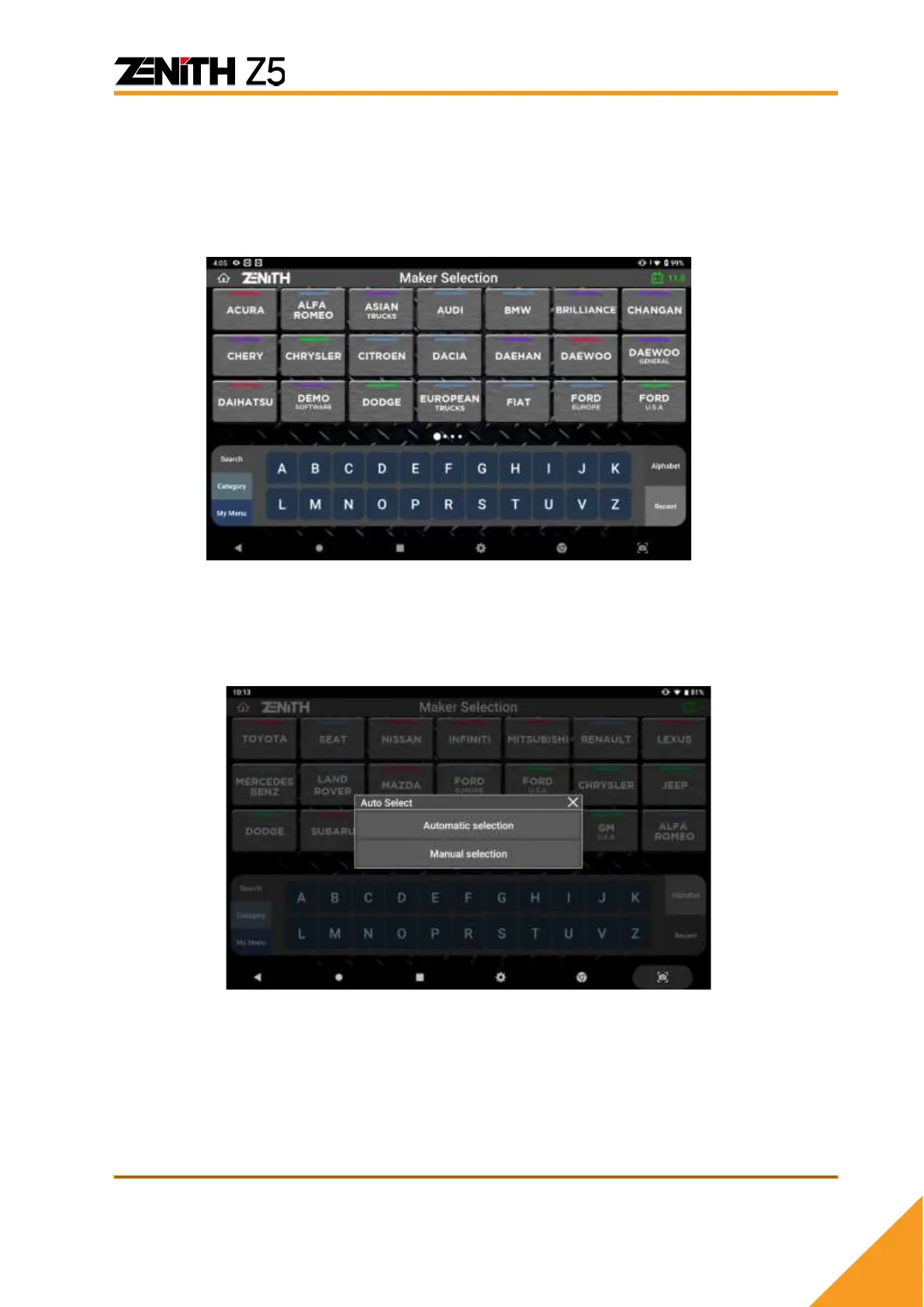
⚫ My Menu
[My Menu] allows user to add or delete carline software to separate menu. This is
ideal for user to add most frequently used software in My Menu for quick navigation.
To add the software, press ‘+’ button, select desired software and hit ‘Apply’ button.
To delete the software, deselect the software and hit ‘Apply’ button.
⚫ A to Z & Recent
[A to Z] feature organizes the carline software in alphabetical order from A to Z.
[Recent] feature displays the carline software in recently used order.



 To Next Page