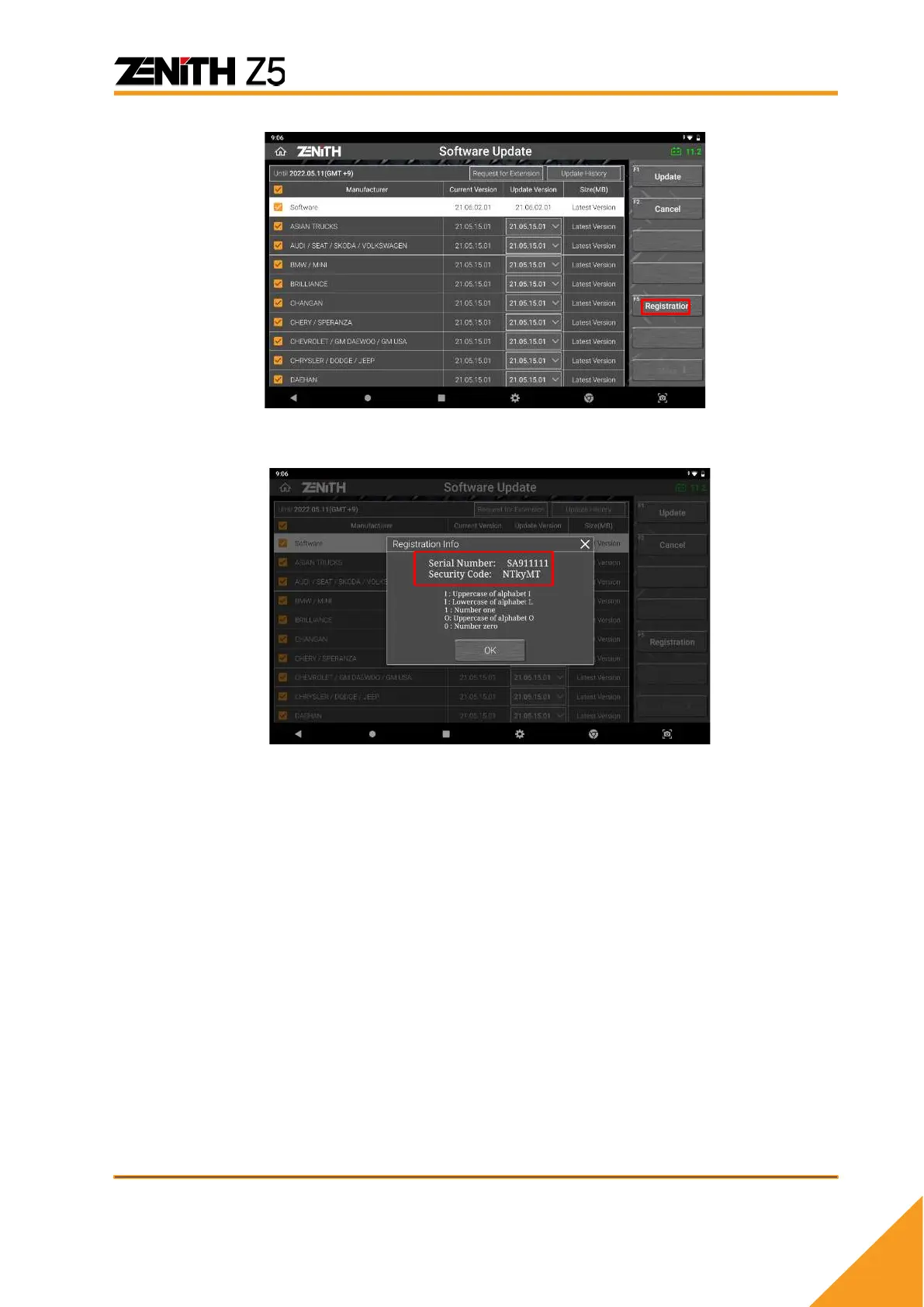
⚫ Copy the Serial number and the Security code written on the popup
screen.
D. Go back to the registration page and enter the Serial number and the Security code.
Make sure to enter correctly as the security code is case sensitive. When you are
ready, hit the [Save] button.
E. Membership Database Refreshment
When registration at the website is completed, the membership database needs to
be refreshed. It generally takes 10 ~ 20 minutes, then you can download the latest
version software from the server.
F. Log-in for Software Update
From now on, you need to login to your account when updating software. You may
save the ID&PW for future update.



 To Next Page