Chapter 11. Report
11.1 Diagnostic Report Function
Not only can you save the reports as a PDF file in Z5’s memory, also, with the help of
Bluetooth and Wi-Fi technology, you can print or send them to desired E-mail address.
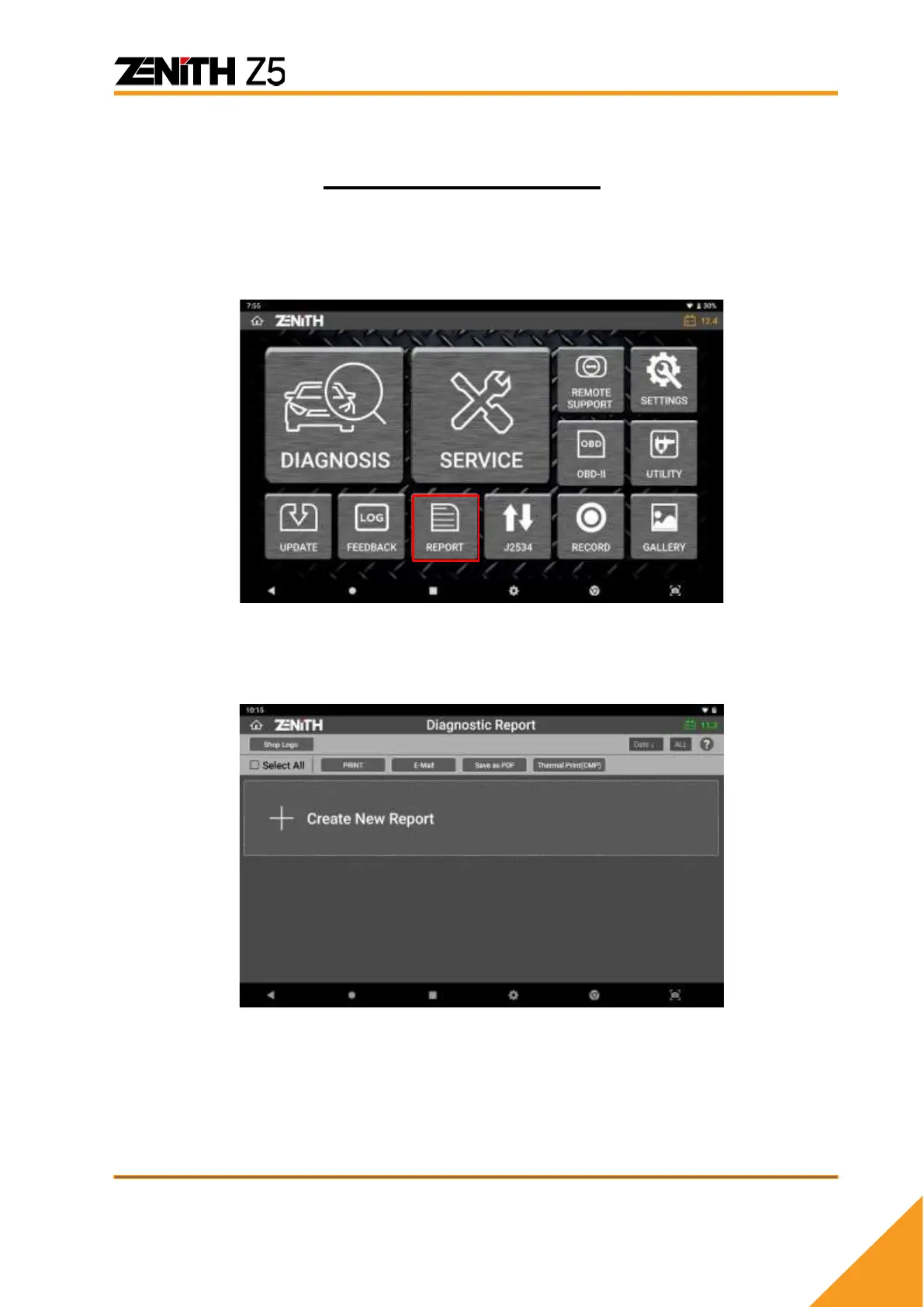
Selecting [Diagnostic Report] in main screen, as shown above, allows you to view the
list of previously saved reports.



 To Next Page