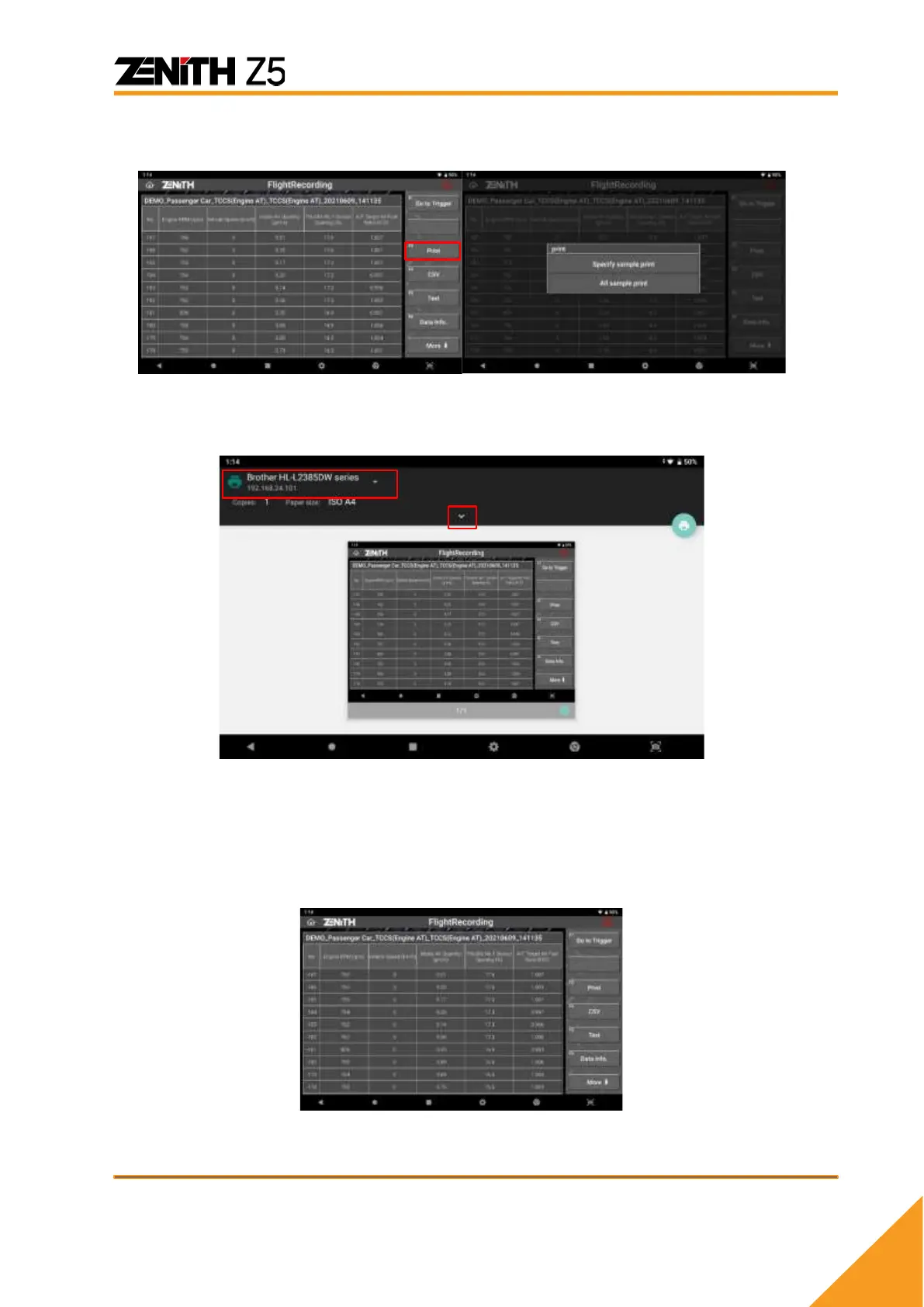
Select [PRINT] to proceed to the next step and you can choose printing option as shown below.
Select [ALL Sample Print] to print all the pages or select [SPECIFY SAMPLE PRINT] to
enter the range of sample to be printed.
Then slide down the top bar or select pointing down arrow button, you can edit
print setting such as paper size, color, and orientation. Selecting print icon as
shown below will print the image with desired setting.
Selecting [ALL SAMPLE PRINT] will print the recorded samples in order.



 To Next Page