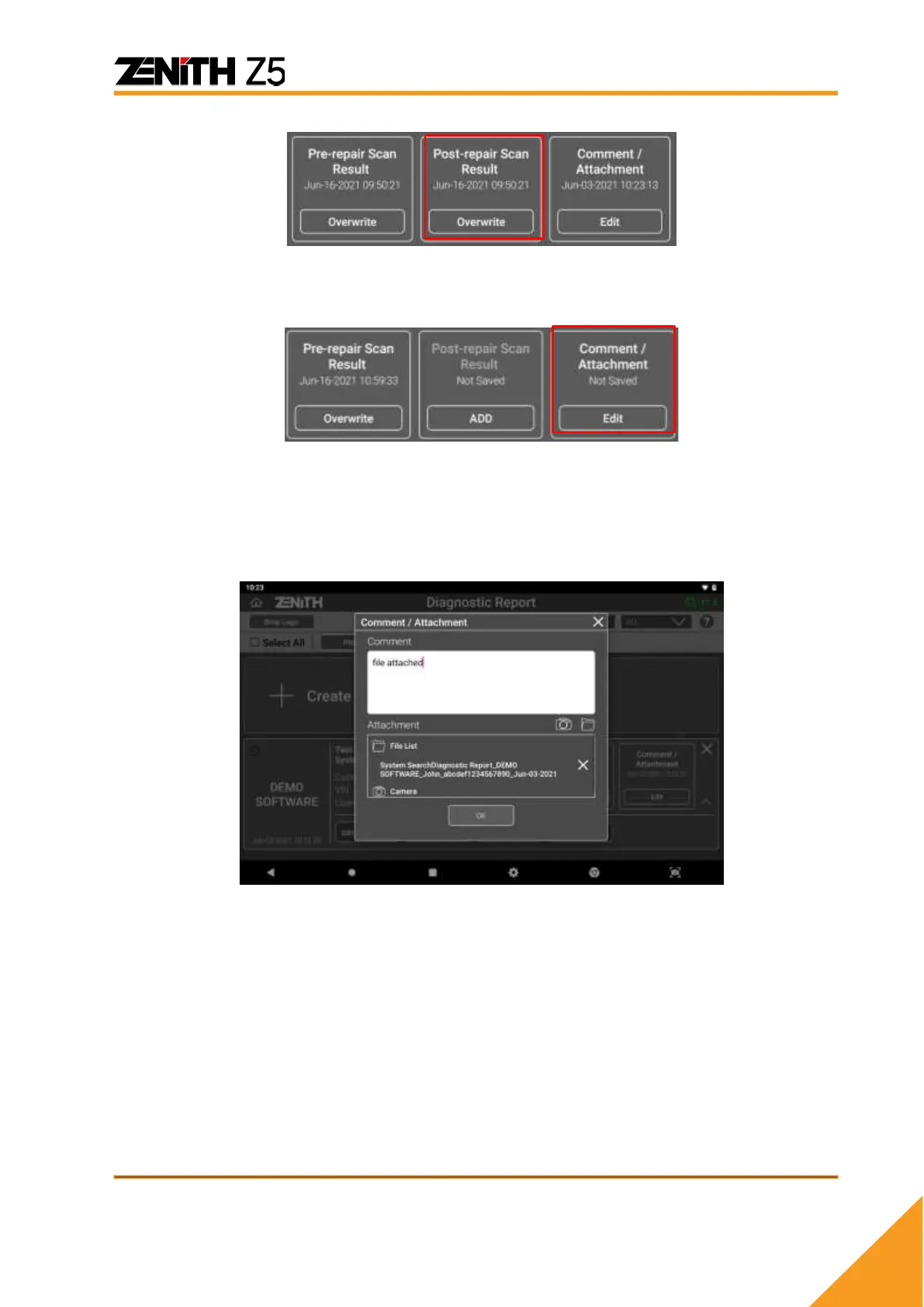
➢ Comment / Attachment
Leave a note or comment in the report by selecting [Edit] button in [Comment /
Attachment] box.
Once [Edit] button is selected, you can freely enter a note in the comment box. On the
same screen, you can search for an image file saved in Z5 memory.
Navigate the folders in the Z5 memory to find the image file, and selecting checkbox
next to the image and pressing [OK] button will attach image to the report.



 To Next Page