Long press on the button: Z5 Power On/Off
Short press on the button: Z5 Sleep/Wake
Controls volume on media or alarm
Terminal for connection of the DLC cable for
communications with a vehicle
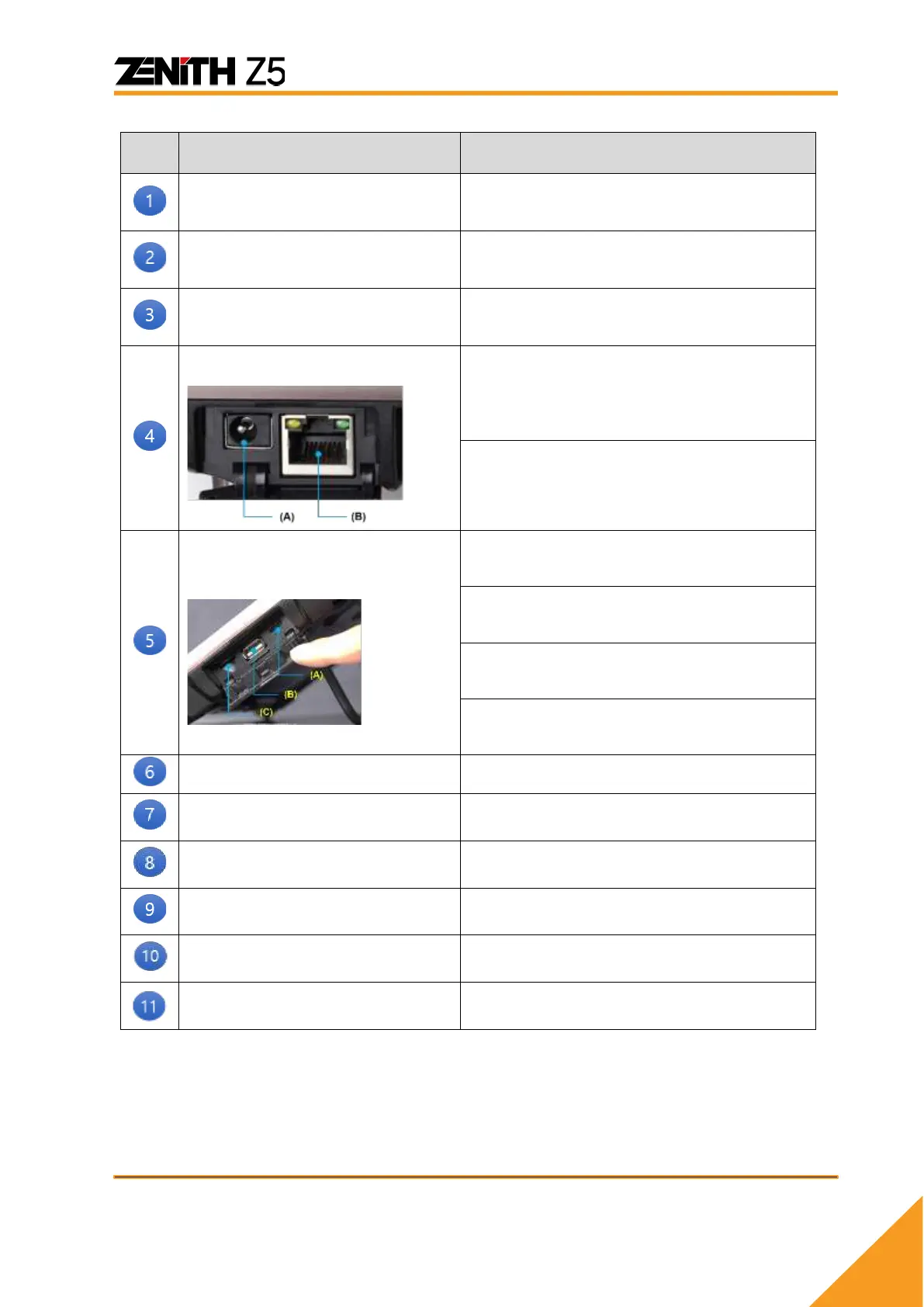
External device connection
terminal 1
(A) RJ45 Ethernet port for network
connection
(B) Power connection with a car battery or
an AC/DC adapter
External device connection
terminal 2
Headphone connection jack
Adaptive Brightness Sensor
Automatically adjust the brightness level



 To Next Page