(3)
HID
(high damp): 0
-
10
This determines the degree to which high frequencies
are
fil-
tered out of the delayed repeats set in the feedback
pararne ter.
(4) MIX (mix level):
0
-
100
[Page
21
(1)
DES (destination):
EB,
MIX,
INP,
'I'M
(2)
CTL
(control change number): 1
-
31,63
-
95
(exclud-
ing 6,7,70
-
79, and
91)
(3)
RATIO:
-100
-
+100%, Tap (when DES is set
to
TM,
Tap is indicated here)
(4)
SRC
(input source): 1,
l
+
2,2
Helpful
Hint:
When the ratio is set to "Tap," the delay time
can
be
set
to
match the timing
by
which the
pedal
switch of the 8050 is
repeatedly
pressed. (Refer to the owner's manual of the 8050
for more information.)
Compare
By pressing the
PATCHA
key, you can monitor either the
Patch currently being edited or the original Patch (the Patch
as
it was before editing), and switch between the two
to
com-
pare them.
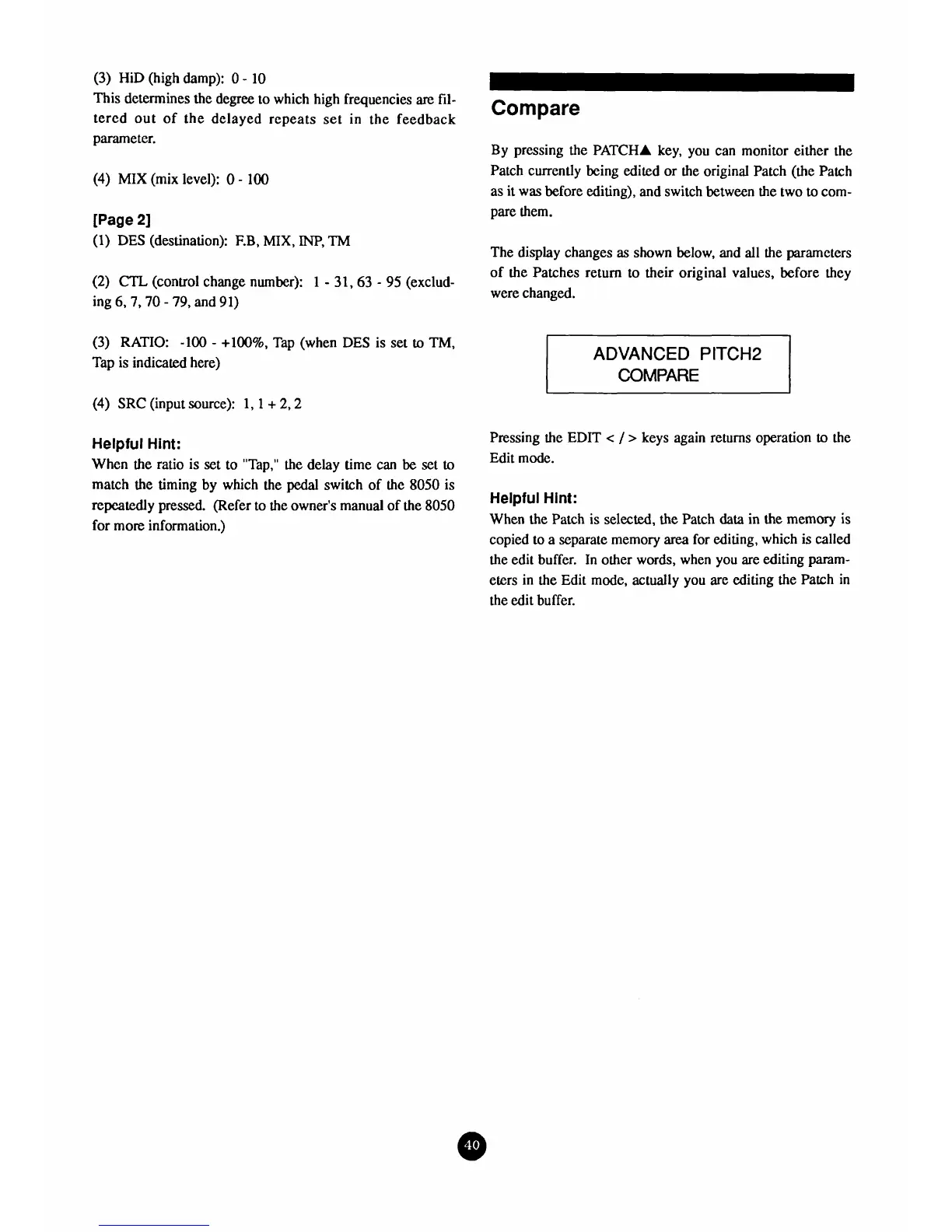
The display changes
as
shown below, and
all
the parameters
of the Patches return to their original values, before they
were changed.
ADVANCED
PITCH2
COMPARE
Pressing the
EDIT
<
/
>
keys again returns operation
to
the
Edit mode.
Helpful
Hint:
When the Patch is selected, the Patch
data
in
the
memory
is
copied to a separate memory
area
for editing, which is called
the edit buffer. In other words, when you are editing param-
eters in the Edit mode, actually you are editing the Patch in
the edit buffer.



 To Next Page