2.
Match the
MIDI
receive channel of the 9030 with the
MIDI send channel of the synthesizer.
Call
up the page for selecting the
MIDI
channel in the Utility
mode and either set the
MIDI
channel
to
1
or set
OMNI
to
ON.
3.
Set the 9030 so that it
can
be controlled from the MIDI
terminal.
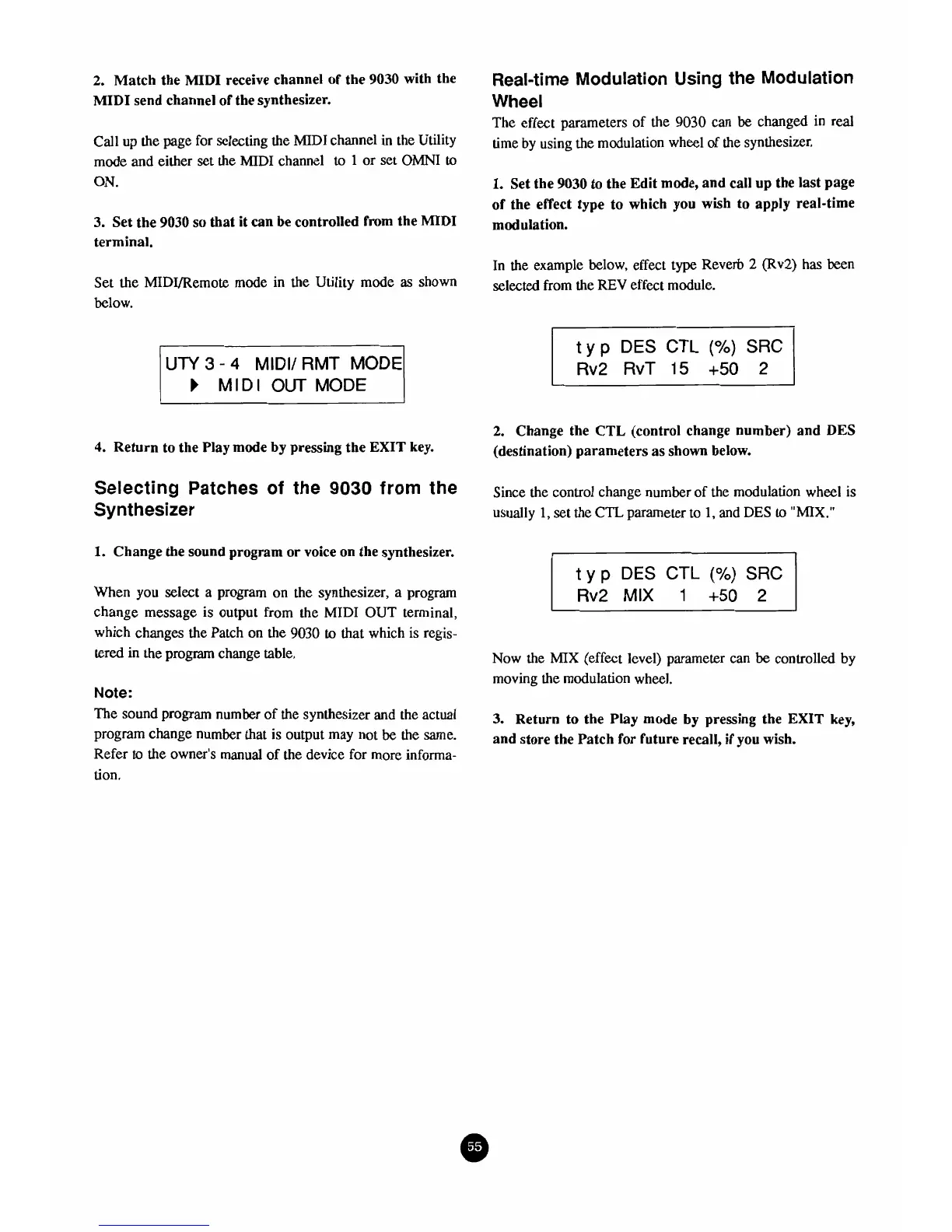
Set the MIDVRemote mode in the Utility mode
as
shown
below.
UTY
3
-
4
MIDI/ RMT
MODE
1
MIDI
OUT
MODE
4.
Return to the PIay mode by pressing the
EXIT
key-
Selecting
Patches
of the
9030
from
the
Synthesizer
1,
Change the sound program or voice on the synthesizer.
When you select a program on the synthesizer, a program
change message is output from the
MIDI
OUT terminal,
which changes the Patch on the 9030
to
that which is regis-
tered
in
the
program change table.
Note:
The sound
program
number of the synthesizer
and
the actual
program change number that is output may not
be
the same.
Refer
to
the owner's manual of the device for more informa-
tion.
Real-time Modulation
Using
the Modulation
Wheel
The effect parameters of the 9030 can
be
changed in real
time by using the modulation wheel of the synthesizer.
l.
Set the
9030
to
the Edit mode, and call up the last page
of the effect type to which you wish to apply real-time
modulation.
In the example below, effect type Reverb
2
(RV;?) has been
selected from the
REV
effect module.
t
y
p
DES
CTL
(%)
SRC
Rv2
RvT
15
+50
2
r
2.
Change the
CTL
(control change number) and DES
(destination) parameters as shown below.
Since the control change number of the modulation wheel is
usually
1,
set the CTL parameter to
1,
and
DES
to
"MIX."
t
y
p
DES CTL
(%)
SRC
Rv2
MIX
1
+50
2
Now the
MIX
(effect level) parameter can
be
controlled by
moving the modulation wheel.
3.
Return to the Play mode by pressing the
EXIT
key,
and store the Patch for future recall, if you wish.



 To Next Page