This section explains the functions of the Utility mode and
the pop-up menu.
Exiting From the Utility Mode
To exit from the Utility mode and return
to
the Play mode,
press the EXIT key repeatedly until the Play mode display
appears*
Utility
Mode
In the Utility mode you can:
Set the characteristics and configuration of the playback
system.
Selecting Display Pages
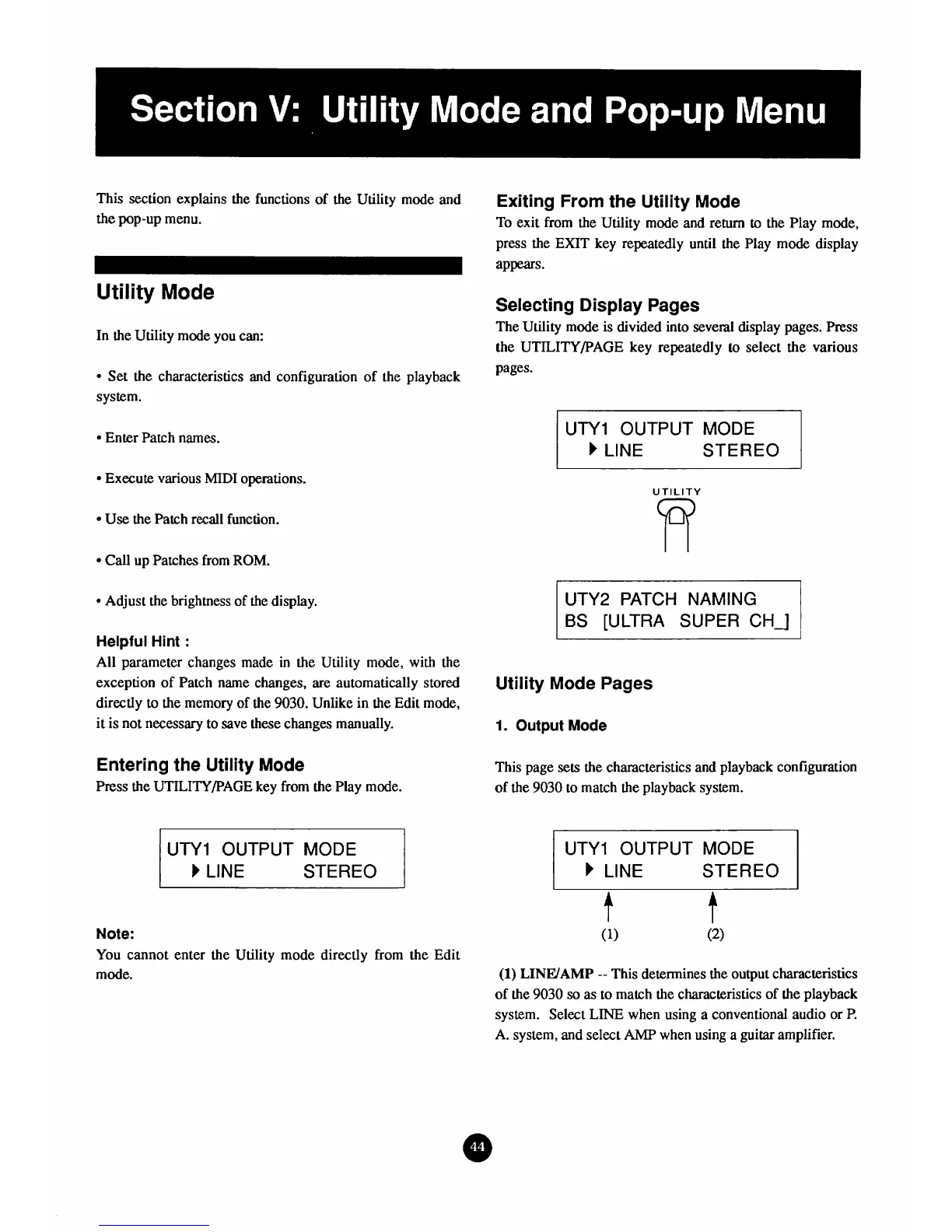
The Utility mode is divided into several display pages, Press
the UTILITY/PAGE key repeatedly to select the various
pages.
Enter Patch names.
1
UTYl
OUTPUT MODE
b
LINE
STEREO
Execute various
MIDI
operations.
Use
the Patch recall function.
Call
up Patches from
ROM.
Adjust the brightness of the display.
Helpful
Hint
:
All parameter changes made in the Utility mode, with the
exception of Patch name changes,
are
automatically stored
directly
to
the memory of the
9030.
Unlike in the Edit mode,
it is
not
necessary to save these changes manually.
Entering the Utility
Mode
Press the
UTILITY/PAGE
key from the Play mode.
UTY1 OUTPUT MODE
STEREO
UTILITY
W
UTY2 PATCH NAMING
BS [ULTRA SUPER CH_]
Utility Mode Pages
1.
Output
Mode
This page sets the characteristics and playback configuration
of the
9030
to match the playback system.
UTYl OUTPUT
MODE
STEREO
Note:
You cannot enter the Utility mode directly from the Edit
mode.
(1)
LINWAMP
--
This determines the output characteristics
of the
9030
so
as
to match the characteristics of the playback
system. Select LINE when using a conventional audio or
P.
A. system,
and
select
AMP
when using a guitar amplifier.



 To Next Page