Pannoramic 250 1.15 User’s Guide 4 Software Description
Slide settings in the CaseCenter window
1. In the Routine work tab panel, click the button.
2. The CaseCenter window is displayed.
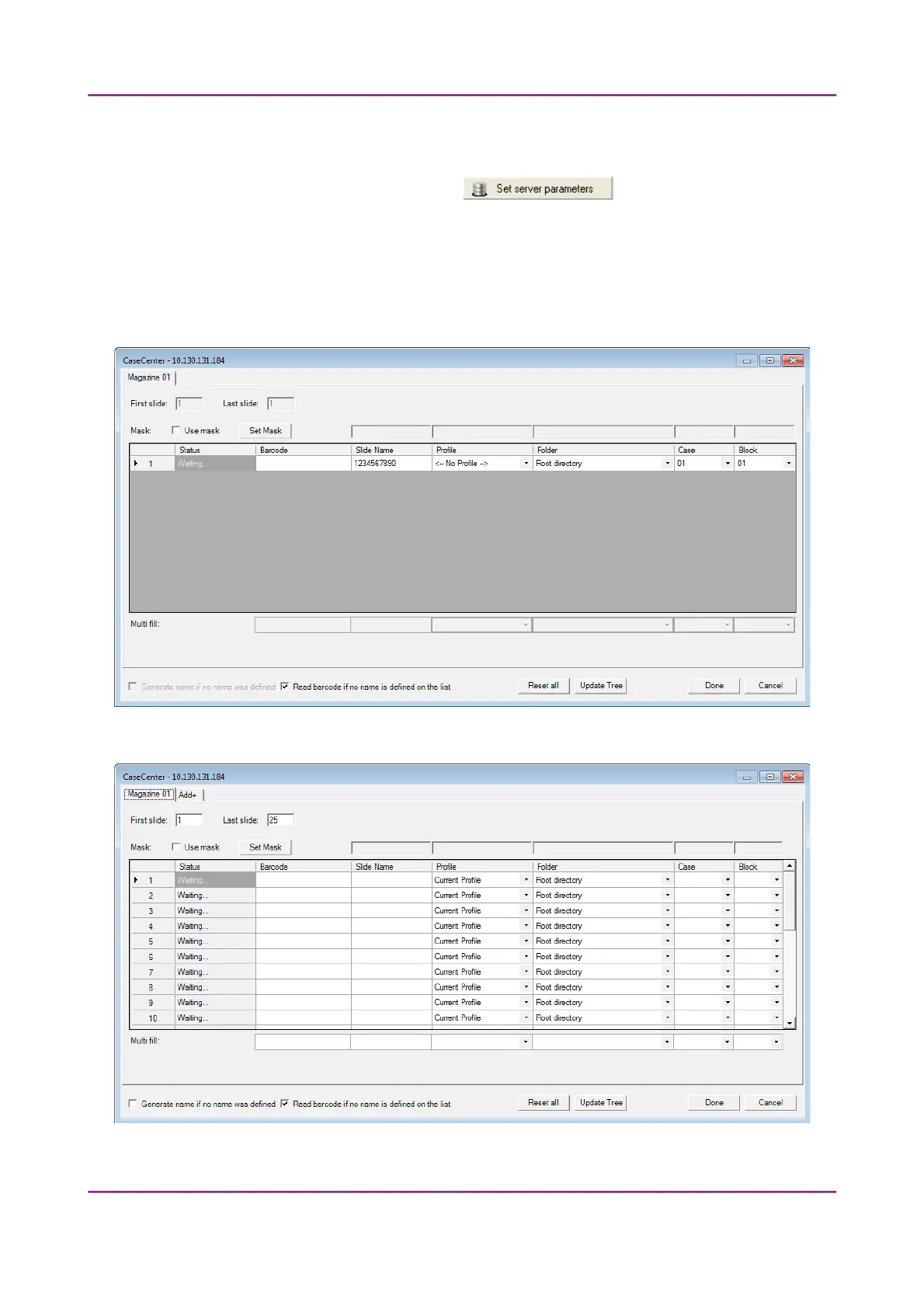
• Slide data is displayed in a form. If in Manual Mode, only the data of the actually loaded
slide can be set (see Figure 73). When in Automatic Mode, the form contains 25 rows for
all the slots per magazine (Figure 74). To additional magazines click Add+ tab panel next
to the Magazine 01 tab panel.
Figure 73 – CaseCenter window in Manual Mode
Figure 74 – CaseCenter window in Automatic Mode
March 13, 2012 – Rev. 1 3DHISTECH Ltd.
110(135)



 To Next Page