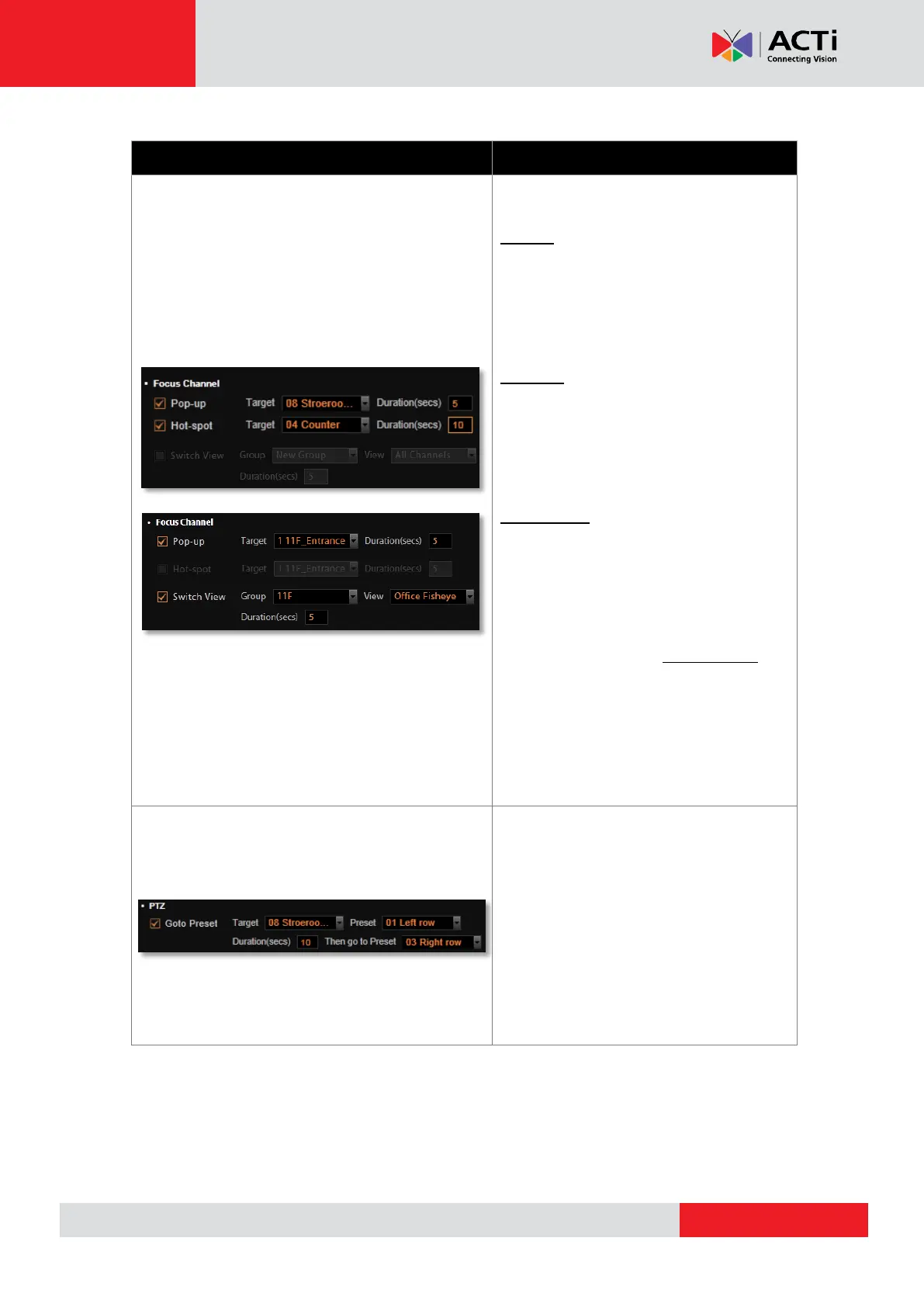
This kind of action will focus your attention
on the channel when triggered.
Pop-up:
Brings up event pop-up instant playback
window of selected channel upon trigger.
You may also define the display duration
of video on the window.
Hot-spot:
Displays video in Hot-Spot window (red
flashing frame) upon event. You may also
define display duration of video on the
Hot-spot window.
Switch View:
The current Live View will be switched to
another one for a while. To enable this
option, you will need to customize and
save Views on Live View screen first.
You may also define duration of the
temporary View. Only Public Views are
selectable for Switch View event rule.
Hot-spot and Switch View responses
cannot be executed at the same time.
Upon being triggered, specific camera
can make PTZ movements like going to
specific PTZ presets as responses. You
may set both the start / end point and the
duration. This action is only available
when you have set the preset points
for a PTZ device.



 To Next Page