MNR-310 System Administrator’s Manual
148
Step 2: Back up Recording Files Folder (Optional)
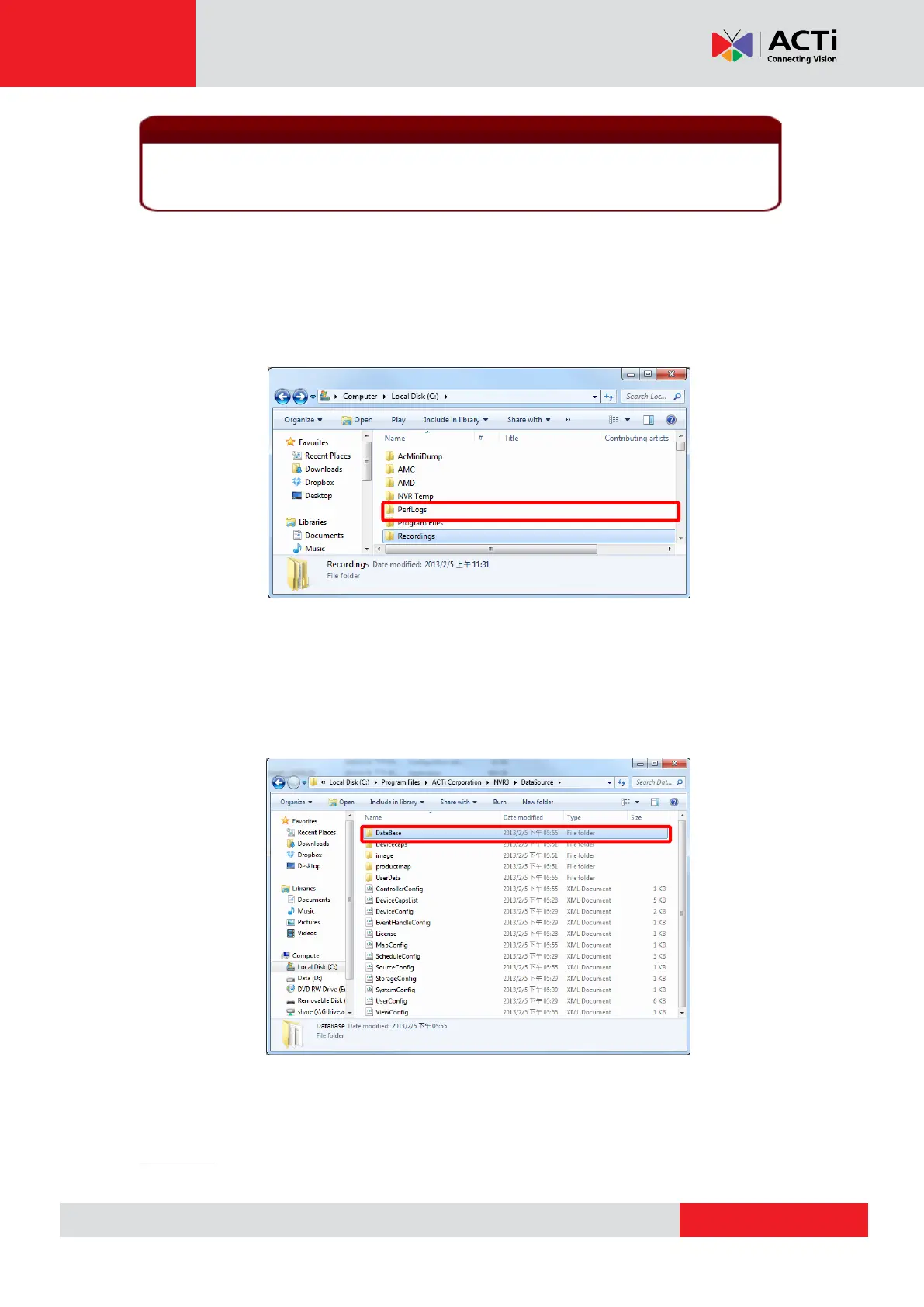
Back up the whole Recordings folder(s) with the recorded video files on storage hard drive(s).
If you selected multiple storage hard drives via Setup page Storage tab “Disk Drive
List”, the server may have generated one Recordings folder under each selected drive. If you
have renamed the folders or change the locations, please make sure you find the correct path.
Step 3: Back up Recording Files Index Folder (Optional)
This step is necessary for the NVR 3.0 system migration between two servers. The recording
files index folder contains important video index data that the NVR server needs to process
recorded video clips. Enter the server program folder ACTi Corporation\NVR3\DataSource,
and back up the DataBase folder (where stores the recording files index data).
Step 4: System Log (Optional)
The system log records the operations users perform during logging in to the NVR server. You
may export the system log of latest three days as *.csv file as backup. Please refer to
Export the Log on page 113 for instructions.
2. The license data is not included in the system backup file. You have to preserve the
license key information provided in email or printed card after the purchase takes place.



 To Next Page