MNR-310 System Administrator’s Manual
98
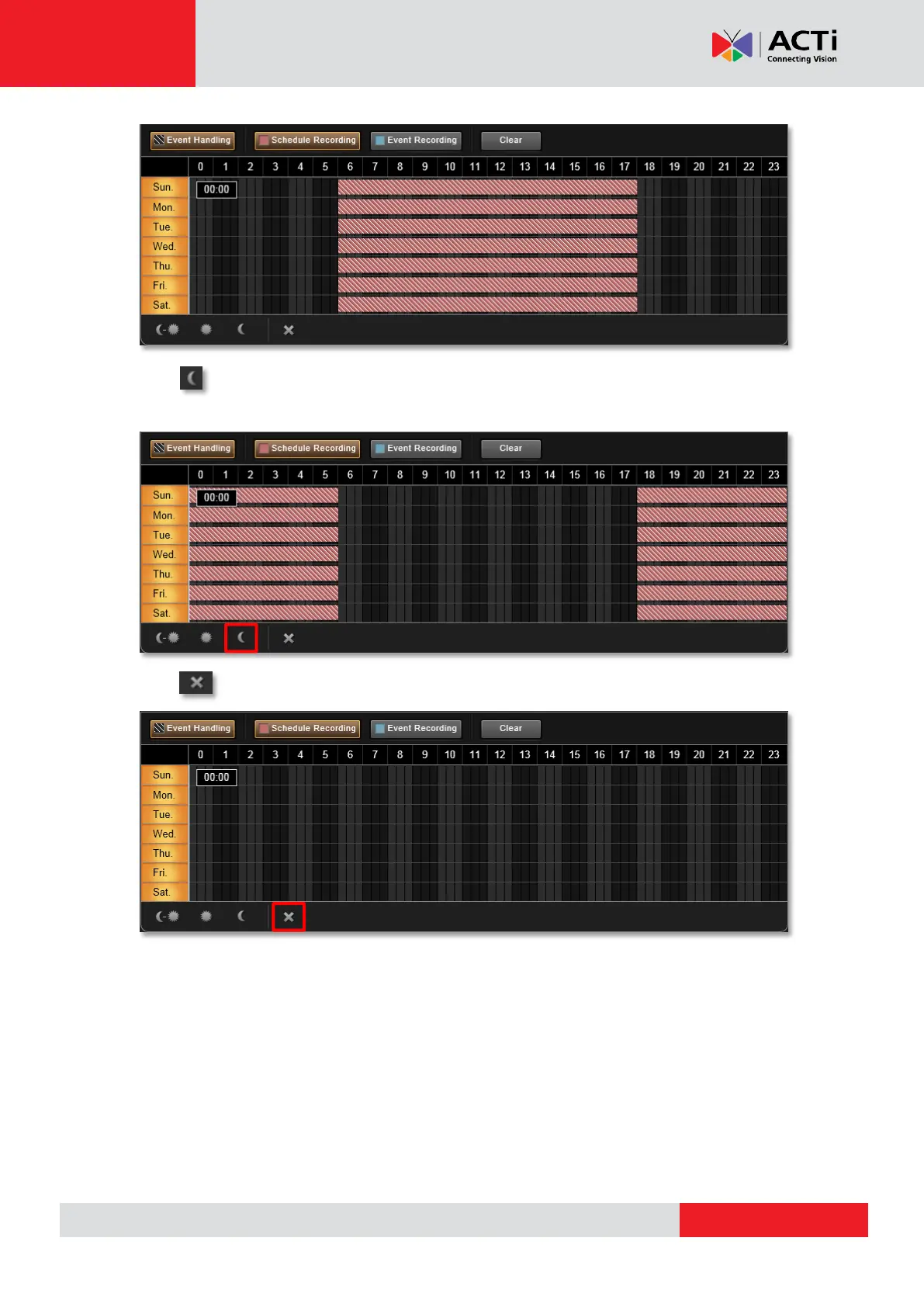
Click to apply schedule from 18:00 to 06:00 every day with the settings for the rest of
the time track being cleared.
Click to clear all schedule setting in this device.
Lock Specific Days
Clicking the day of the week will lock/unlock that day from schedule setting. You can shield
schedule on a certain day from being changed by changes in other weekdays. You may easily
set just the weekdays or the same time over the same week this way. To do this:
1. Click the days to shield them.



 To Next Page