MNR-310 System Administrator’s Manual
110
The FTP works in two very different manners, Active mode and Passive mode.
If your FTP server is behind the firewall or a NAT router, you have to use
“Passive” mode.
Input the upload path of the file. Default will be “/” to represent the root folder.
3. As all necessary information is filled in, click “Test FTP Connection” to test the connection.
If the NVR server pops up a “Testing FTP connection was successful” message, the
NVR server is ready to upload to this FTP server.
4. As the settings are confirmed, click “Apply” to save. The FTP settings here will be default
for every event rule.
System Log
The activities performed by logged-in users are recorded on the server as System Log. With
the access permission, a user may view, search and export this record for analysis or
investigation. This section will provide the instructions on how to read and search data in the
system log.
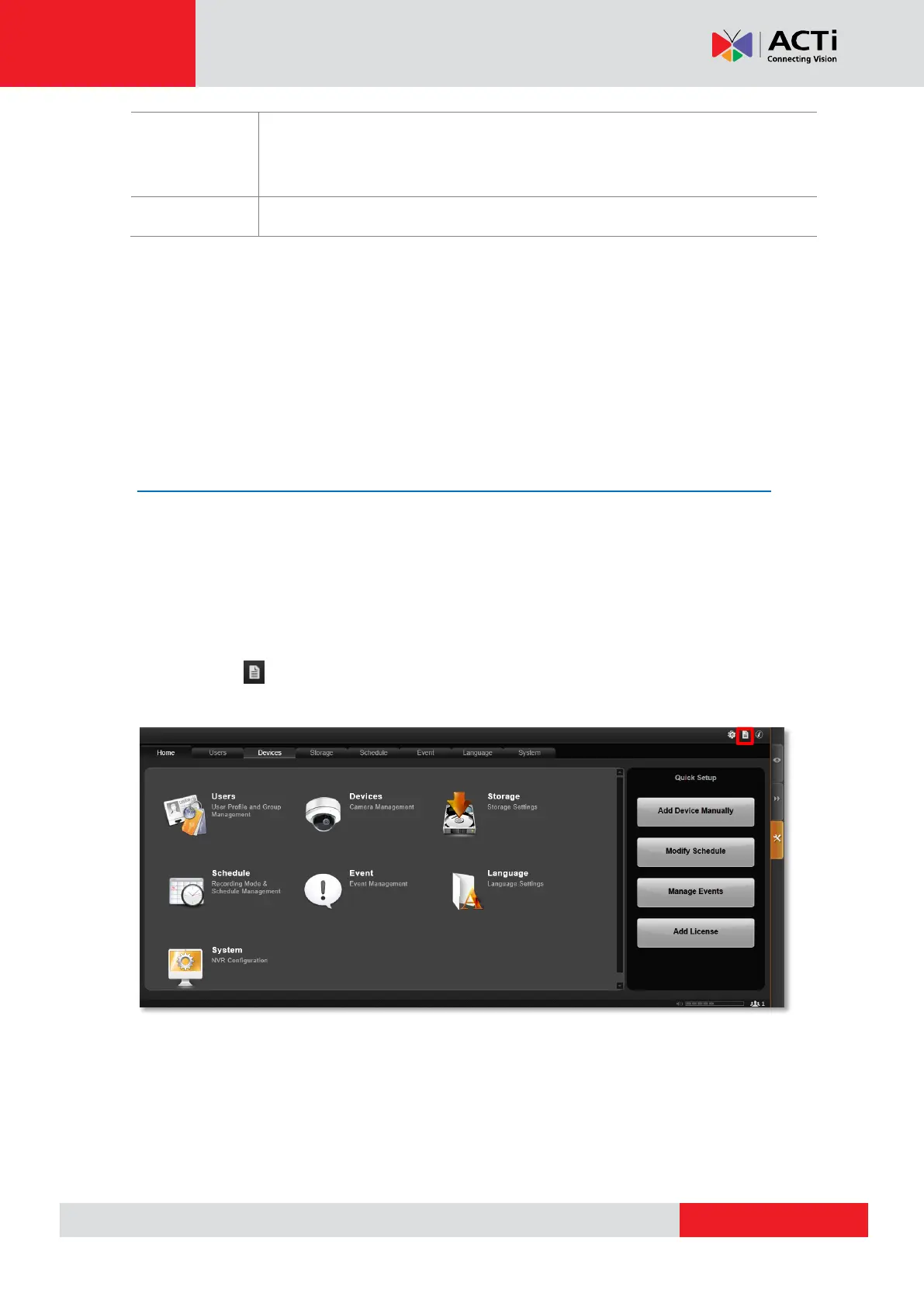
“System Log” is one of the resident buttons on top of the NVR server user interface, click
it to enter search window.



 To Next Page