MNR-310 System Administrator’s Manual
89
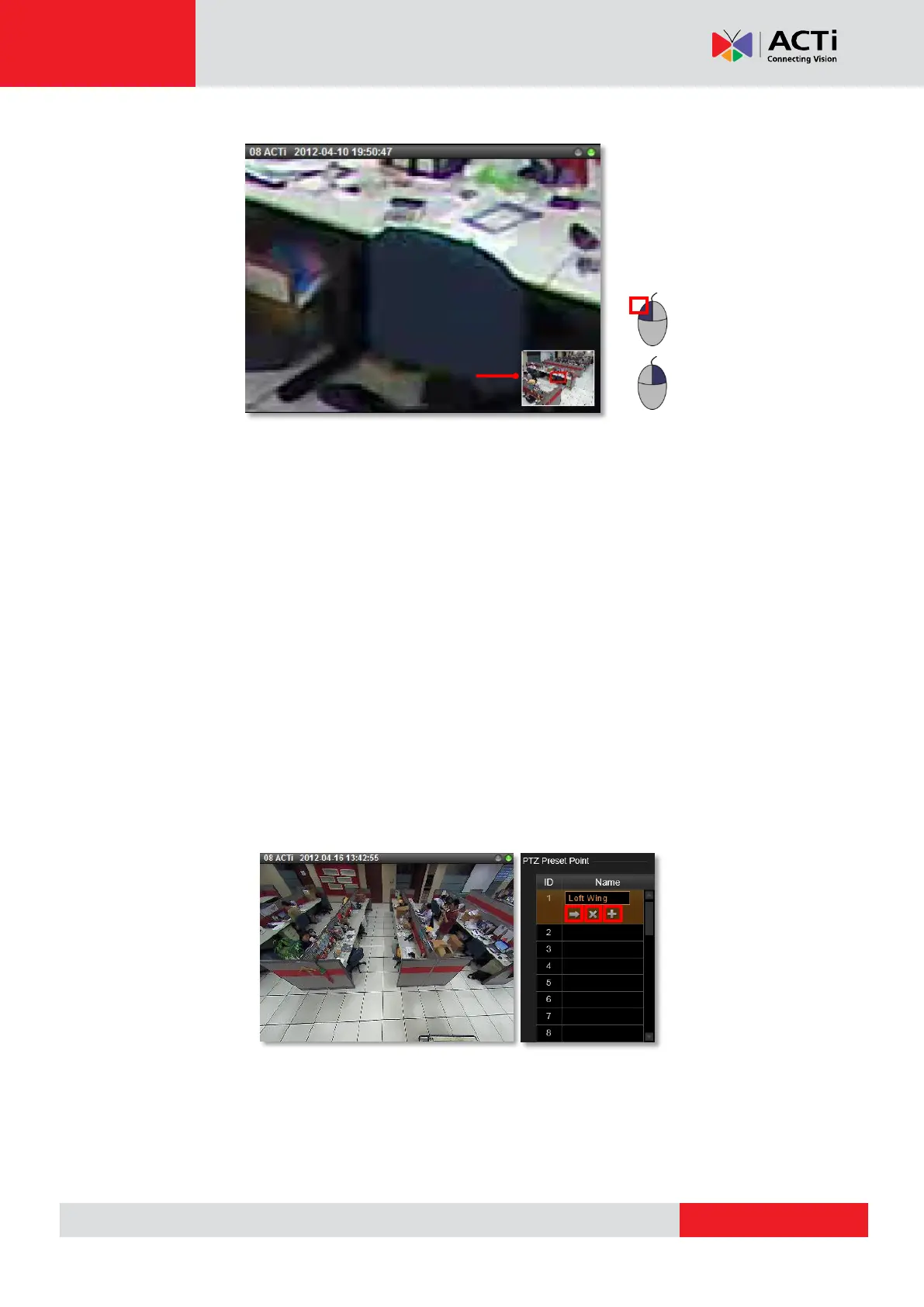
Set PTZ Preset Points
With PTZ devices, you may define a view by where to look (through panning and tilting) and
how close (through zooming) to zoom. Once these views have been saved in the NVR server
as preset points, the device can always point to this view upon the event triggering or user’s
command.
1. Go to Setup page Devices tab, select the device from Device List, and click PTZ tab.
2. By PTZ operation, control the device to point at your desired view, and adjust the zoom
level (if available). In PTZ Preset Point section, click a preset point name field to start
editing the name, and then click “+” to set this point. After finishing setting your desired
preset points, click “Apply”. You may review the points you set by clicking “” to go to the
point, or “X” to delete it. To modify an existing point, select the existing point, then define a
new view and click “+”, and finally click “Apply” to save it.
3. After the preset points are set, they are available on Live View page PTZ control panel.



 To Next Page