MNR-310 System Administrator’s Manual
131
Set View Link
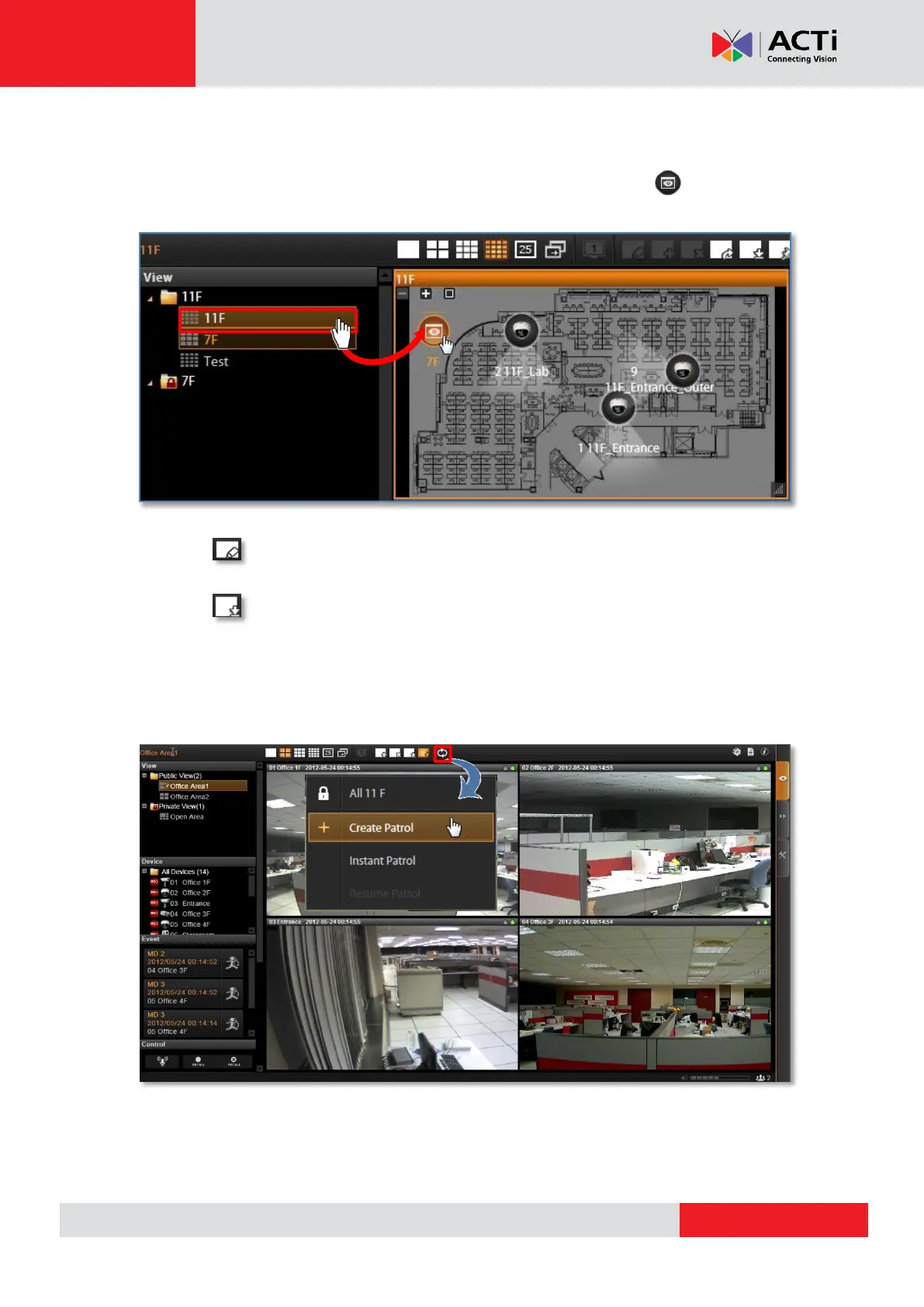
By creating a link button on a map view, you can directly be linked to another specific view by
clicking the button. On the picture below shows how to create a link button to 7F View on
11F View.
1. Select a View, on which you will place a link button to another view.
2. Click on View Toolbar to enter edit mode.
3. From View List, drag the target View to current View, and a link button will appear.
4. Click on View Toolbar to save it.
Set View Patrol
You may have the saved Views patrol in turns. In this way, the views in different area in your
site may cycle through themselves automatically.



 To Next Page