MNR-310 System Administrator’s Manual
126
Remove the whole map:
Right-click on the map and select “Remove”.
Manage maps:
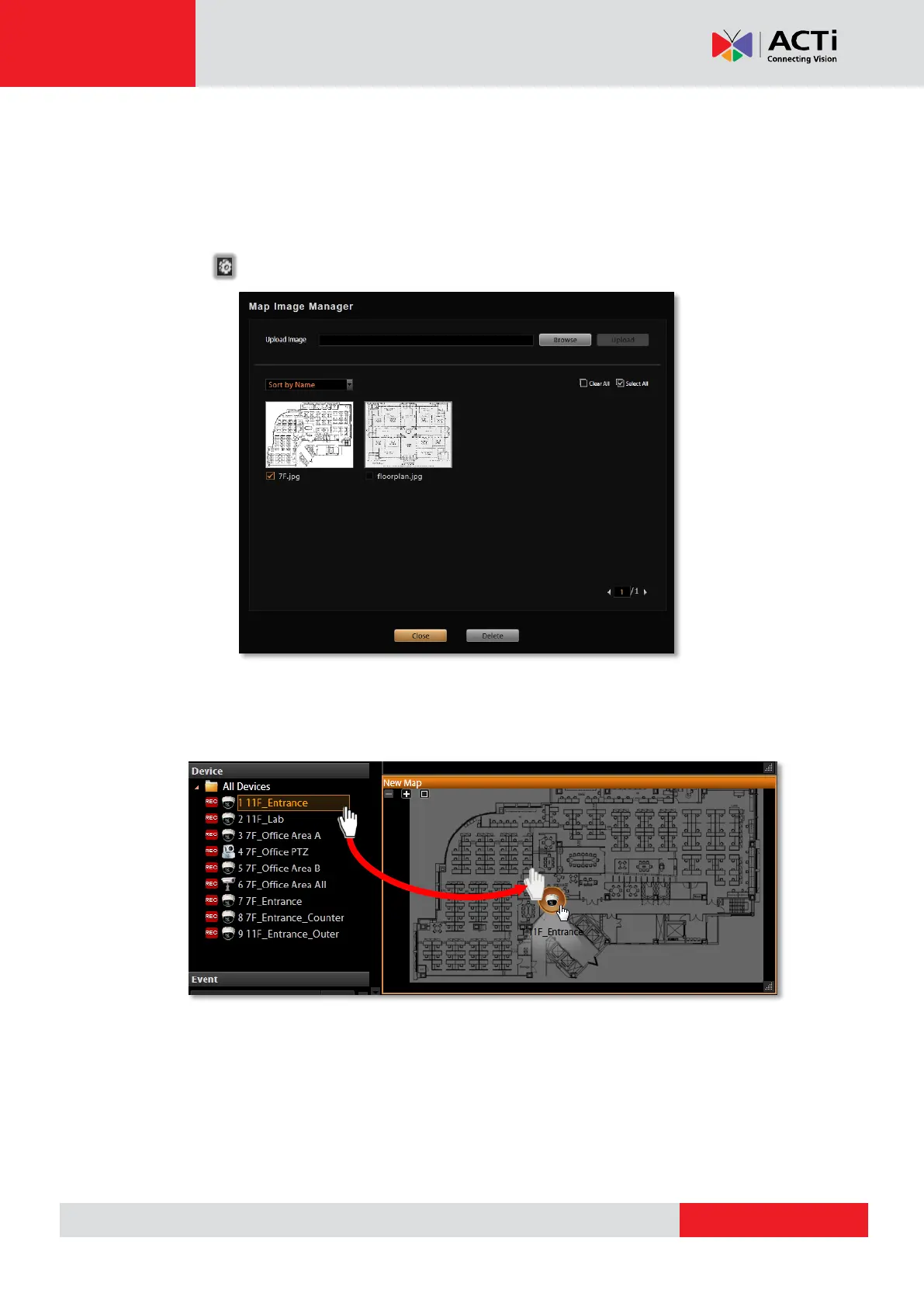
All the uploaded images are managed under Map Image Manager. On Live View screen, you
may go to Map Image Manager to view, upload or delete the maps.
Step 6: Add Devices to the Map
Pull a device from Device List to the map.



 To Next Page