MNR-310 System Administrator’s Manual
125
Map brightness:
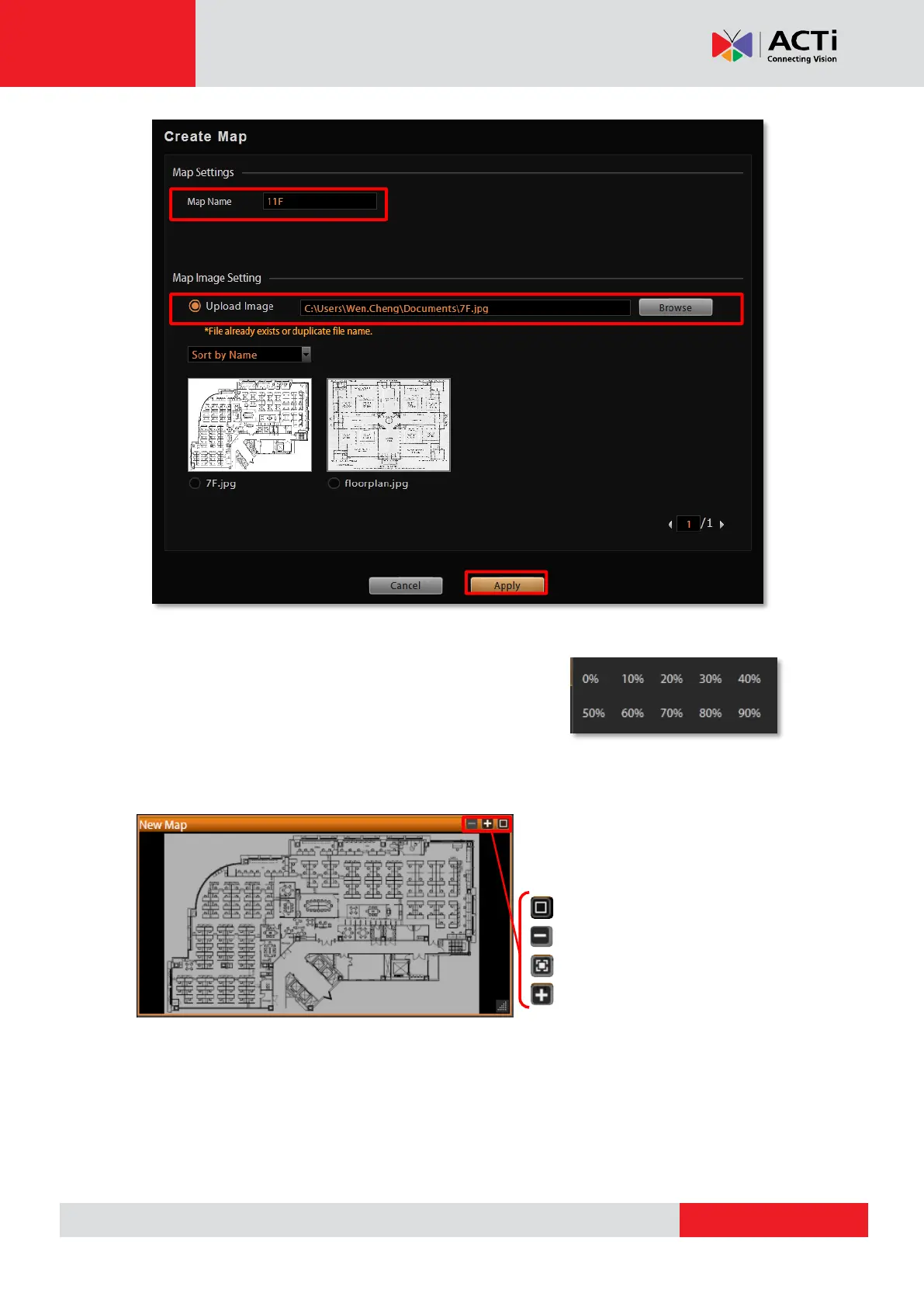
To change the map brightness, right-click on the map, select
“Map Mask” and choose the brightness percentage level.
Map size:
By default, the map will be displayed
in its original size. Use the buttons on
upper left to adjust the map size.
Fit image to channel height
Zoom out
Original image size
Zoom in
Edit map title:
The map title will be shown on channel title bar. In edit mode, right-click on a map channel and
select “Edit Map Information”



 To Next Page