MNR-310 System Administrator’s Manual
86
Adjustment Attributes
The provider of Protocol. The selectable vendors would vary depending on
different device models. Available vendor types are:
ACTI, DYNACOLOR, PELCO and SONY.
A set of rules defining the communication format between the device and
controller. Different protocols are provided for selection according to the Vendor
you choose.
Available protocols following their vendors are:
ACTI: [ACTI] / DYNACOLOR: [DYNACOLOR] / PELCO: [PELCOD] [PELCOP]
SONY: [VISCA]
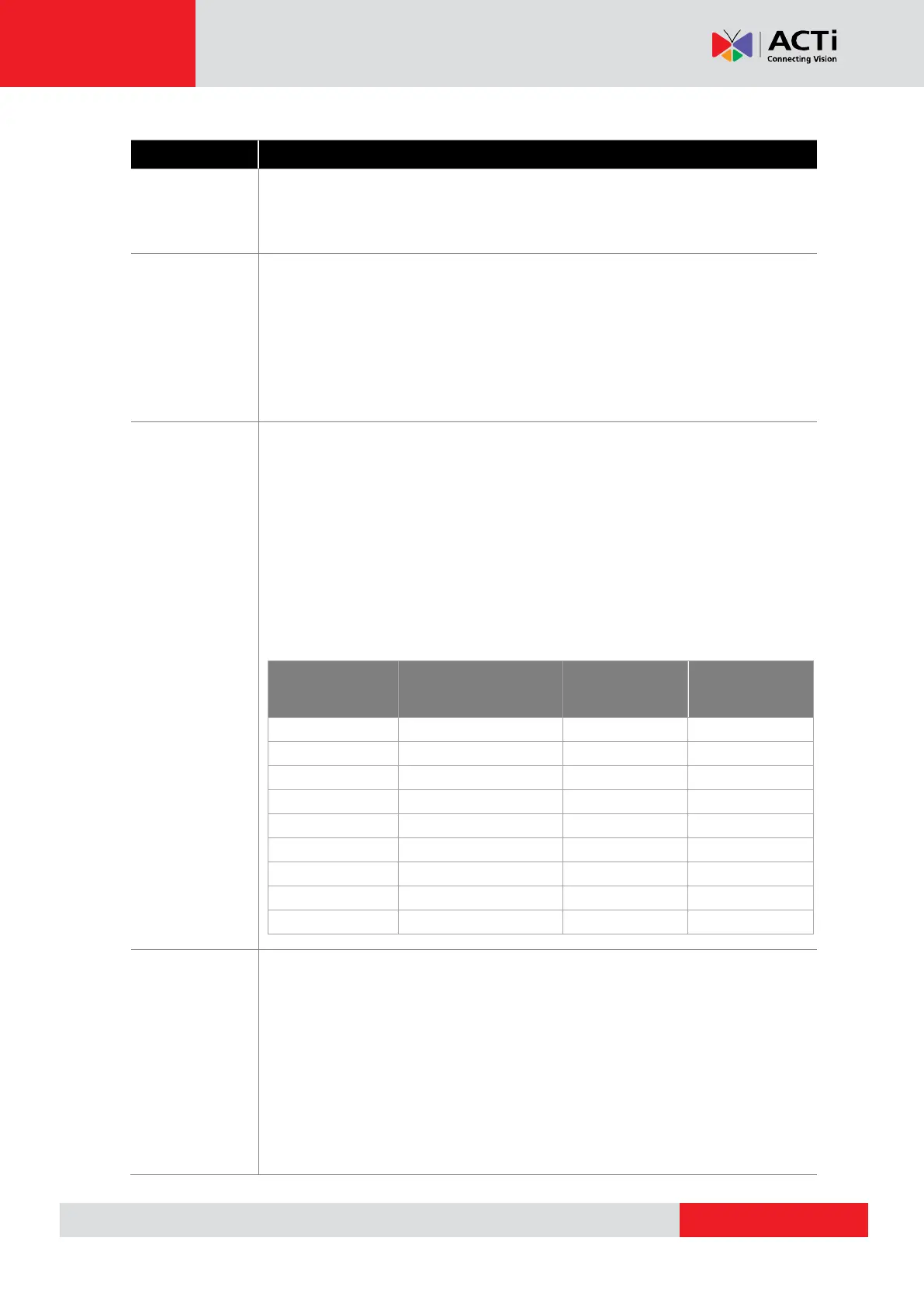
Parity is the data validation mechanism for analog devices that use serial port
interface to send or receive data. When choosing parity mode other than
"none", the data packets will be validated for possible data losses so that failed
command could be re-sent if necessary. Please refer to the parity setting of the
analog device and choose exactly the same parity setting also in the NVR
server. When setting up ACTi Zoom, PTZ or Speed Dome cameras using
“ACTi” protocol, you may ignore the parity setting.
Available parity modes are:
Serial data,
represented by given
amount of bits
Parity mode
(none, odd, even)
Baud rate defines the data speed through serial port interface – the rate value
represents the number of symbols that can be transmitted within 1 second.
Please refer to the baud rate setting of the analog device and choose exactly
the same baud rate setting also in the NVR server. When setting up ACTi
Zoom, PTZ or Speed Dome cameras using “ACTi” protocol, you may
ignore the baud rate setting.
Available baud rates:
2400, 4800, 9600, 19200, 38400, 57600, 115200



 To Next Page