MNR-310 System Administrator’s Manual
127
Step 7: Adjust the Channel Size & Layout
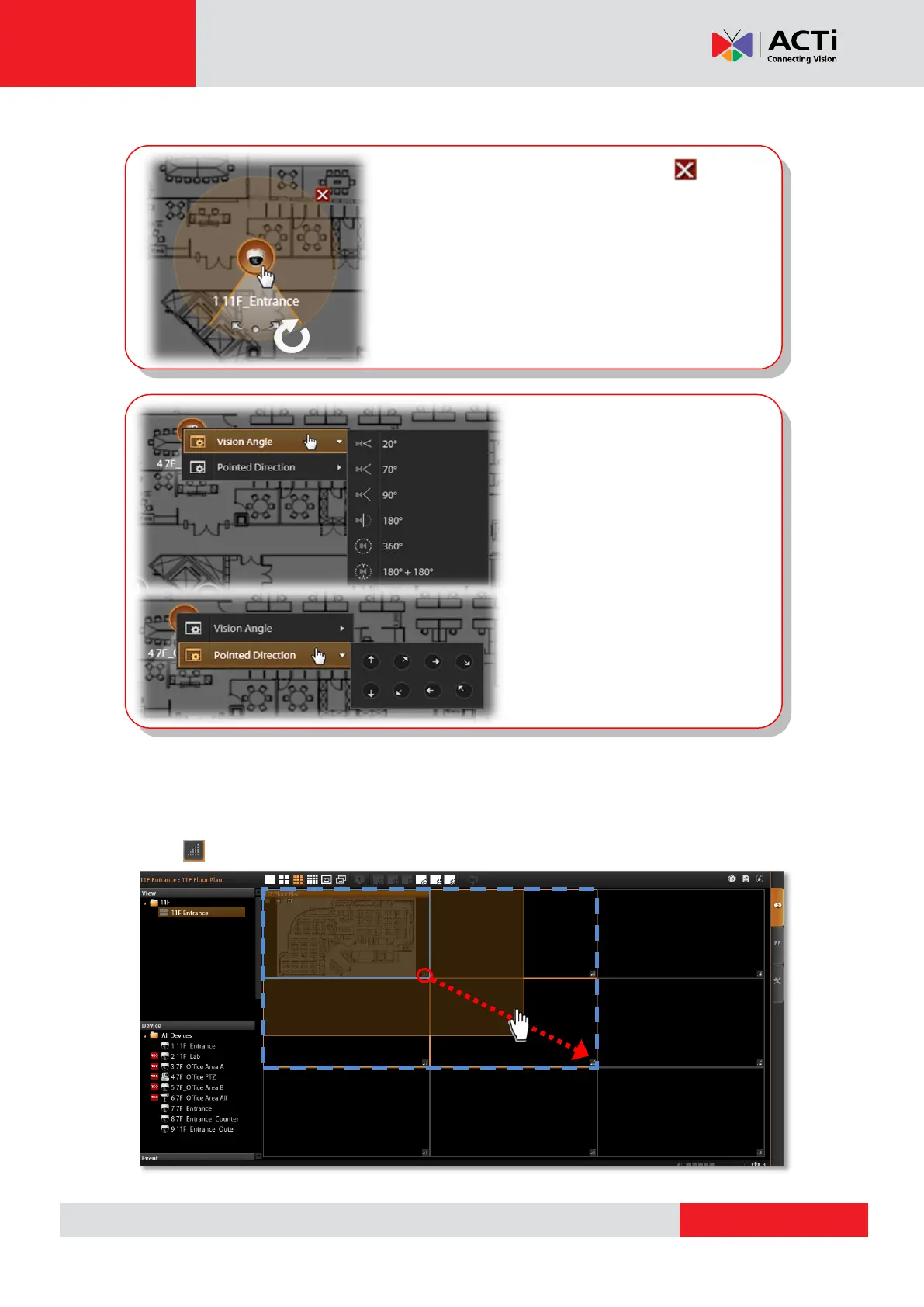
Adjust the channel size:
Click on lower right corner of the channel window, drag and then release.
● To remove this device from map, Click .
● To move this device, left-click on the device icon
and drag.
● To turn the pointed direction, mouse over the
viewing angle area, and left-click on the clockwise
arrow to turn the direction.
● To adjust precise pointed
direction, right-click on the device
icon, and select “Pointed
Direction”.
● To adjust device’s viewing angle,
right-click on the device icon, and
select “Vision Angle”.



 To Next Page