MNR-310 System Administrator’s Manual
85
Configure PTZ Device
PTZ devices can do panning, tilting and zooming automatically or through manipulation. The
PTZ-related applications are broadly supported by NVR 3.0 system. For example, you may
control the movements of a PTZ camera with user interface panel controls or a joystick, and
the device can be programmed to execute a continuous tour or triggered by events to go to a
preset position. Once an ACTi PTZ device is added to the NVR system, the NVR system will
use the default settings of the device model and enable PTZ functions, so that you may
immediately start PTZ operations.
If you have previously changed the communication parameters of
PTZ devices, please make sure these parameters on the NVR side
and device side match.
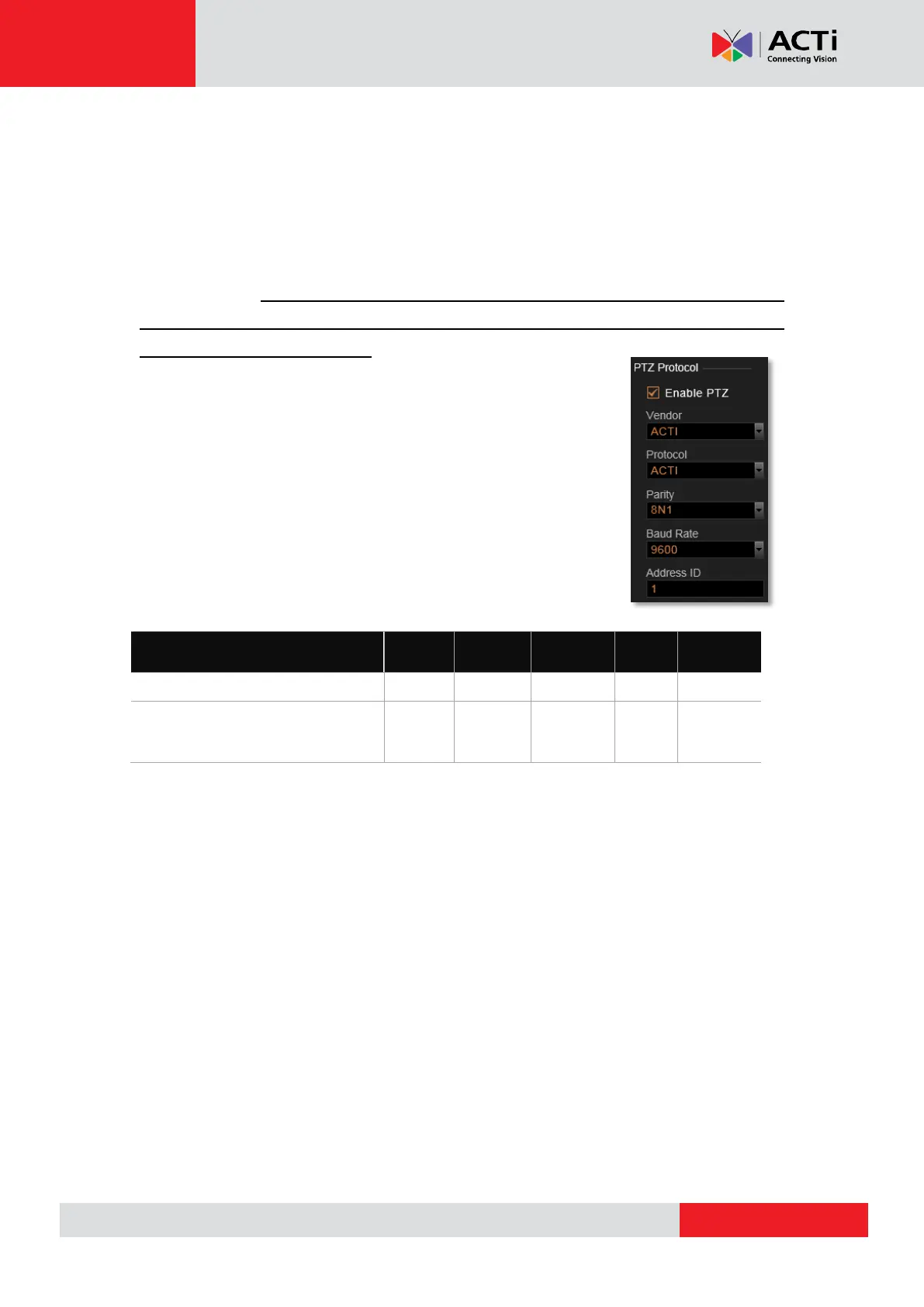
Below is a list of functions supported ACTi solutions and the required
settings. When you configure PTZ Protocol properties for ACTi
Pan/Tilt/Zoom devices, please make sure the required settings are
correct.
To start matching up the parameters, please follow the below procedures:
1. If the device is a speed dome camera or an analog camera attached to video server,
configure the parameters on physical device according to the product’s installation
instructions.
2. On the device’s (camera or video server) web configurator, configure the parameters to
match the setting on physical device, and test the PTZ operations to make sure the device
is properly set to be connected
3. In the NVR server, go to Setup page Devices tab, select the device from Device List,
and click PTZ tab. In PTZ Protocol section, fill in the communication parameters.
ACTi Pan/Tilt/Zoom devices
IP Zoom Camera/ IP PTZ Camera
IP Speed Dome / IP Camera
mounted on Scanner/ Analog PTZ
camera attached to Video Server



 To Next Page