MNR-310 System Administrator’s Manual
113
Server start up, disk is full, disk is not found, disk
is available
Time, source IP address,
/SYS/SystemMgmt/xxxxx, 200
Export the Log
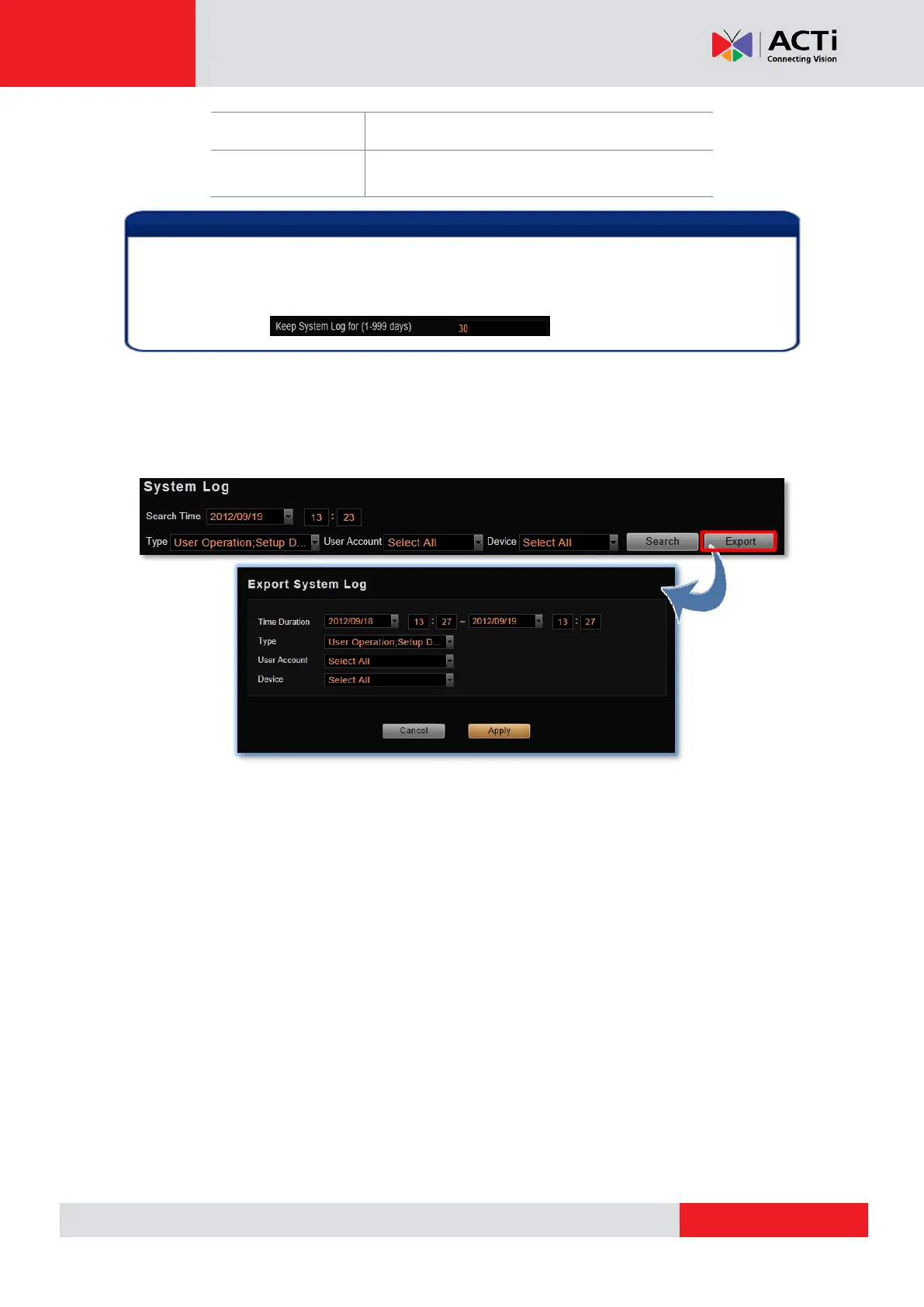
Click “Export” button to export the log as .csv file. You can specify the time duration, type, user
account and engaged device of the logs, and click “Apply”.
If the pagination button appears to be disabled, that means no more records found on the
NVR server. By default, the server will keep the logs for 30 days. If you wish to adjust the
period, please go to Setup page Storage tab, in Recording Settings section, key in the
value in this field:



 To Next Page