MNR-310 System Administrator’s Manual
114
Storage Management
This section describes how to manage storage space in the NVR server. Please note that this
section only deals with the overall storage rules rather than the storage of individual channels.
Please note that as the NVR continuously writes and deletes file from the disk drive, using a
removable disk may risk losing the recordings when the device is removed while being
accessed.
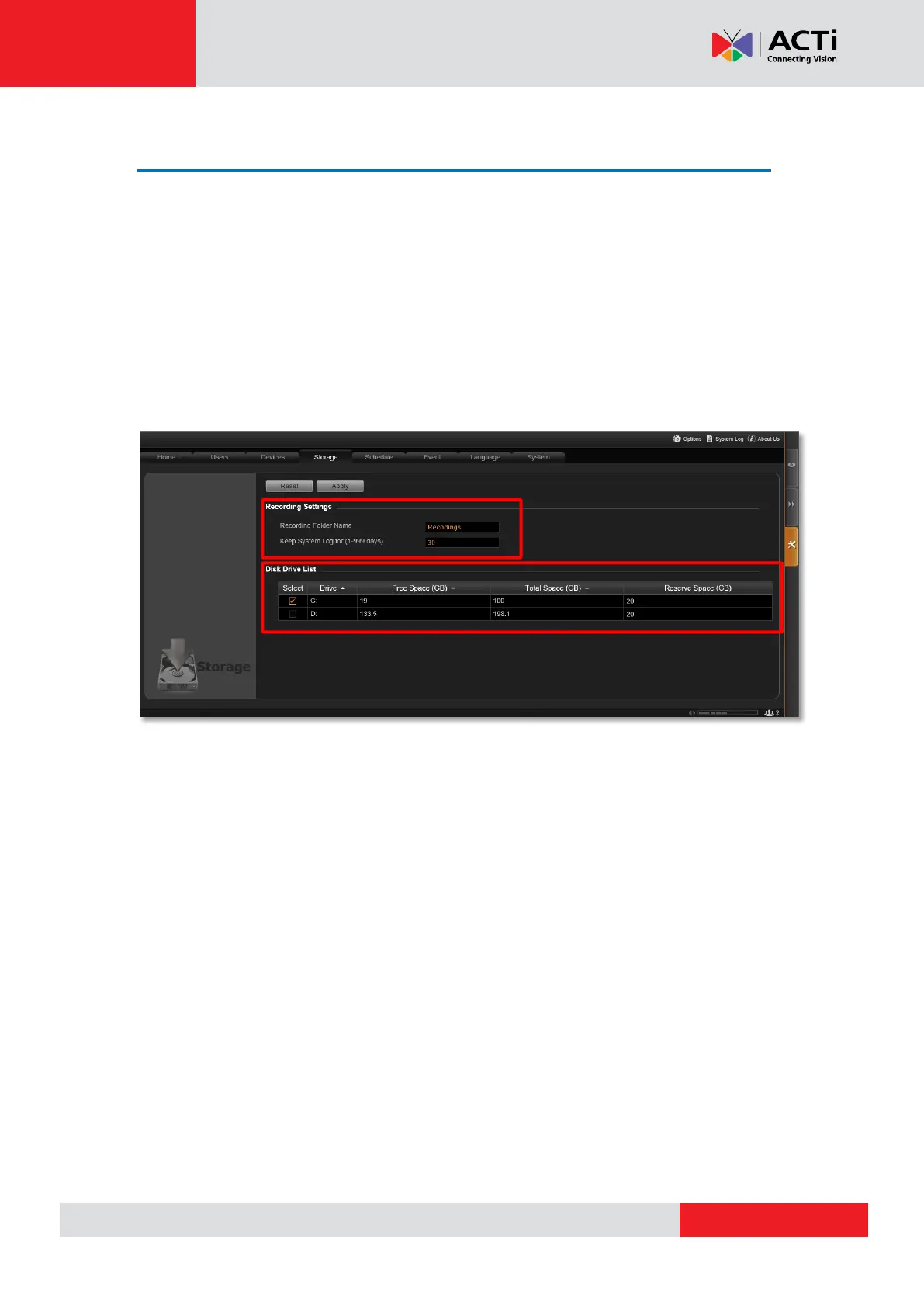
Go to Setup pageStorage tab.
Change Recordings Folder Name
In “Recording Settings” section, you may change the name of video recordings folder. The
video files are saved in a folder named “Recordings” under hard drive root directory. You may
change the name here.
Set System Log Lifecycle
System Log is the record of user activities and events that take place on the server. In
“Recording Settings” section, you may set how long this record will be reserved on the server.
Default is 30 days.



 To Next Page