MNR-310 System Administrator’s Manual
21
WiFi Module Installation (Optional)
For your standalone NVR, you may have purchased the additional WiFi module that can
provide your NVR with WiFi mobile connectivity. When installing, please make sure your
device is turned off, and follow the steps below:
Step 1: Remove the MNR’s chassis cover
Loosen and remove the six screws on the top cover. Lift up the cover to reveal the main board.
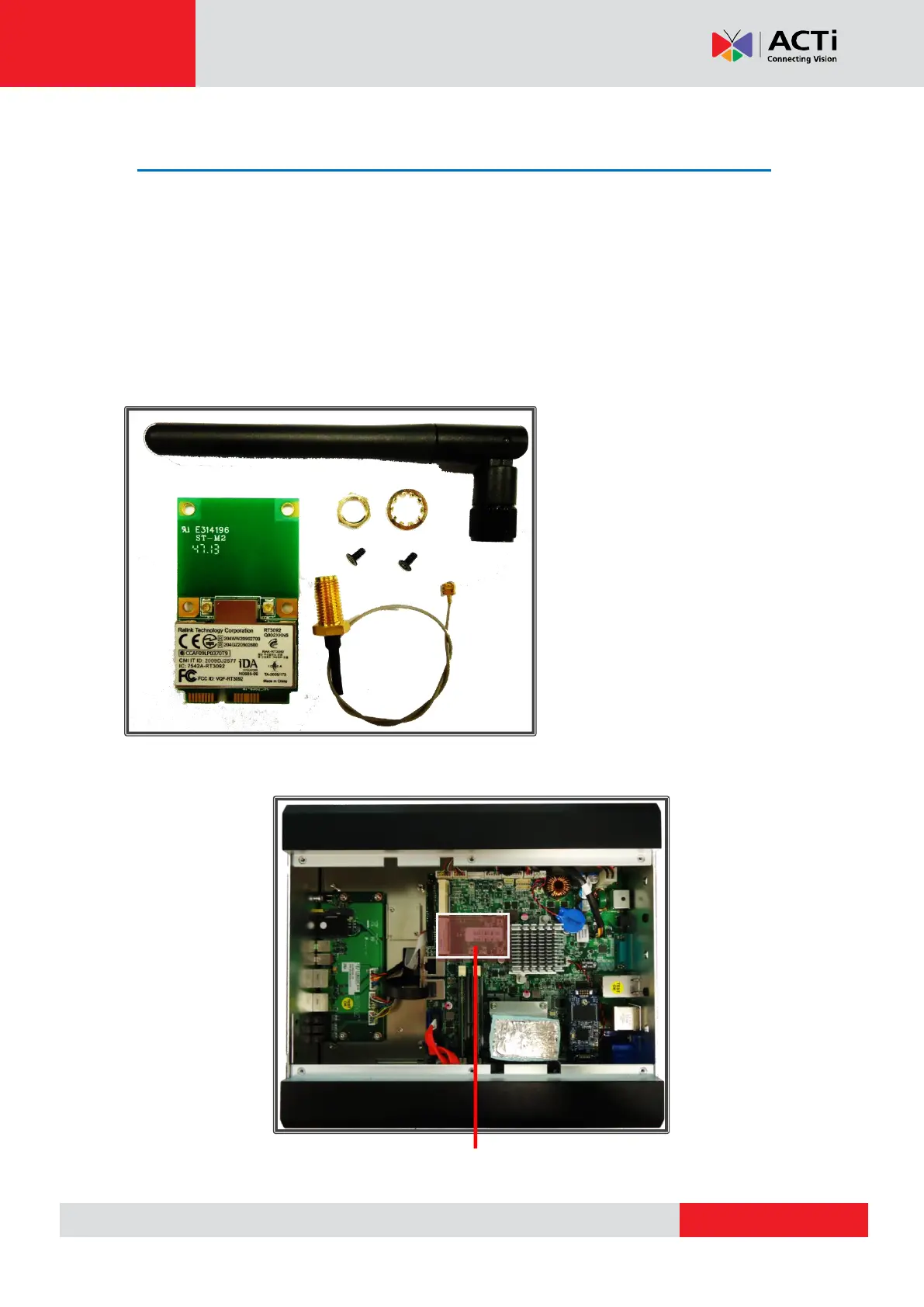
Step 2: Prepare all parts provided for your WiFi module
Step 3: Locate the slot for your 4G/LTE module
WiFi Module x 1
Antenna x 1
RF Cable x 1
2 Rings (1 Hexagonal, 1 Circular)
2 Mounting Screws



 To Next Page