MNR-310 System Administrator’s Manual
120
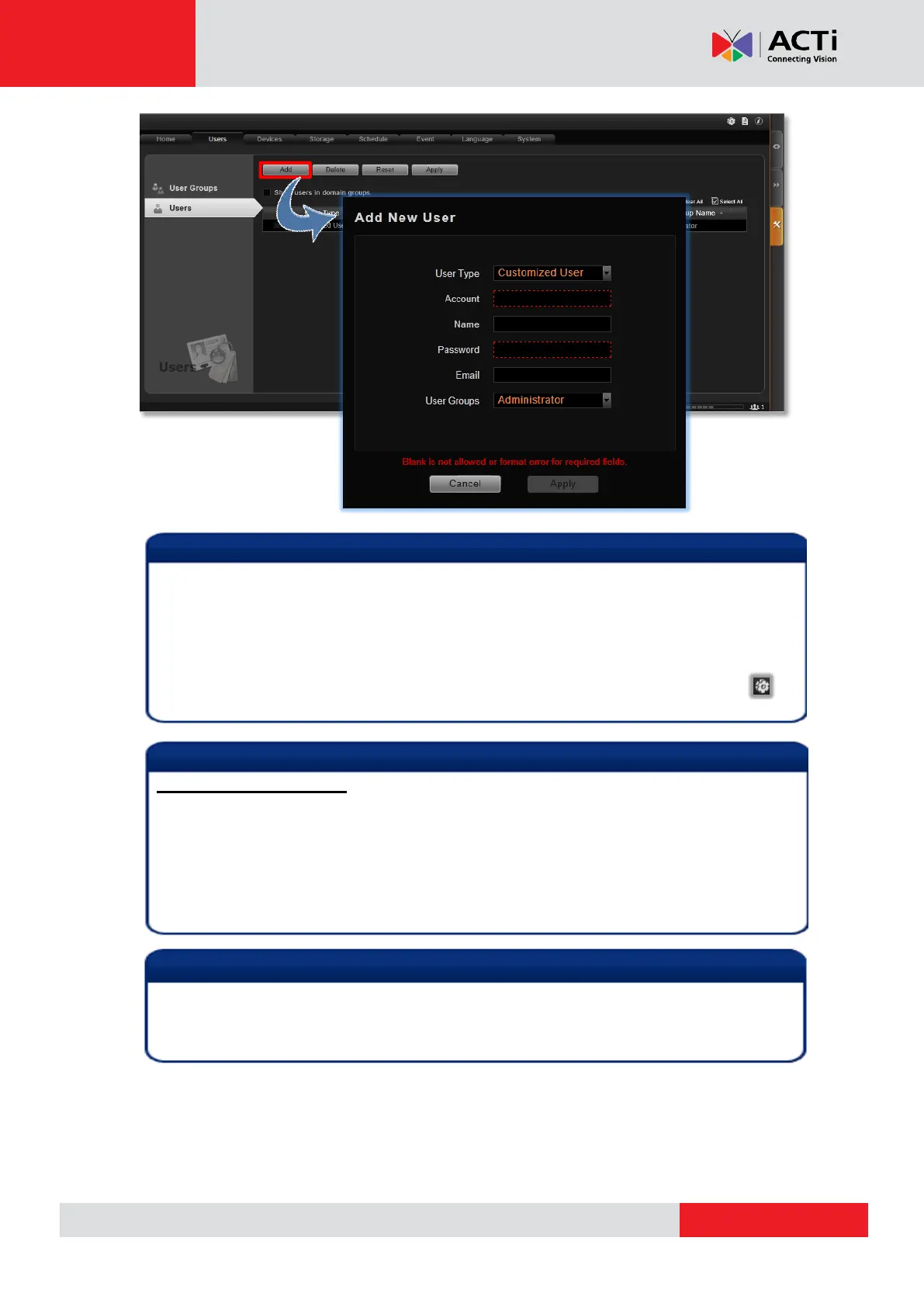
The NVR server provides a procedure to help users who have forgotten the password
retrieve the original information with the “e-mail address” authentication. It is strongly
recommended that you input an email address to which this user has the access when you
establish the user account. To update the e-mail address of an account, go to Setup page
Users tab edit “Email” of a selected user account; the users can also update the email
addresses themselves after logging in to the NVR server on Live View page
Update Profile.
Account /Password Rules
1. Account and Password fields allow alphabets, numbers, and symbols except the
following: / \ [ ] : ; | = , + * ? < > "
2. In Account field, for alphabets, the input will be recognized as lowercase letters. Space
is only allowed between characters; the space in the beginning or at the end will be
deleted as it is saved.
3. The Password field is case-sensitive, and the space is allowed.
Admin is the default user account and belongs to “Administrator” user group. Hence, the
user Admin and the group Administrator cannot be deleted; it possesses full permissions
to all devices and NVR settings.



 To Next Page