MNR-310 System Administrator’s Manual
134
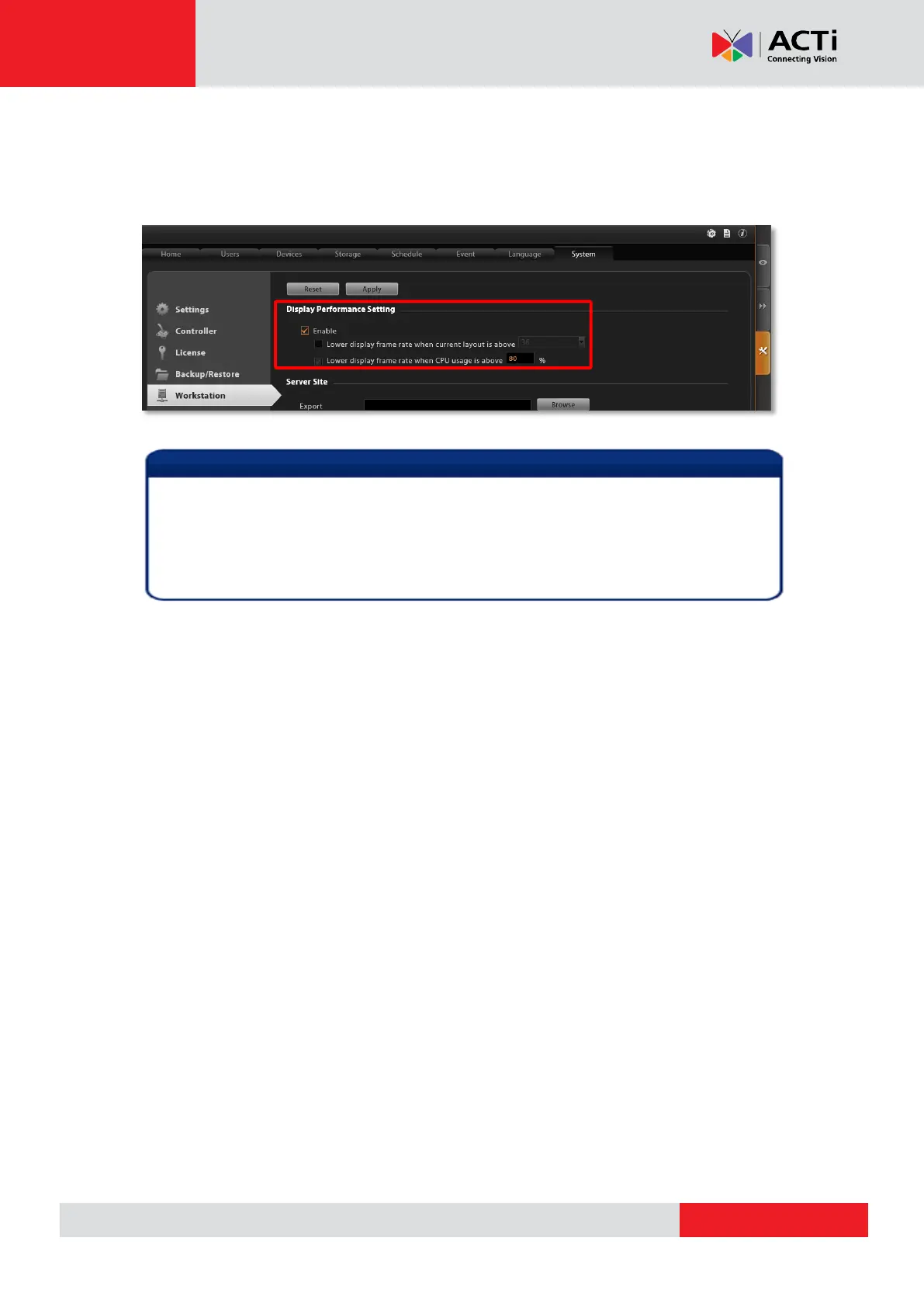
4. A Workstation client computer can have its own specific display configuration without
being affected by the NVR universal setting. Log in as NVR3 Workstation client, go to
Setup page System tab Workstation and configure the Display Performance
Setting.
By default, on INR-410/420, when the number of layout on Live View exceeds four
channels, all the channels will automatically turn into Decode-I mode. For smooth
video quality, please remember to go to Setup page System tab Workstation
and configure the Display Performance Setting.



 To Next Page