MNR-310 System Administrator’s Manual
137
Export / Import Language String File
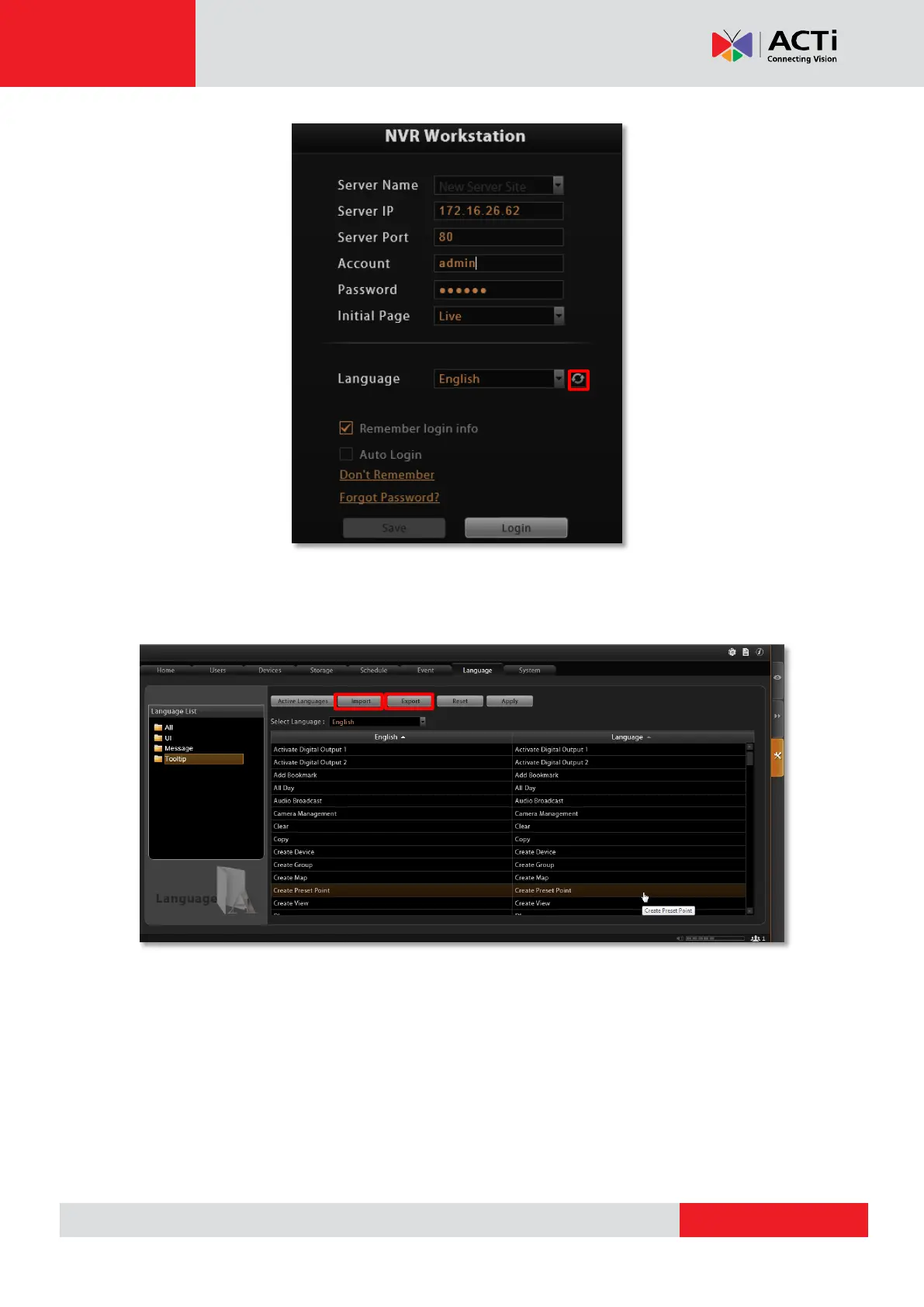
You may also click “Export” to export the language file as .xml format to edit in Notepad, or
“Import” to import a language file to use in the system.
In general, it is suggested that you always save a modified language table with a different file
name in a location other than default system language folder C:\Program Files\ACTi
Corporation\NVR3\Language, and then import it to use. In this way, you can avoid overwriting
the original language file.



 To Next Page