MNR-310 System Administrator’s Manual
32
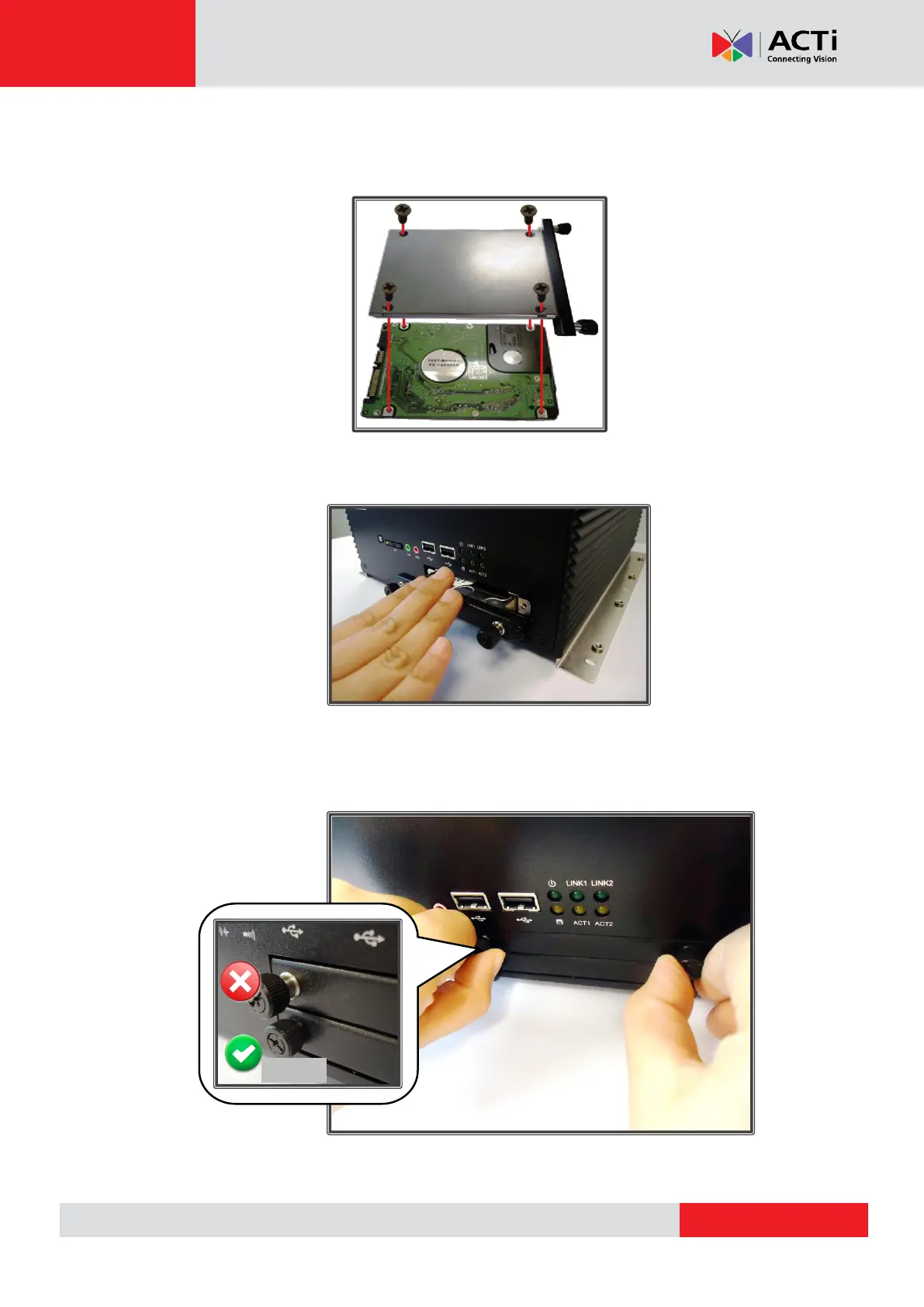
Step 2: Mount the Disk
Secure the hard disk on the Tray with the four disk screws provided, and make sure the
disk connector faces towards the end of the tray.
Step 3: Install the Tray
Push the tray back into the bay
Step 4: Secure the Tray
Lock the hand screws with your fingers. Press and hold the screw heads while turning them
clock-wise until they are securely in place.
Repeat Step 1-4 to finish installing all the storage disks.



 To Next Page