MNR-310 System Administrator’s Manual
63
NVR Main Screen
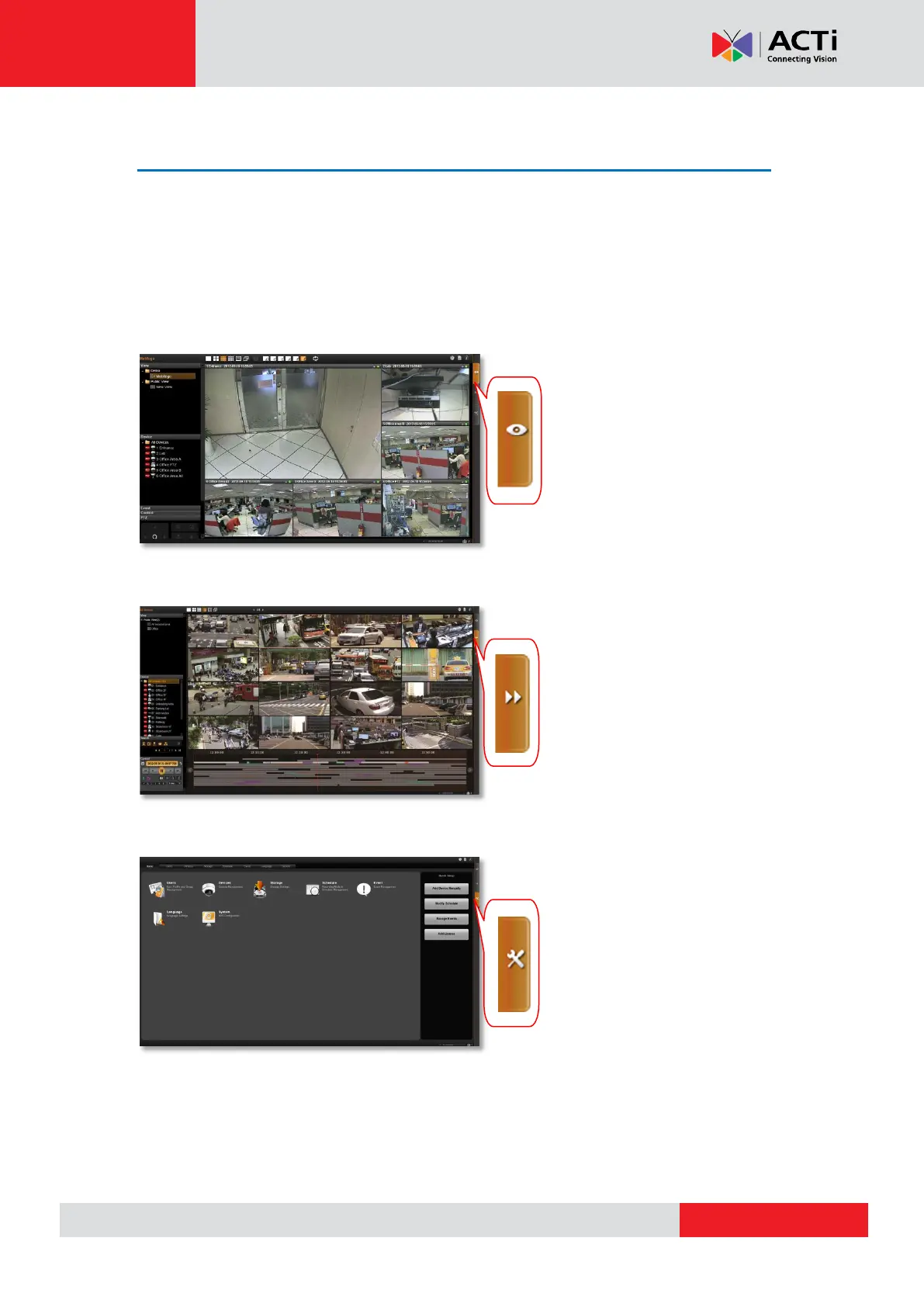
You will enter the live view screen after Setup Wizard. On the right are link buttons to three
NVR major functions: (1) Live view, (2) Playback and (3) Setup. You can click the orange
button to enter the function page.
Live View
Playback
Setup
In this module, you can see live
view from cameras, perform
PTZ operations with mouse or
Joystick, view system log,
receive alerts on the event
panel, set up view layouts,
perform manual recording or
take a snapshot.
You may find and playback
existing recordings in this
module. Up to 64 channels can
be played synchronously.
Snapshots or video segments
can be taken from playback
files. Recorded files can also be
exported to AVI format here.
This module includes user
setup, device setup, event
setup, schedule setup and
system-wide settings.



 To Next Page