EasyManua.ls Logo

Adtech iMASTER – A1 Series - Page 50

Default Icon
198 pages
Print Icon
To Next Page IconTo Next Page
To Previous Page IconTo Previous Page
Loading...
A1-User’s Manual
46
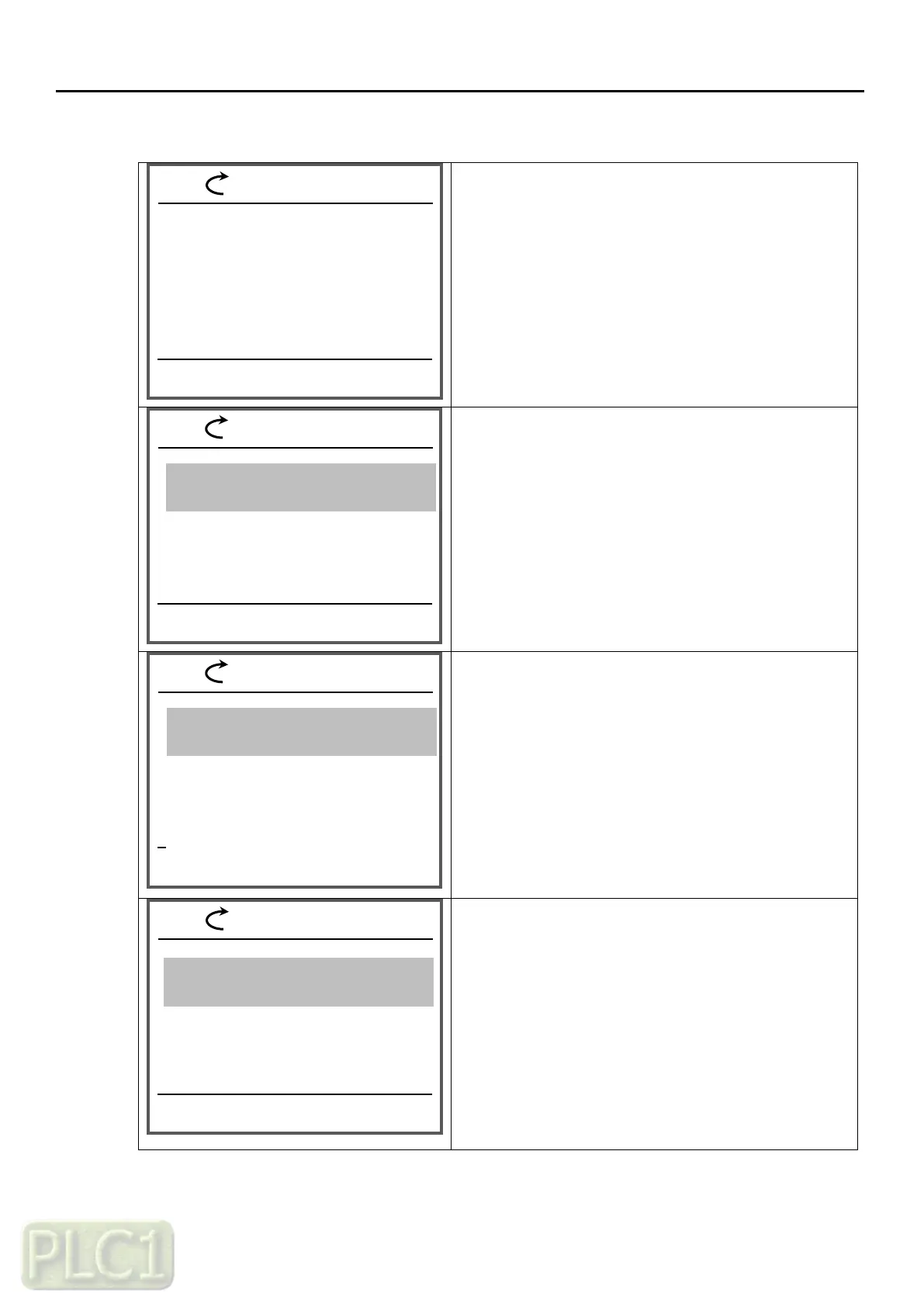
(4) Group shift in parameters mode
Power on, the display emerges as shown on the
left. The present mode is the HOME mode
-Press the MENU
key(right key) once
You have shifted to Parameters mode
-Press the SELECT key(right key) once
The Display group of Parameters mode is emerged
-Press the SELECT key(right key) once
The sub menu of Display group mode is emerged
09:40
REM
BACK
09:40
REM
SELECT
BACK
02 FrReference
03 Trip History
09:40
REM
60 Hz
SELECT
BACK
MENU
Event log
09:40
REM
60Hz
MENU
FAULT
HOME
Motor Speed
rpm
1775
Motor current
A
10.3
Motor torque
%
12.1
Parameters
Parameters
01.02 Motor RPM monitor
1775 rpm
01.04 Rotation direction monitor
Forward
01.01 Output frequency monitor
60.00 Hz
01 VFD running status
Parameters
Parameter Copy
02 Frequency reference ind
03 Trip information
60.00Hz
60.00Hz
60.00Hz
60.00Hz

Table of Contents