92
10.22 DO (RN0~RN3, AL0~AL2) delayed status
Range: 0x00 ~ 0xFF
It displays the relay outputs Terminal Status
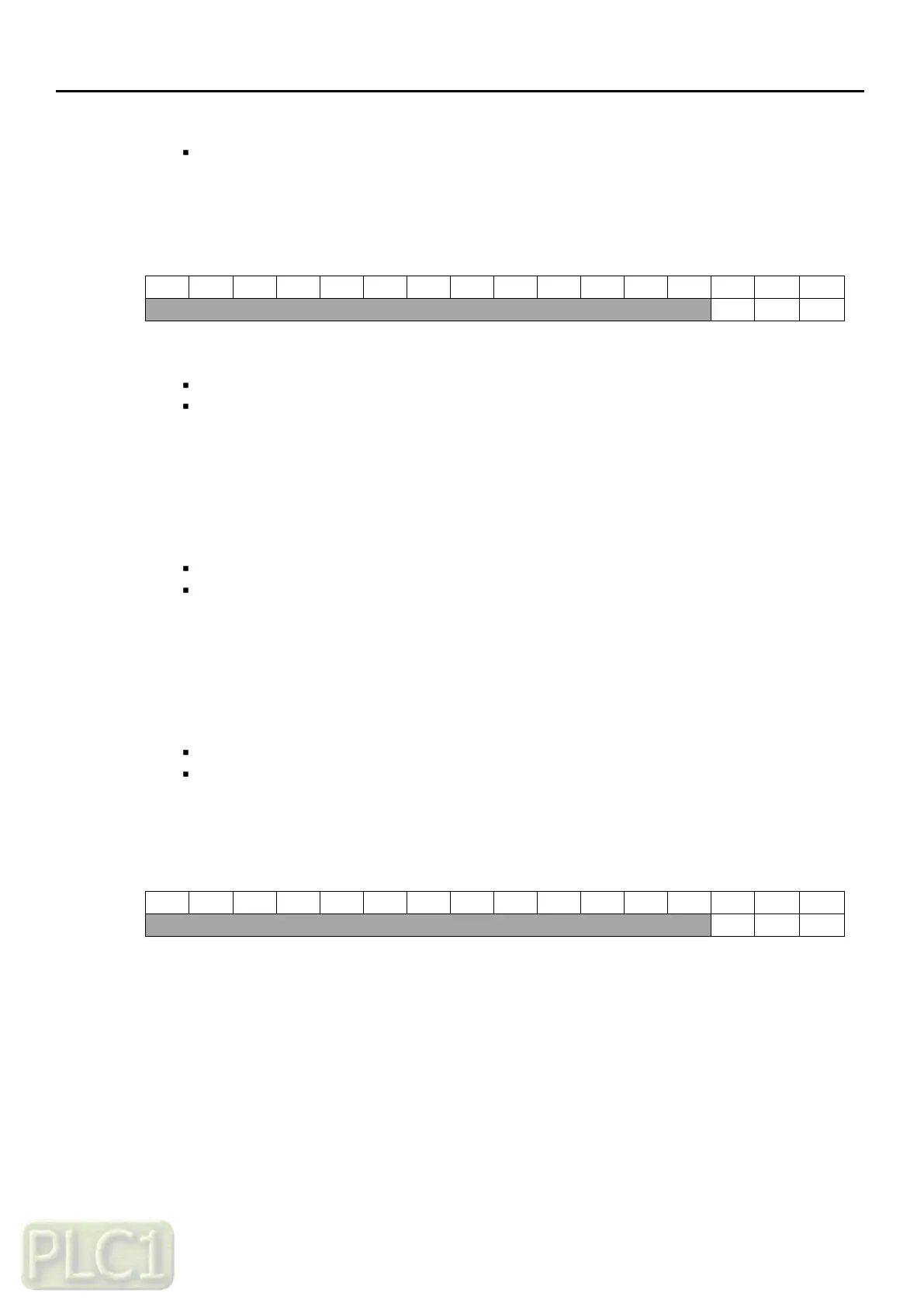
Example Data: 0000000000000011
Meaning: AL OFF, DO2~DO1 ON
It displays when extension I/O card is connected
10.23 DO (RN0~RN3, AL0~AL2) forced selection
Range: 0x00 ~ 0xFF
Initial value: 0x00
The statuses of the digital output can be overridden for example testing purposes
A bit in parameter
'10.22' (DO forced data)
is provided for each digital output and its value
is applied whenever the corresponding bit in this parameter is 1
10.24 DO (RN0~RN3, AL0~AL2) forced data
Range: 0x00 ~ 0xFF
Initial value: 0x00
Allows the data value of a forced digital output to be changed from 0 to 1
It is only possible to forced an output that has been selected in parameter
'10.22' (DO forced selection)
10.25 DO1 (RN0-RN1), DO2 (RN2-RN3) contact type selection
Range: 0x00 ~ 0xFF
Initial value: 0x00
It is possible to change the status of DO1and DO2 output type as N.O or N.C
Example Data: 0000000000000010
Meaning: DO2 (RN2-RN3) Normal close type, DO1 (RN0-RN1) Normal open type
It displays when extension I/O card is connected



 To Next Page