AESFill AF1C Machine Manual 37/58 Screens
Profile Filling 7.14
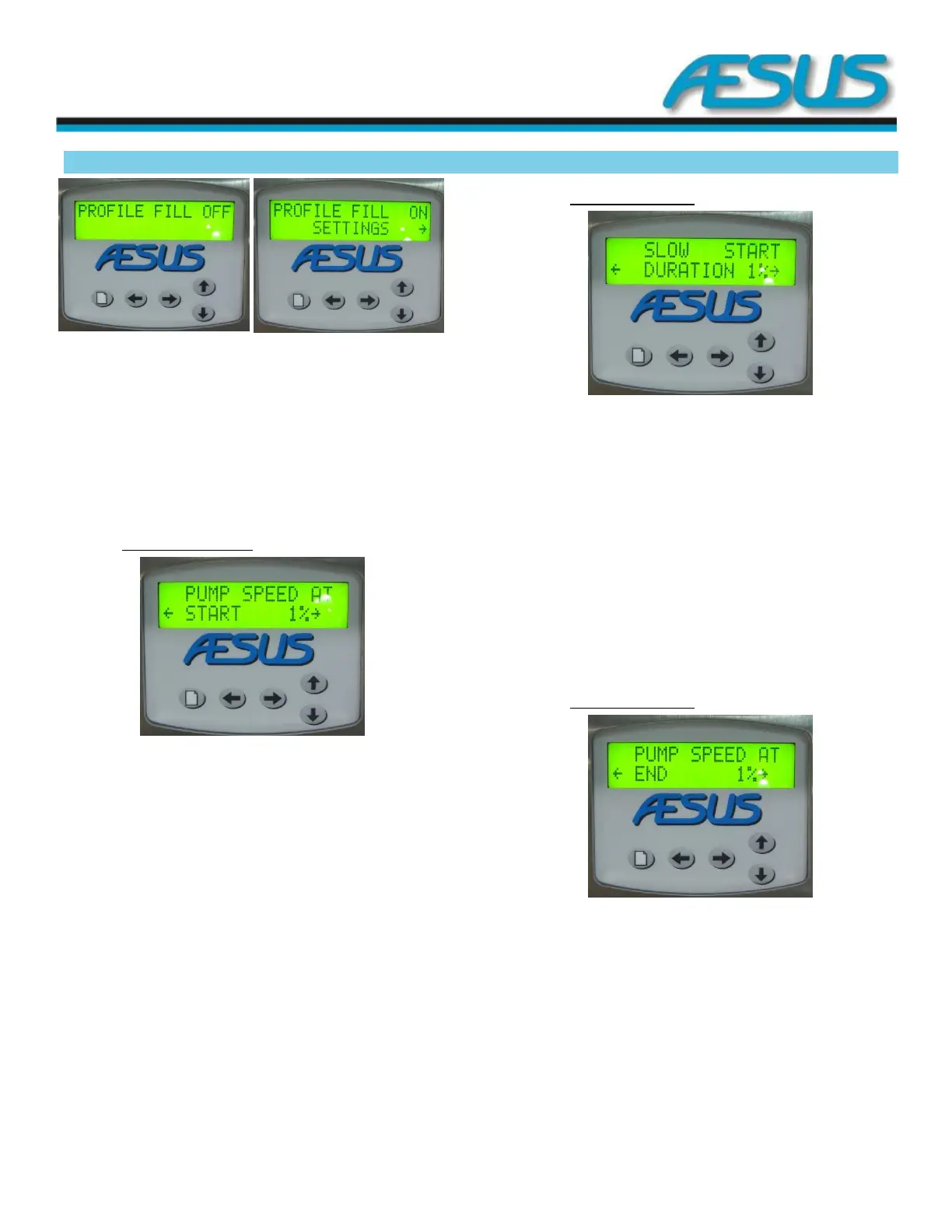
Figure 7-28: Profile Filling Screen
Use the up and down arrow keys to toggle the profile filling
function on and off. When the profile filling is set to on, you
can access the profile filling settings by pressing the arrow to
the right key.
Press the menu key for options.
7.14.1 Pump speed at start
Figure 7-29: Pump Speed Screen
Use the up and down arrow keys to adjust the speed of the
pump at the start of the fill, from 1 to 100 percent of the
programmed filling speed, until the liquid reaches the tip of
the nozzle to prevent splashing and foaming.
Press the arrow to the right key to access more profile filling
related settings.
Press the arrow to the left key to go back to the profile filling
main screen.
7.14.2 Slow start duration
Figure 7-30: Slow start Screen
Use the up and down arrow keys to adjust the duration of the
slower pump speed at the start of the fill, from 1 to 50
percent of the programmed fill setting, until the liquid
reaches the tip of the nozzle to prevent splashing and
foaming.
Press the arrow to the right key to access more profile filling
related settings.
Press the arrow to the left key to go back to the Pump speed
at the start screen.
7.14.3 Pump speed at end
Figure 7-31: Pump Speed Screen 2
Use the up and down arrow keys to adjust the speed of the
pump at the end of the fill, from 1 to 100 percent of the
programmed filling speed, slowing down the filling speed at
the end of the fill will prevent splashing and spitting, allowing
you to fill closer to the container top.
Press the arrow to the right key to access more profile filling
related settings.


 To Next Page