AESFill AF1C Machine Manual 38/58 Screens
Press the arrow to the left key to go back to the Slow start
duration screen.
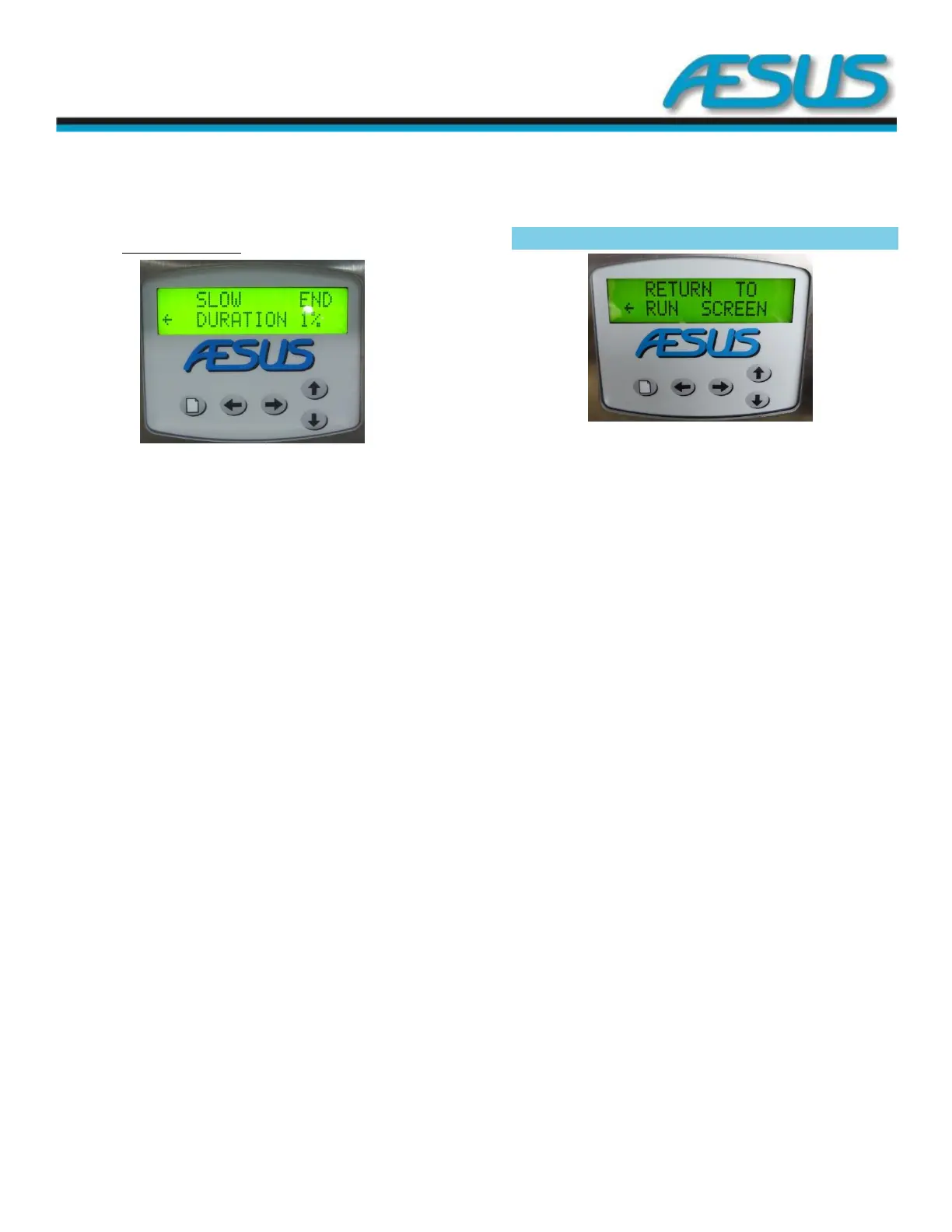
7.14.4 Slow end duration
Figure 7-32: Slow end Screen
Use the up and down arrow keys to adjust the duration of the
slower pump speed at the end of the fill, from 1 to 50 percent
of the programmed fill setting, you will need to adjust this
setting according to the thickness and fluidity of the product
keeping in mind the filling speed to achieve the desired speed
at the end of the fill.
Press the arrow to the left key to go back to the Pump speed
at the end screen.
Return to RUN SCREEN 7.15
Figure 7-33: Return Screen
Press the arrow to the left key to return to the standard run
(Home) screen.
Press the menu key to stay in the special settings and access
the slave function screen.


 To Next Page