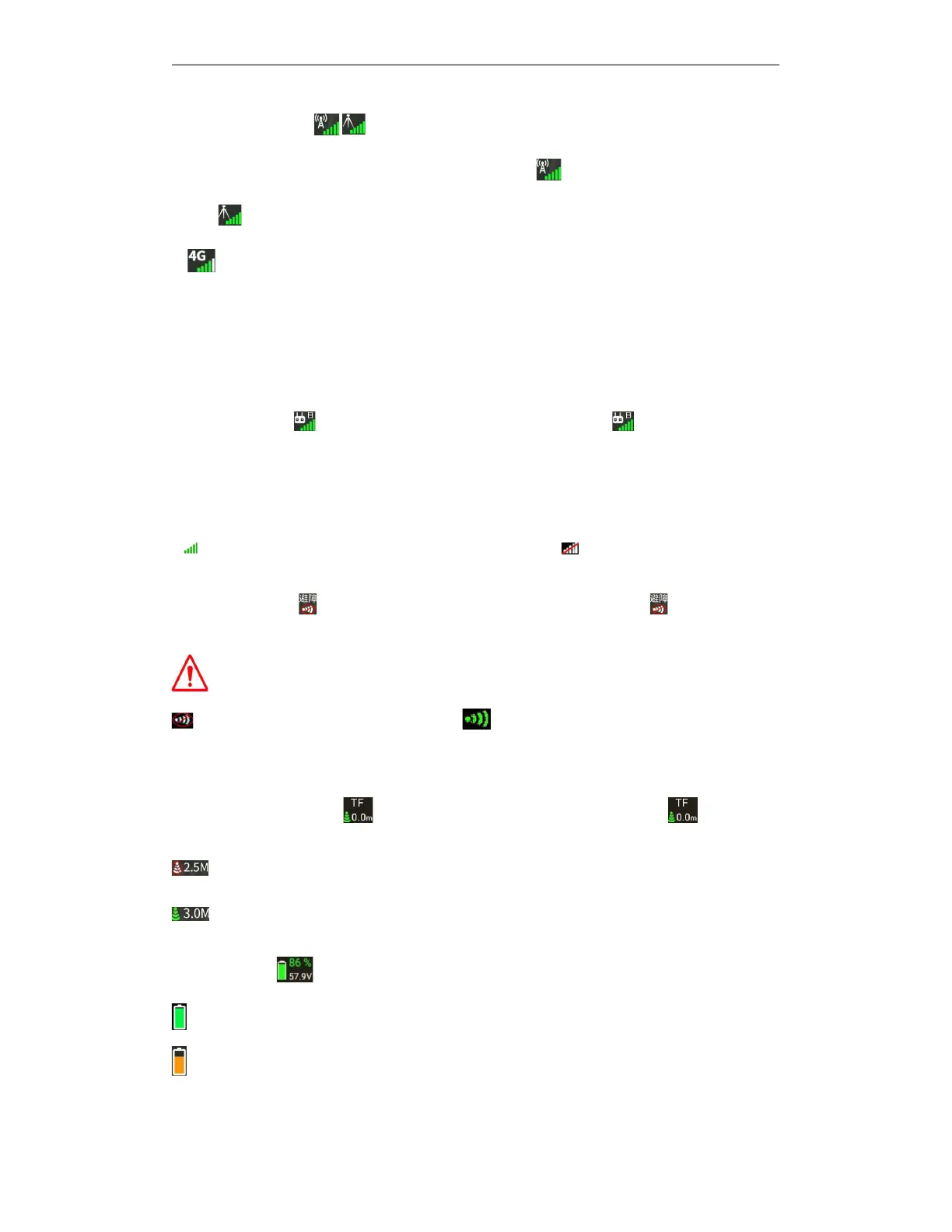
⑤Base station status: Indicates RTK base station type and base station signal, click the
base station status to enter RTK setting interface. Indicates a network RTK base
station, Indicates a mobile RTK base station
⑥ 4G signal: Indicates the 4G network signal of the drone . Click the icon to enter the drone
link data network setting interface.
The following functions need to be implemented using a 4G network:
A.
Real-time monitoring of drone backstage
B.
drone module firmware upgrade online
C.
Real-time synchronization of flight data and flight records in the backstage
⑦
remote
control:
Represents remote control information, click to enter the remote
control setting interface.
A
“
.
J
”
indicates
that
the
current
remote
control
is
in
Japanese
hand
operation
mode;
“A
”
indicates
that the current remote control is in American hand operation mode;
“
C
”
indicates that the
current remote control is in Chinese hand operation mode
B. Indicates that the remote control is connected,If displayed , the remote control is not
⑧
Avoidance
radar:
indicates obstacle avoidance status and data,Click to enter obstacle
avoidance setting interface
Note: the effective range of radar is 2m-20m
Means obstacle avoidance is turned off; Means obstacle avoidance is on;For details of
obstacle avoidance data, please click the status bar — equipment information — obstacle
avoidance system
⑨Terrain following radar: indicates terrain following status and data,Click to enter the
terrain following radar setting interface
Indicates that the terrain following function is off,"2.5" indicates the height of the drone
from the crop below,
Indicates that the terrain following function is on,"3.0" indicates the height of the drone
from the crop below, the altitude of the drone changes with the terrain following data.
⑩drone battery: indicates battery percentage and voltage information on the drone
indicates drone power>Low voltage alarm power, can fly safely.
indicates severe low voltage alarm power< drone power<Low voltage alarm power. Please fly
carefully and land the drone as soon as possible to replace the battery



 To Next Page