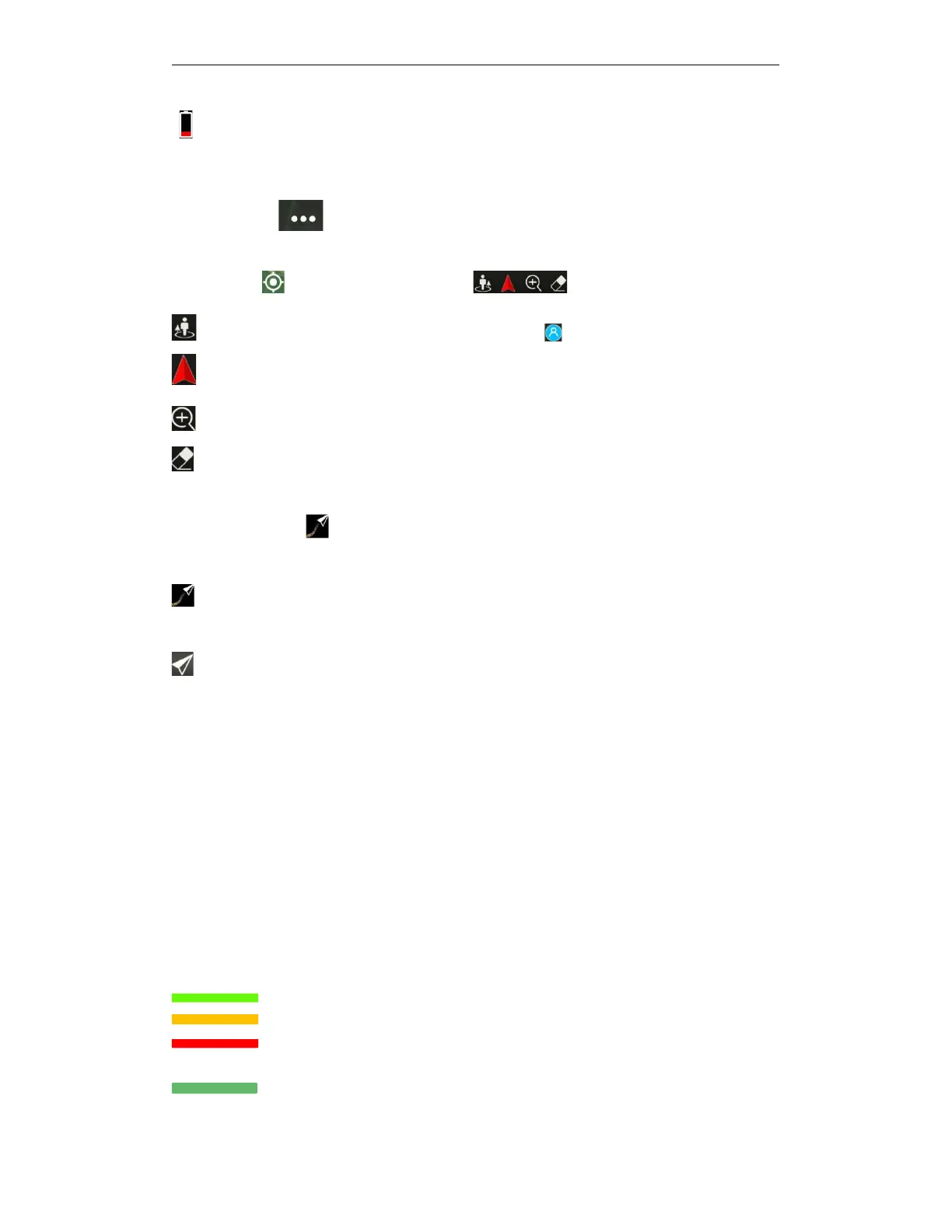
Indicates drone power<Severe low voltage alarm power,Please land the drone immediately,
otherwise the plane will be forced to land in place and danger may occur!
⑪
More
settings
,Click to enter the settings details of the drone, remote control, spray,
battery, camera, etc.
⑫Tool button: Click to expand, collapse more
Click to locate the operator,or the location of the phone (Need to turn on phone location)
Click to locate the drone location(After connecting to the drone)
Click to enlarge the center of the map to the maximum.
Clicking will clear the trajectory left on the map after the drone flies.
⑬Map center follow , Click to switch whether the map center and map direction follow the
aircraft position.
The map center always follows the drone position, and the map direction changes with the
drone direction, that is, the head of drone always points forward
The center of the map does not follow the position of the drone.
⑭
Start operation:Click to select three operation modes: manual operation, AB operation, or
automatic operation.
⑮Flight parameter bar
Speed:Flying speed of the drone
Height:The vertical altitude of the drone relative to the takeoff point
Distance:The horizontal distance of the drone relative to the takeoff point
X mu operated: The area where drones have been operated.
X minutes have been flown: The cumulative time since the drone took off.
Sprayed X ML: The cumulative sprayed amount of the drone after the takeoff.
Flow rate: Current flow rate
Remaining dose: the amount of pesticide remaining in the water tank at present
The liquid level score is divided into four states: green, orange, red and gray.
Green means that the dosage is more than or equal to 3L and it can work normally
Orange indicates 3L ≥ dosage ≥ 1, and it needs to be added as soon as possible
Red indicates that the dosage is less than or equal to 1L and it needs to be added in
time
Gray indicates that the remaining dosage is zero or there is no medicine box at



 To Next Page